Introduction
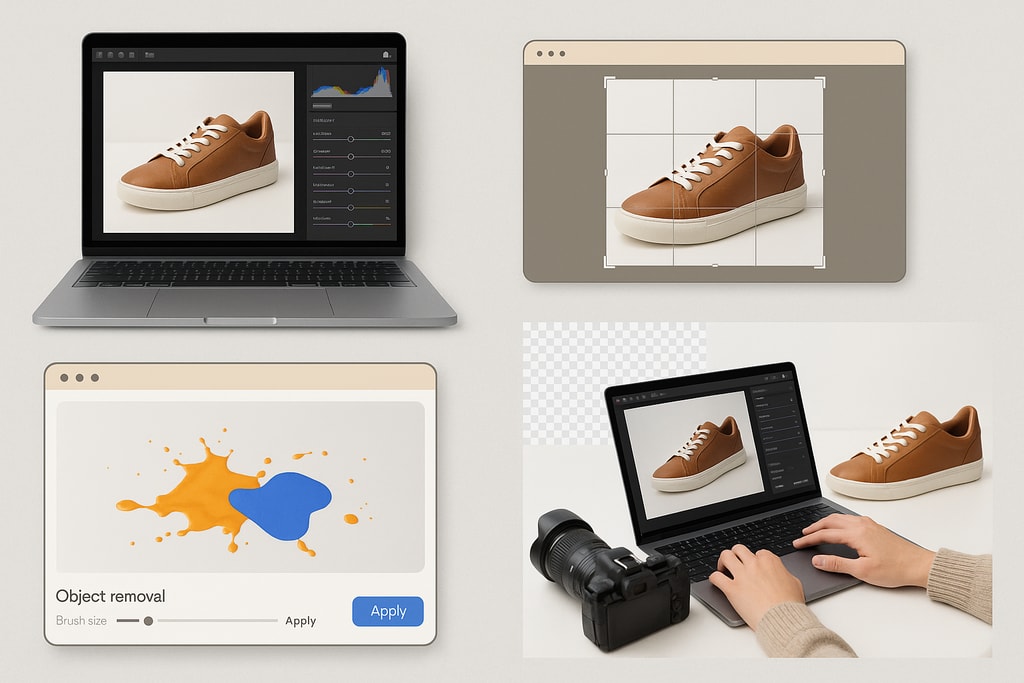
In the fiercely competitive world of e-commerce, compelling product images can be the difference between a sale and a missed opportunity. Images serve as the digital storefront, playing a crucial role in attracting and retaining potential buyers. However, editing software can be a significant investment. Fortunately, there's a host of free tools available that can maximize your images' impact without draining your budget. This guide delves deep into the best free tools, practical techniques, and strategic advice to help you create irresistible product images, ensuring your listings are as effective as possible.
Why Quality Product Images Matter
First Impressions Count
A standout product image grabs attention, making the viewer more likely to pause and consider your product. It serves as the first point of engagement, setting expectations and conveying quality.
Conversion Catalyst
High-quality images help convey detailed information, enhancing customer confidence and leading to higher conversion rates. According to a study by Shopify, visual content can increase conversion rates by up to x%.
Decrease in Returns
Clear, accurate images help manage customer expectations by showing exactly what they can expect, thus reducing the likelihood of returns and associated costs.
Top Free Tools for Product Image Editing
1. GIMP
Overview:
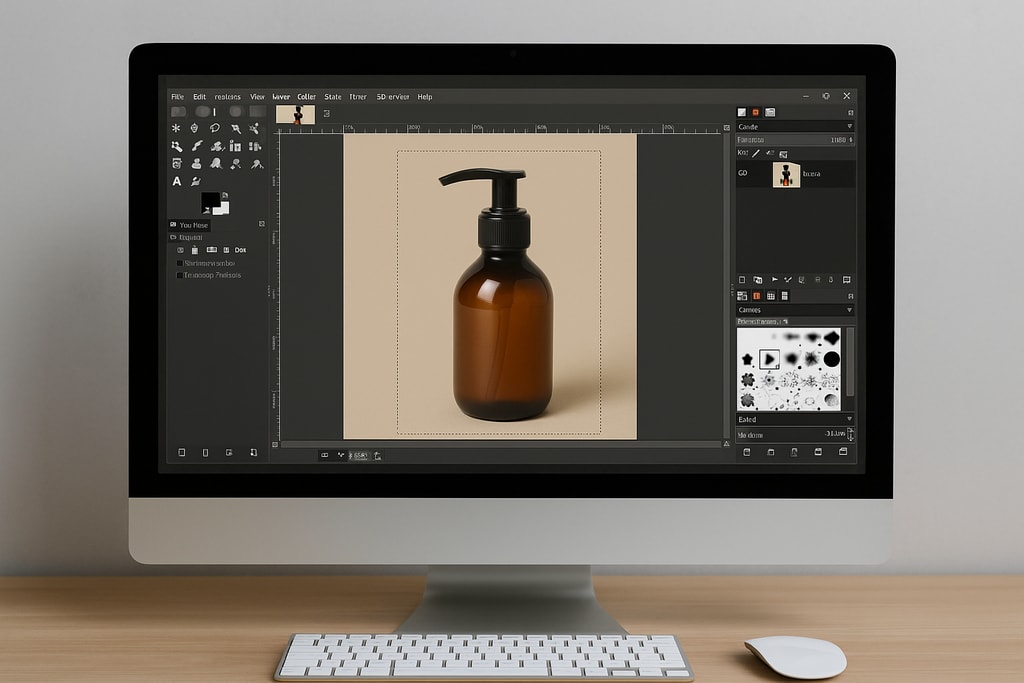
An open-source powerhouse, GIMP (GNU Image Manipulation Program) offers flexibility and extensive features akin to Adobe Photoshop. Its versatility makes it suitable for intricate tasks like retouching and compositing.
Key Features:
- Layer-Based Editing: Facilitates complex adjustments with non-destructive editing.
- Advanced Retouching: Offers tools for color correction, cloning, and precise healing.
- Plugin Support: Expands functionality with a variety of community-developed plugins.
Practical Example:
Use GIMP's layer feature to add realistic shadows, enhancing the sense of depth in product photos.
Marketplace-Specific Advice:
Amazon requires white backgrounds for product images, which can be achieved through careful masking and color isolation in GIMP.
Best For:
Experienced users or those willing to invest time learning a comprehensive tool.
Download: GIMP Official Website
2. Canva
Overview:
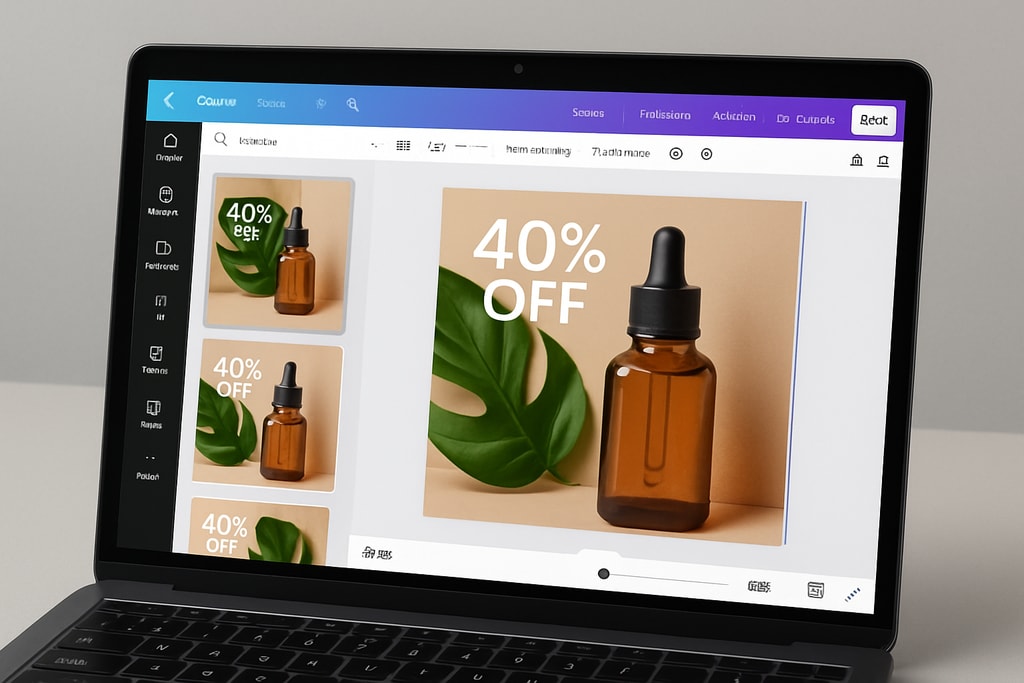
With its drag-and-drop simplicity, Canva shines for users needing to create not only product images but also marketing materials. Its cloud-based platform means accessibility from any device, anywhere.
Key Features:
- Templates: A vast library to streamline design goals.
- Photo Editing Tools: Basic editing functions including cropping and color adjustments.
- Background Remover: Trial available in the free version.
Practical Example:
Design a promotional Instagram post with product images by customizing Canva templates.
Mistakes to Avoid:
Overuse of Canva's filters can lead to unrealistic images that may mislead customers.
Best For:
Beginners and those creating marketing designs alongside product edits.
Access: Canva Official Website
3. Pixlr
Overview:
Pixlr is a versatile online photo editor that provides two versions tailored to different complexity levels, making it suitable for various user needs.
Key Features:
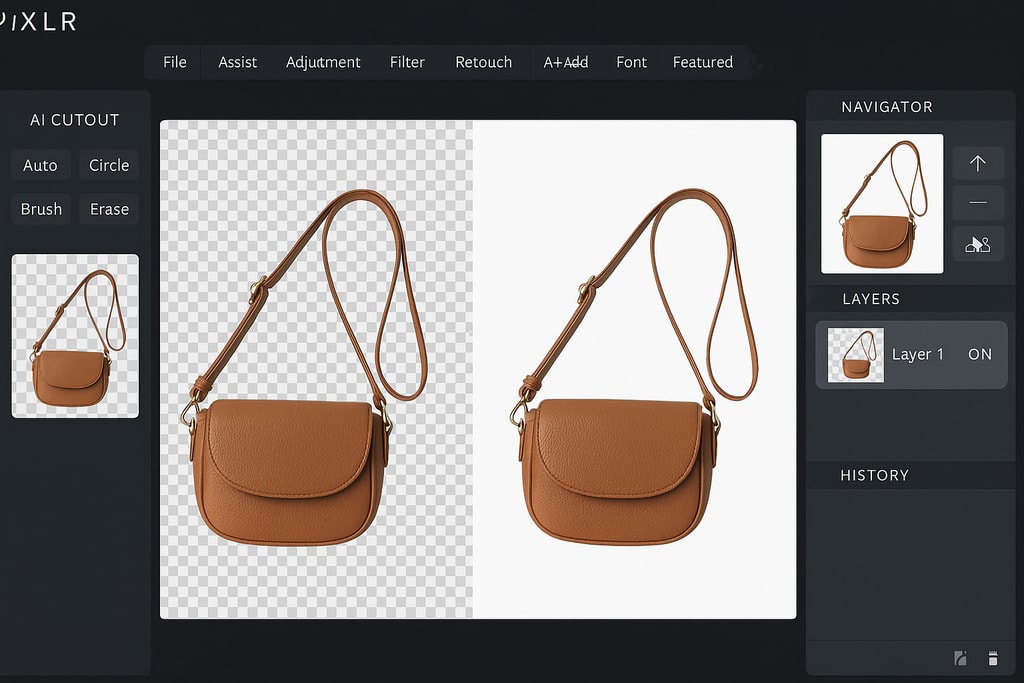
- AI Cutout Tool: Streamlines background removal processes.
- Layer Support: Enables detailed editing with non-destructive workflows.
- Creative Filters: Offers a broad range of stylistic effects to enhance images.
Practical Tip:
Use the AI Cutout tool to isolate products with minimal manual effort, ideal for transparent or white background edits.
Best For:
Users seeking an online solution without the need for installation.
Access: Pixlr Official Website
4. Fotor
Overview:
As a straightforward online editor, Fotor combines basic editing features with enhanced processing capabilities such as batch editing.
Key Features:
- One-Tap Enhancements: Quickly improve image clarity and color.
- Batch Processing: Efficiently edit large volumes of images.
- Collage Maker: Ideal for creating eye-catching promotional collages.
Practical Example:
Speed up multiple image edits by utilizing Fotor's batch processing for consistent results across a product line.
Best For:
Sellers needing quick edits and time-saving batch processing features.
Access: Fotor Official Website
5. Photopea
Overview:
For those familiar with Photoshop, Photopea offers a free, browser-based alternative with comparable features and a familiar layout.
Key Features:
- Photoshop-like Interface: Eases the transition for Adobe users.
- Advanced Selection Tools: Facilitates precise editing and adjustments.
- Wide File Support: Handles PSD files and more, broadening usability.
Practical Tip:
Use layer masks in Photopea to maintain non-destructive edits, important for ongoing adjustments.
Best For:
Users adept with Photoshop workflows seeking similar features for free.
Access: Photopea Official Website
Choosing the Right Tool for Your Needs
Consider the following criteria when deciding on a tool to enhance your product images:
Ease of Use
Is the interface intuitive? Some tools cater more to beginners while others may require a learning curve.
Feature Set
Evaluate your specific needs: background removal, retouching tools, or batch processing—and choose a tool that excels in those areas.
Platform Compatibility
Ensure the tool is compatible with your operating systems and devices to maintain a smooth workflow.
Mistakes to Avoid
- Inconsistency: Avoid using multiple tools that lead to inconsistent image styles across your listings.
- Overediting: Maintain realism in your images to match the customer expectations from your listings.
FAQ
Q: Are these free tools suitable for professional e-commerce businesses?
A: Yes, tools like GIMP and Photopea offer professional-grade features that are sufficient for most e-commerce needs.
Q: Can these tools handle images for any online marketplace?
A: Absolutely, these tools allow image edits that comply with the standards of various platforms including Amazon, Etsy, and eBay.
Q: Do I need prior editing experience to use these tools?
A: While experience is helpful, many tools like Canva and Fotor cater to beginners with intuitive interfaces and helpful tutorials.
Conclusion
Harness the power of these free tools to elevate your product images and enhance your e-commerce store's success. By selecting the right tools and applying strategic editing techniques, you can create compelling visuals that convert, bringing your products to life in the eyes of your customers.