Category: General


  • Plus Size Fashion Model Photography: iPhone Resizing Guide

    You finish a shoot on your iPhone, scroll through the camera roll, and think the hard part is done. The fit is right. The styling works. The model looks confident. Then you upload the photos to your store and the problems start. One image loads slowly. Another gets cropped at the knees in the collection…

  • Your clothes look better in person than they do online. That’s the problem. A lot of small apparel sellers start in the same place. They’ve got a solid product, a phone camera, maybe a mannequin or hanger, and a storefront that sits next to brands using polished model imagery. The product page feels flat. Social…

  • Create Product Photos in Bulk with Artificial Intelligence

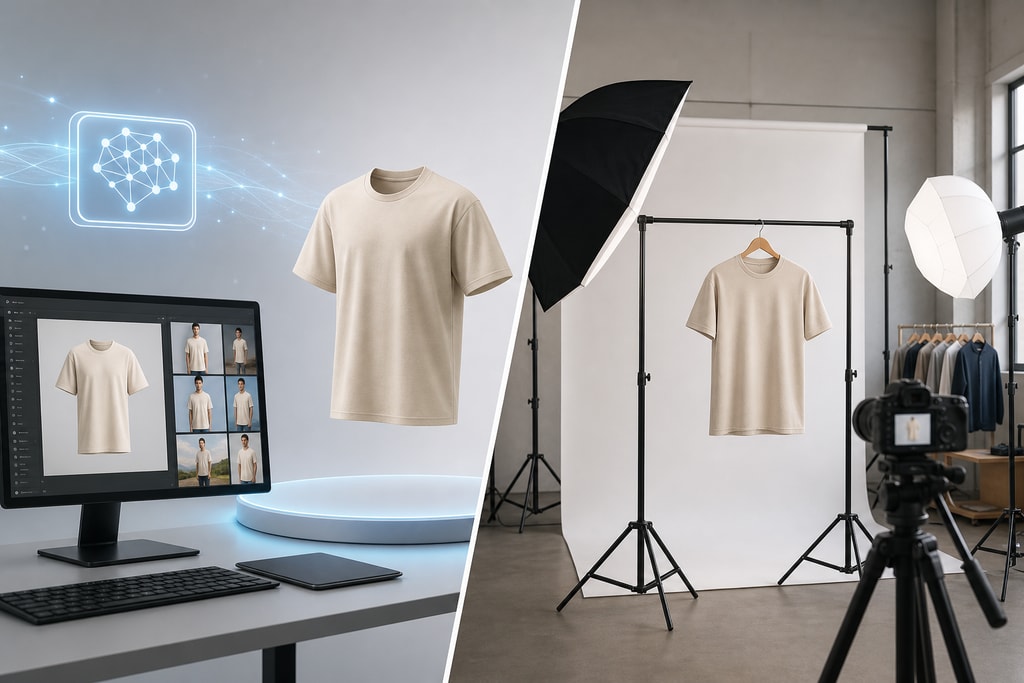
    A new shipment arrives. You open the boxes, line up the products, and then the primary work starts. Not listing them. Photographing them. For a small catalog, that’s annoying. For a growing store, it becomes a bottleneck. Every new item needs a clean main image, a few angle shots, maybe a lifestyle version, maybe marketplace-ready…

  • Master Photo Collage iPhone for Online Stores

    You’ve got a product worth selling, an iPhone in your hand, and a listing that still looks flatter than the competition. That’s a common spot for small sellers. The product isn’t the problem. The presentation is. A photo collage iphone workflow can fix more than most sellers expect. Not because collages are decorative, but because…

  • Find the best app to edit out double chin for 2026

    You have a photo you like. The expression is right, the light is decent, and nobody blinked. Then you notice the angle. Your chin tucked a bit, the camera sat a little low, and now the photo shows more fullness under the jaw than you want. That’s usually the point where people either over-edit the…

  • E commerce videos: Boost Sales: Create Winning E-commerce Vi

    You already know the feeling. Your product is solid, your photos are decent, and people still hesitate. They scroll. They zoom. They leave. That gap usually is not the product. It is the missing context. Buyers cannot pick up the item, turn it over, test the texture, hear the click, or see the size in…

  • Best Photo Editing App on iOS for E-commerce Success

    You’ve done the hard parts already. You found a product worth selling, opened a storefront, and started driving traffic. Then people land on the product page, hesitate, and leave. For many new sellers, the problem is not the product. It is the image. Buyers cannot touch the item, test the material, or check the finish…

  • Your product is ready to sell. Your photos are not. That mismatch hurts more stores than most owners realize. A handmade candle can look flat under kitchen lighting. A ceramic mug can look cheap against a cluttered countertop. A well-designed lamp can disappear into a dark phone photo. You know the product is good, but…

  • Best Video Cropping App iPhone for Your Edits

    Your product video looks good in Camera Roll. Then you upload it and the framing falls apart. The product sits too low in a Reel. Amazon crops off the label. Your Shopify gallery shows black bars that make the clip feel cheap, even when the footage itself is clean. Most sellers lose time here. Not…

  • Insert Image Into Photoshop A Pro Guide

    Getting your images into Photoshop is the first thing you have to do for any project. While it sounds simple, how you do it really matters. The quickest methods are dragging a file right onto your canvas or using the File > Place Embedded command. Both of these create a non-destructive Smart Object, which is…