Introduction
In the highly competitive Amazon marketplace, having standout product images is essential. They not only capture attention but also build trust and effectively convey the value of your products. Thanks to advancements in artificial intelligence (AI), optimizing your product photos has become increasingly accessible and effective. This guide walks you through detailed strategies to enhance your Amazon product images using AI tools, ensuring they meet Amazon's standards and captivate your audience.
Understanding Amazon's Image Requirements
Main Image Essentials
Understanding Amazon's image requirements is crucial for maintaining compliant and professional listings. Here's a breakdown:
- Background: Must be pure white (RGB 255,255,255).
- Product Size: Should occupy at least 85% of the image frame.
- Prohibited Elements: Avoid text, logos, watermarks, or additional graphics.
- Image Quality: Minimum resolution of 1600 pixels on the longest side to activate the zoom feature.
Following these guidelines is vital for keeping your listings within Amazon's rules and appealing to customers. For a detailed checklist, see our Amazon product image checklist.
Choosing the Right AI Tools for Product Photography
Utilizing AI tools can streamline the production of high-quality product images. Some highly-rated options include:
- Photoroom: Ideal for background removal and basic editing, perfect for small businesses to quickly clean up images. Learn more
- Flair.ai: Enables users to design creative scenes and backgrounds, adding depth to product presentation without physical setups. Source
- Pebblely: Specializes in generating lifestyle backgrounds, helping portray your products in realistic, appealing settings. Source
- ProdShot: Converts casual product photos into professional, marketplace-ready images, offering features like AI Model Shoot and batch processing for efficiency. Explore ProdShot
Step-by-Step Guide to Optimizing Product Photos with AI

1. Capture High-Quality Base Images
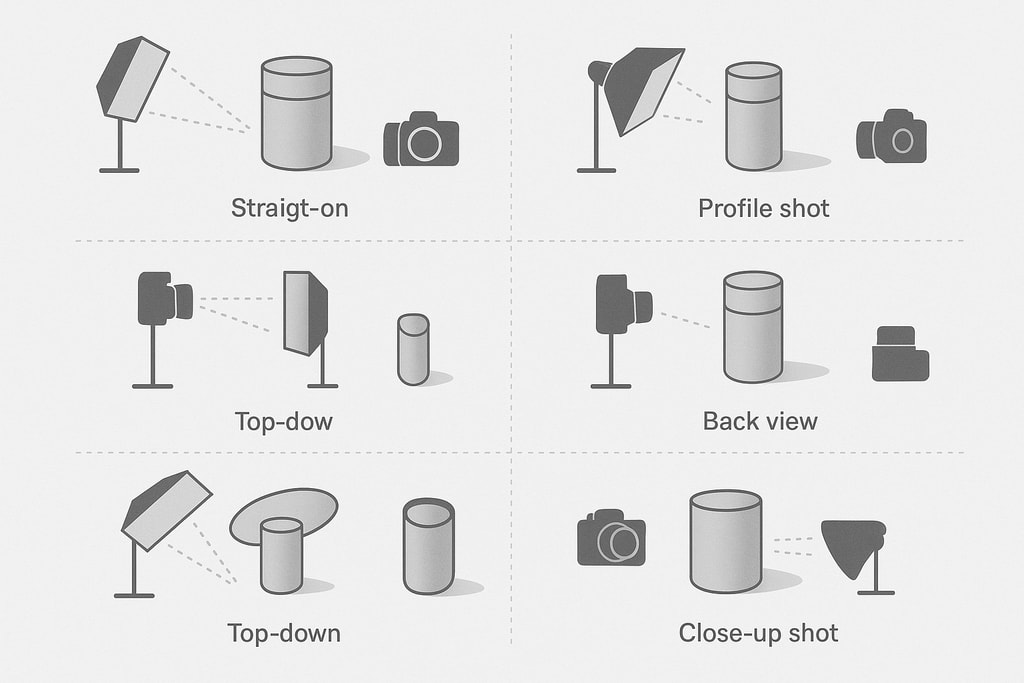
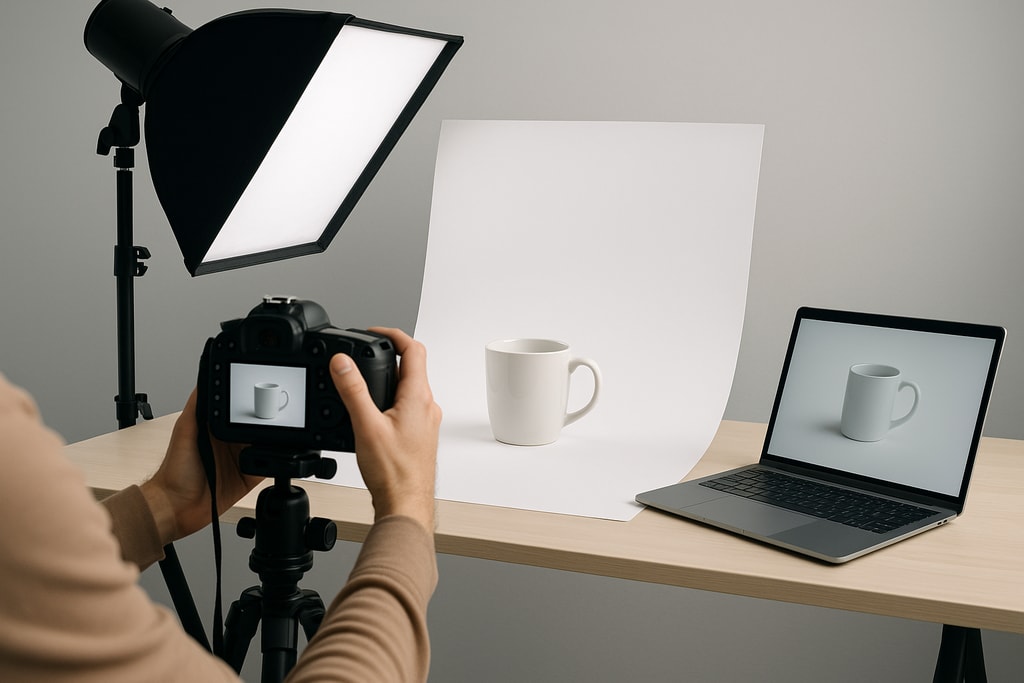
Begin with clear, well-lit photos using a neutral background. Ensure your product is sharply focused. While AI tools can enhance images, starting with a good base maximizes results.
2. Remove Backgrounds and Enhance Clarity
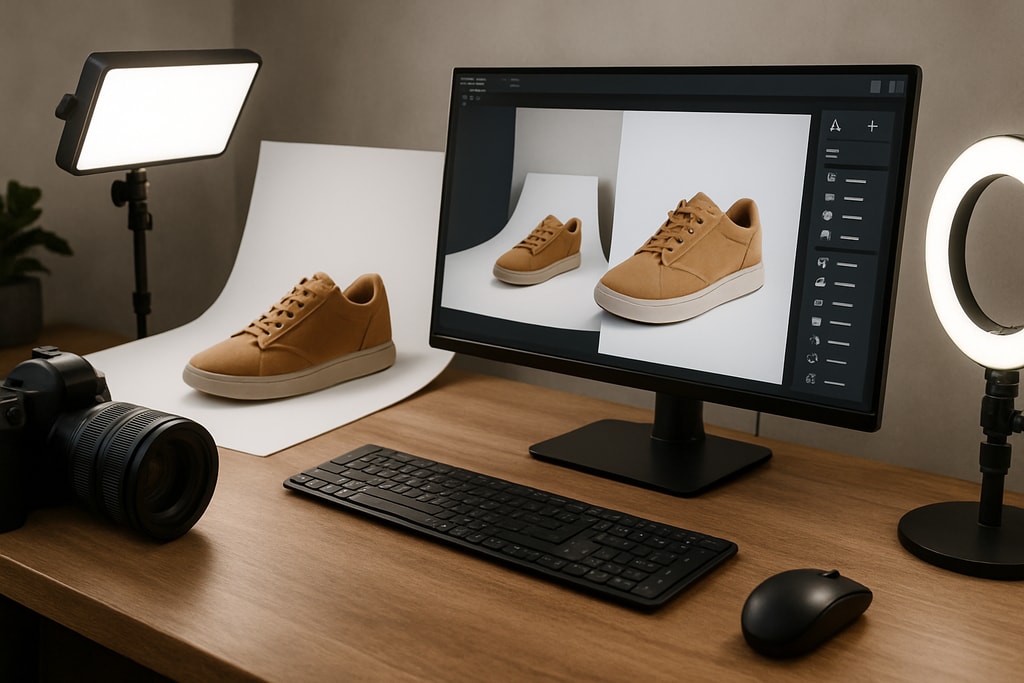
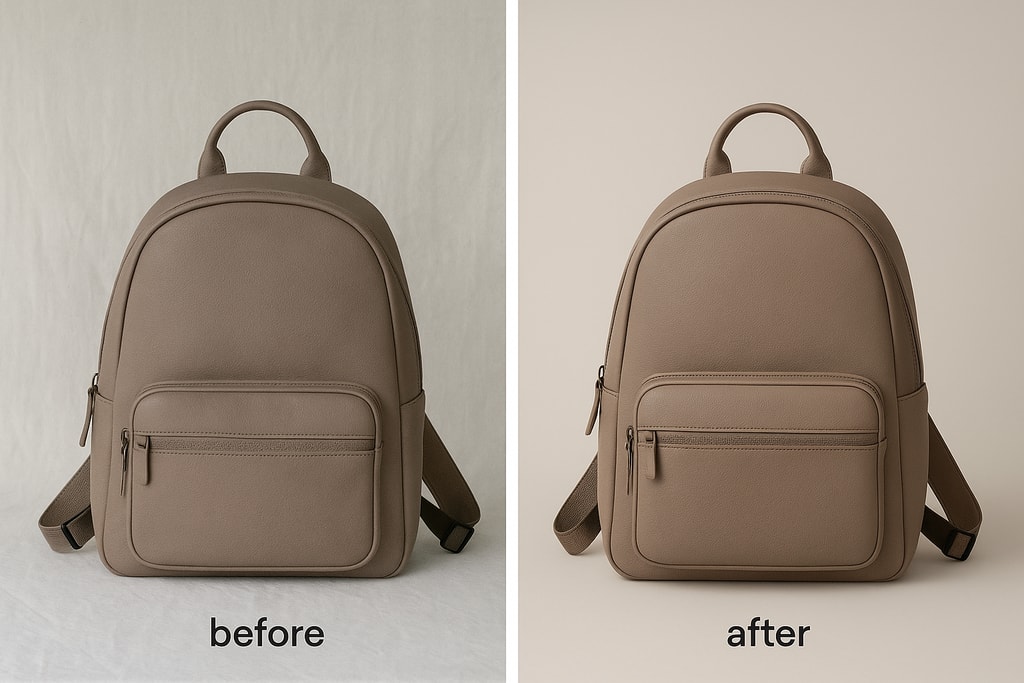
Employ AI tools like Photoroom to eliminate distracting backgrounds, directing focus on the product—a necessity for Amazon's main image white background requirement.
3. Craft Lifestyle Images
Lifestyle images depict your product in use, aiding customers in visualizing its application. Tools like Flair.ai and Pebblely simulate realistic scenes without the need for physical photoshoots.
4. Maintain Consistency Across Images
Consistency in style across all product images fortifies brand recognition. AI tools can help harmonize lighting, angles, and backgrounds throughout your product catalog.
5. Optimize Image Resolution and Size
Ensure your images are compliant with Amazon's resolution criteria. AI upscaling tools can enhance image quality, making them suitable for zoom on product pages.
Common Pitfalls and Mistakes to Avoid
- Neglecting Image Quality: Always ensure high-resolution photos.
- Ignoring Amazon’s Guidelines: Non-compliance can lead to listing removal.
- Overediting Photos: Maintain a natural look to keep products genuine.
Marketplace-Specific Advice
Different marketplaces may have unique requirements alongside Amazon's general guidelines. Always check specific category standards for your product niche on Amazon.
Enhanced FAQ
Q: Are AI-generated images accepted by Amazon? A: Absolutely, provided they comply with Amazon's quality, background, and content standards.
Q: Is professional photography equipment necessary for using AI tools? A: No, images taken with standard cameras or smartphones can be enhanced using AI, eliminating the need for professional gear.
Q: How can I stand out in a competitive marketplace? A: Utilize AI-generated lifestyle images and ensure high-quality, detailed photos that spotlight your product's features.
Q: How should I handle multiple product variations? A: AI tools like ProdShot's batch processing can streamline the editing process for product variations, maintaining consistency and quality across images.
Sources and Further Reading
- Amazon Product Photography Requirements and Tips
- Best AI Tools for Product Photography 2026
- AI Product Photography Tools
- Create product photos
Leveraging AI tools can significantly boost the quality of your product images, ensuring compliance with Amazon’s standards and enhancing consumer appeal. For convenience in transforming your product images into sales-driving assets, consider utilizing ProdShot, which provides comprehensive AI solutions tailored for e-commerce sellers.