In the dynamic world of e-commerce, particularly on platforms like eBay, the quality of your product images can significantly impact sales. High-quality images not only attract buyers but also establish trust and minimize return rates. This guide will delve into how enhancing your eBay product images can drive sales and offer practical steps to achieve this.
The Importance of High-Quality Product Images on eBay
First Impressions Matter
When potential buyers browse eBay, product images are their first point of contact. A clear, well-lit, professional-looking photo can significantly increase the likelihood of a click-through to your listing. According to eBay's guidelines, images should be at least 500 pixels on the longest side but are recommended to be 1600 pixels for zoom capabilities, allowing buyers to see details more clearly. (pixel-prep.com)
Building Buyer Trust
Quality images convey professionalism and transparency, essential for building trust with potential buyers. When buyers see the product clearly from multiple angles, they gain confidence in their purchase decision, leading to higher conversion rates.
Reducing Return Rates
Accurate and detailed images help set appropriate buyer expectations. When products match their images, buyers are less likely to initiate returns, saving you the hassle of processing returns and maintaining your seller rating.
eBay's Image Requirements and Best Practices
To ensure your images meet eBay's standards and attract buyers, follow these guidelines:
Technical Specifications
- Minimum Size: 500 x 500 pixels
- Recommended Size: 1600 x 1600 pixels (enables zoom feature)
- Maximum File Size: 12 MB per image
- Accepted Formats: JPEG, PNG, GIF, TIFF, BMP, WEBP (img.vision)
Content Guidelines
- Background: Use a clean, white background to make your product stand out.
- Lighting: Ensure even, well-distributed lighting to avoid shadows and highlight product details.
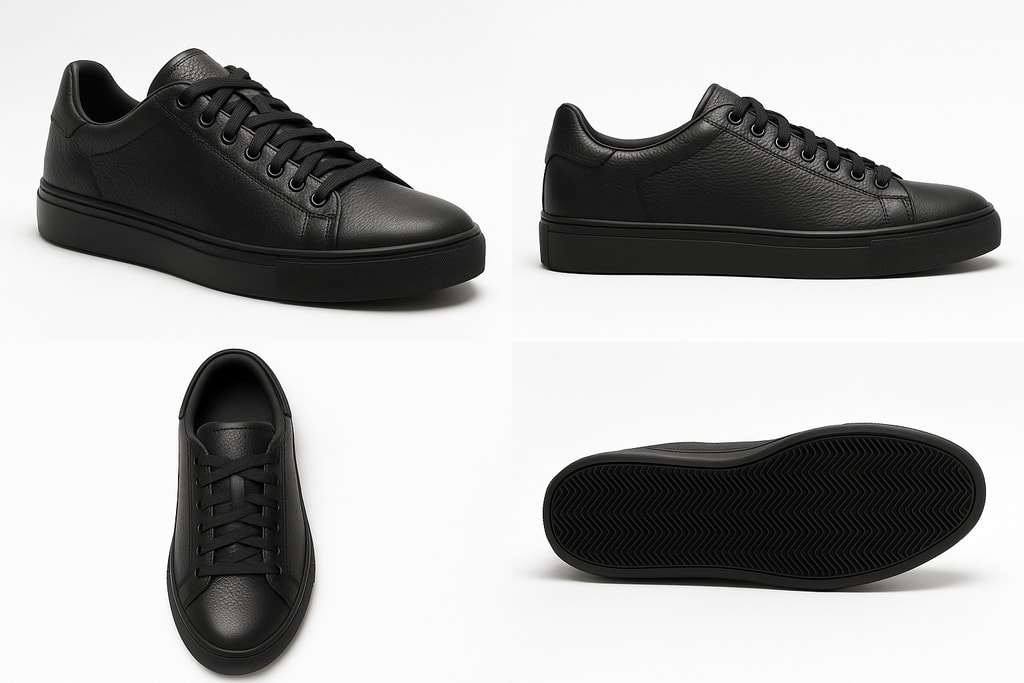
- Angles: Provide multiple images showing different angles and close-ups of important features.
- No Watermarks or Text: eBay prohibits the use of watermarks, borders, or text overlays on images. (ebay.co.jp)
Steps to Enhance Your eBay Product Images
1. Use Proper Equipment
While professional cameras yield optimal results, many modern smartphones with high-resolution cameras can also produce quality images. Ensure your device captures sharp, clear photos.
Practical Examples
- Smartphone: iPhone 12 or newer
- Camera: Canon EOS Rebel T7
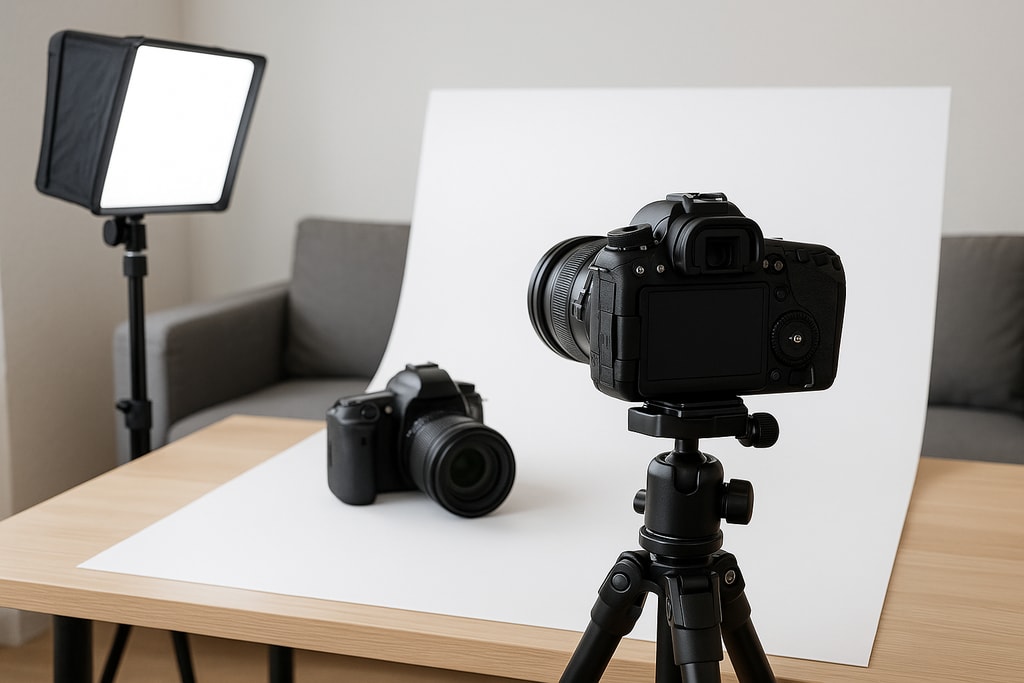
2. Set Up a Dedicated Photo Area
Create a consistent environment for your product photography:
- Background: Use a white or neutral backdrop.
- Lighting: Utilize softbox lights or natural light to eliminate harsh shadows.
- Tripod: Use a tripod to prevent camera shake and ensure consistent images.
3. Capture Multiple Angles
Provide a comprehensive view of your product by capturing:
- Front, back, and side views
- Close-ups of unique features or any imperfections
- Images showing the product in use or context
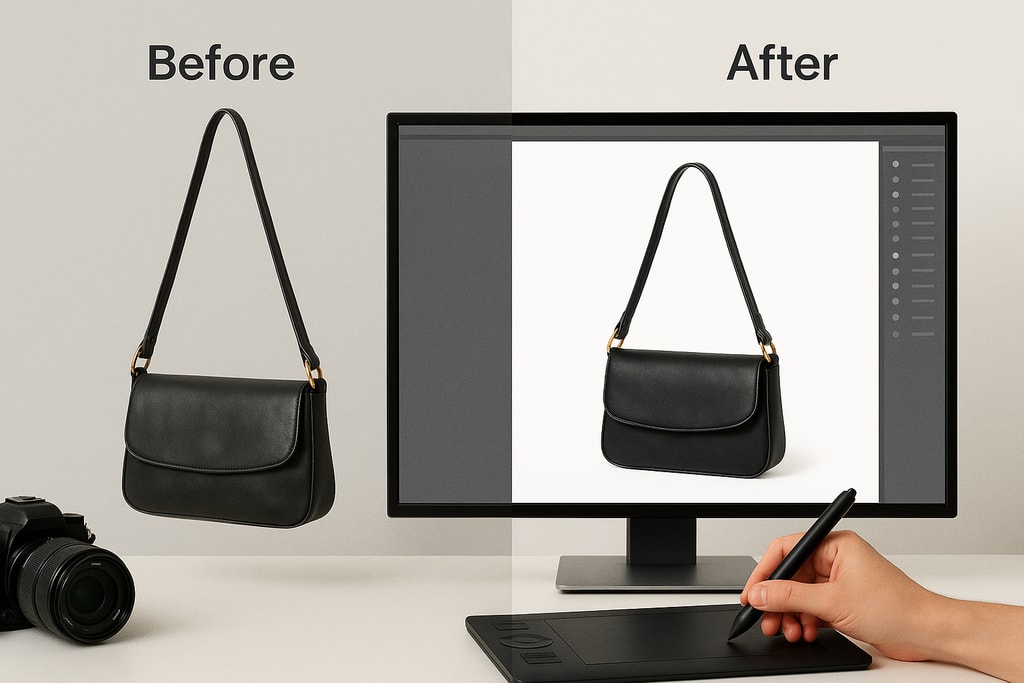
4. Edit Your Photos
Post-processing can enhance image quality:
- Brightness and Contrast: Adjust to ensure the product is well-lit and colors are accurate.
- Crop and Align: Ensure the product is centered and fills most of the frame.
- Remove Backgrounds: Tools like ProdShot can help create professional-looking images by removing distracting backgrounds. Create product photos
5. Optimize File Size
Large images can slow page loading times. Compress your images to reduce file size without compromising quality, balancing clarity and load times.
Criteria for Decision-Making
- Cost: Balance between budget and quality.
- Skill Level: Choose tools aligned with your proficiency in photography and editing.
Common Mistakes to Avoid
- Using Low-Resolution Images: Leads to pixelation and lack of detail.
- Cluttered Backgrounds: Distracts from the product and appears unprofessional.
- Inconsistent Lighting: Creates shadows and color inaccuracies.
- Over-Editing: Misrepresenting the product can lead to buyer dissatisfaction.
Marketplace-Specific Advice
- Frequent Updates: Refresh images regularly to keep listings relevant.
- Competition Analysis: Review competitors to identify best practices in your category.
FAQ
Q: How many images should I include in my eBay listing?
A: eBay allows up to 24 images per listing. Utilize this to provide comprehensive views of your product. (ebay.co.jp)
Q: Can I use stock photos for my eBay listings?
A: It's best to use original photos, especially for used items, to accurately represent the product's condition. (pixel-prep.com)
Q: Do I need professional photography equipment?
A: While professional equipment can enhance quality, modern smartphones often suffice for eBay photos.
Conclusion
Enhancing your eBay product images is crucial for boosting sales and building buyer trust. By adhering to guidelines and using best practices in photography, you can create compelling listings that stand out in a crowded market. Tools like ProdShot streamline the process, helping you achieve consistent, high-quality results. Create product photos
Sources and Further Reading
- eBay Product Image Requirements 2026: Specs, Policy Traps and Photo Best Practices
- Understanding eBay's Image Requirements and How to Meet Them