
Introduction
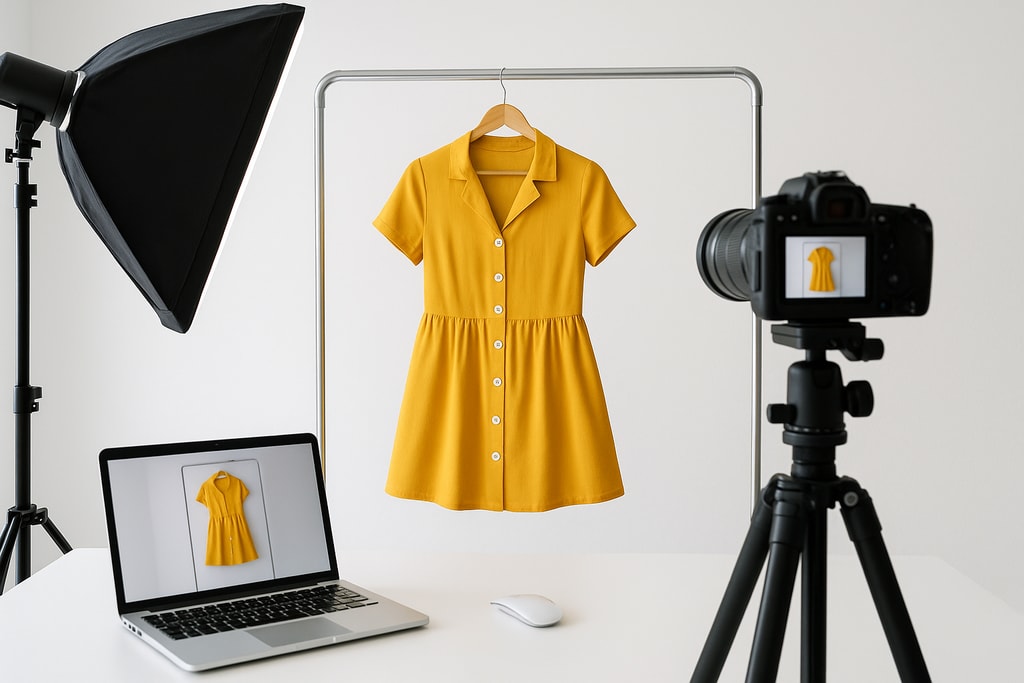
In the bustling marketplace of Amazon, especially within the competitive apparel sector, the quality of your product images can make or break a sale. This comprehensive guide will delve deep into Amazon's image requirements, share advanced photography techniques, and recommend tools to create standout clothing listings.
Understanding Amazon's Apparel Image Requirements
Navigating Amazon's strict image guidelines is crucial to avoid listing suppression. Let's explore the integral specifications tailored for apparel photography.
Main Image Specifications
- Background: Must be pure white (RGB 255, 255, 255) for consistency across the platform.
- Product Representation: Display items on a human model or with a ghost mannequin effect, as flat lays aren’t acceptable for main photos.
- Model Posing: Models should appear standing in relaxed, natural poses. Action poses like sitting or lying down are prohibited.
- Image Dimensions: A minimum of 1,000 pixels on the longest side is mandatory, with the best performance between 1,600–2,000 pixels for enhanced zoom.
- Frame Fill: Ensure the product takes up at least 85% of the frame to present it effectively.
Additional Image Guidelines
- Flexibility: Secondary images can feature lifestyle settings and infographics.
- Content Inclusion: Utilize close-ups, various angles, and use-case images to enrich product understanding.
- Text and Graphics: Permissible when informative, but avoid overt promotions.
Essential Equipment for Apparel Photography
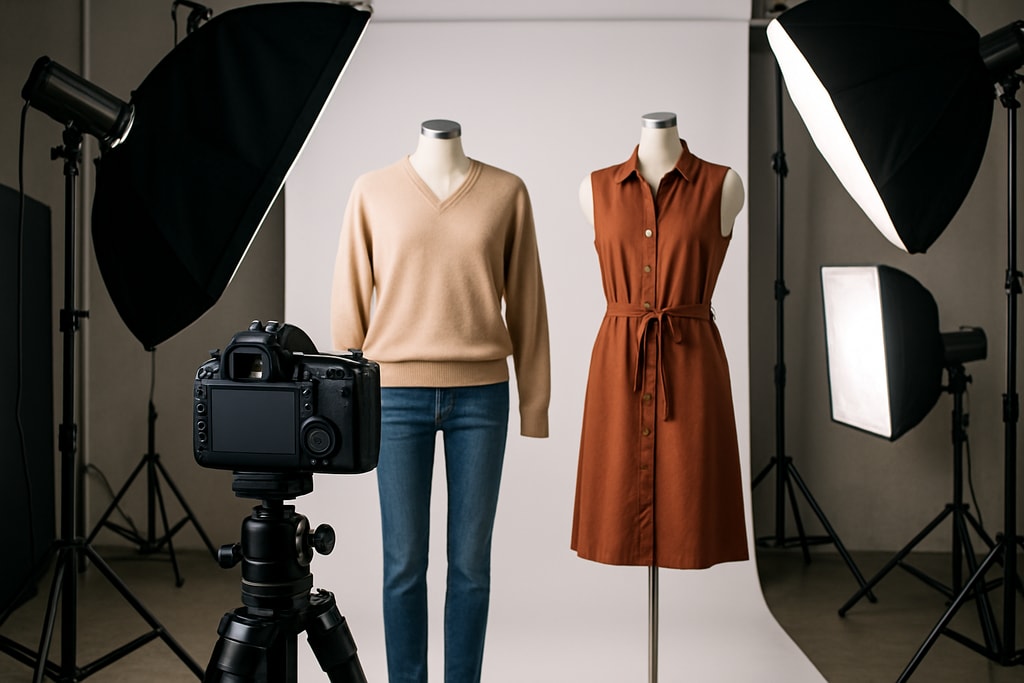
Investing in quality equipment lays the foundation for effective apparel photography that meets Amazon's standards.
Camera and Lenses
- Camera: Opt for a DSLR or mirrorless camera with manual controls for ultimate flexibility.
- Lenses: Use a 50mm or 85mm lens to achieve a natural viewpoint with minimal distortion.
Lighting Setup
- Softbox Lights: Provide balanced, diffused lighting to eliminate harsh shadows.
- Reflectors: Essential for shadow control and light balance.
Background and Props
- Seamless White Backdrop: Ensures a clean, uninterrupted background.
- Mannequins: Ghost mannequins can accurately present garments without the need for a live model.
Advanced Photography Techniques for Clothing
Employ these advanced strategies to enhance your apparel imagery and appeal.
Preparing the Garment
- Ironing/Steaming: Garments should be completely wrinkle-free.
- Lint Removal: Keep clothes debris-free with a lint roller.
Composition and Framing
- Angles: Capture comprehensive front, back, and side views.
- Detail Shots: Emphasize characteristic features like stitching or texture.
Model Selection and Posing
- Model Choice: Select models that best represent and connect with your target demographic.
- Posing: Favor poses that are natural and effortlessly showcase fit and style.
Mistakes to Avoid
- Overusing props that distract from the product.
- Ignoring Amazon’s specific posing guidelines can lead to image rejections.
Post-Processing and Editing
Editing is key to transform your raw photos into Amazon-compliant, professional images.
Color Correction
- Ensuring Accuracy: Make sure that the colors in your images mirror the actual product to prevent returns and dissatisfaction.
Background Cleanup
- Achieving Pure White: Use editing software tools to digitally refine background whiteness if necessary.
Image Resizing and Optimization
- Proper Dimensions: Resize images to fit Amazon’s specs without compromising quality.
- Optimal File Format: Save in JPEG for broad compatibility and quick loading times.
Leveraging AI Tools for Apparel Photography
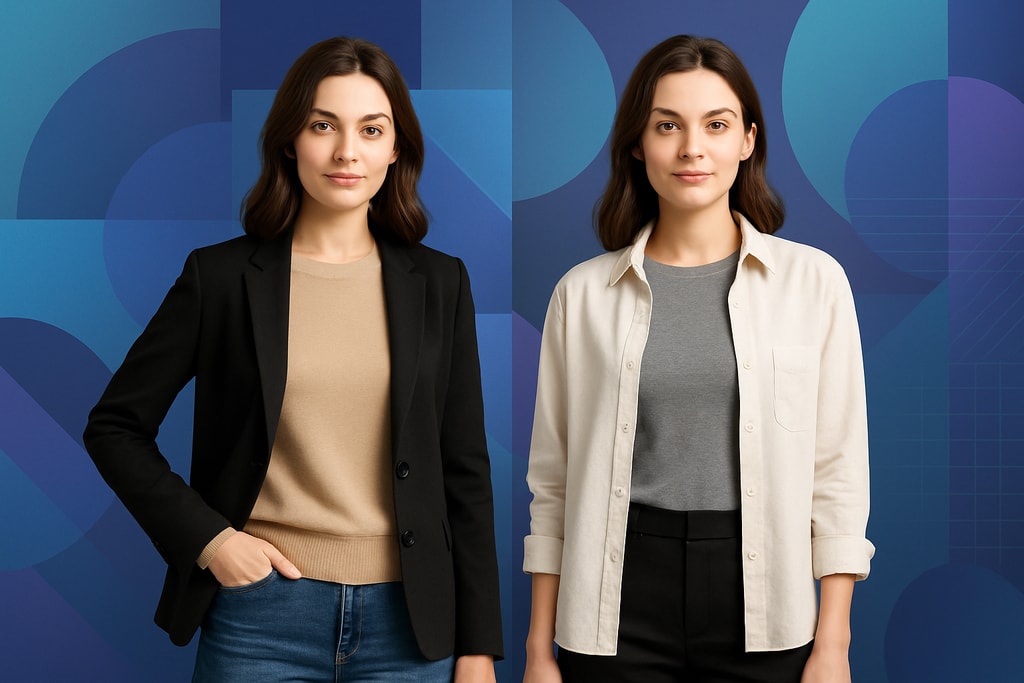
AI technologies can significantly streamline and elevate your photography process and output quality.
AI Model Shoot for Clothing and Apparel
- Virtual Models: Use AI to produce consistent model images, decreasing dependence on costly and time-consuming photoshoots.
- Consistency: AI ensures uniformity across various images, helping maintain a cohesive aesthetic.
Explore this feature: Create Product Photos
Batch Processing
- Streamline Tasks: Edit multiple images simultaneously for efficiency.
- Maintain Quality: Enforce a consistent editing standard.
Checklist for Amazon Apparel Photography Success
Stick to this checklist to ensure every image meets Amazon’s high standards:
| Task | Description | |—|—| | Prepare Garment | Thoroughly clean, de-wrinkle, and delint garments. | | Set Up Equipment | Assemble high-quality camera, lenses, and lighting. | | Image Capture | Document multiple angles and details effectively. | | Edit Photos | Perform necessary color adjustments, background editing, and resizing. | | Review Compliance | Confirm all images meet Amazon’s stringent guidelines.
Marketplace-Specific Advice
- Different Platforms: While Amazon has stringent rules, each marketplace might have unique requirements that can impact your photography strategy.
Frequently Asked Questions (FAQ)
Q: Can flat lay images be used for main photos on Amazon?
A: No, Amazon demands apparel main images to display garments on either a human model or with a ghost mannequin effect. Flat lay images do not meet the main image criteria.
Q: What dimensions does Amazon require for images?
A: The shortest side must be no less than 1,000 pixels, with the optimal range from 1,600 to 2,000 pixels for quality zoom.
Q: Are lifestyle photographs allowed?
A: Yes, lifestyle photographs can be included as supplementary images, providing context and usability insights to potential buyers.
Q: Is it acceptable to add text or graphics to product images?
A: Yes, in secondary photos allowing informational content is advisable, though promotional material should be avoided on the main image.
Q: How can AI improve my apparel photography efforts?
A: AI tools assist in generating virtual model images, ensuring cohesion, and optimize post-processing through batch editing techniques.
Sources and Further Reading
- Amazon Product Photography Requirements: 2026 Complete Guide
- Amazon Product Photography Requirements 2026
- Amazon Apparel Images: Guide and Best Practices