Introduction
In the competitive world of Etsy, where visuals play a pivotal role, the quality and size of your images can significantly influence customer engagement and sales. Resizing images to fit Etsy’s specific requirements can be challenging, but AI-powered tools are here to simplify the task, allowing you to focus more on crafting and less on image editing.
Understanding Etsy's Image Requirements
Before employing AI solutions, it’s crucial to understand Etsy's specific image guidelines:
- File Types: Etsy accepts .jpg, .gif, .png, .svg, and .heic formats, excluding animated .gifs and transparent .png.
- Image Sizes:
- Listing Images: At least 2000 pixels on the shortest side for zoom functionality.
- Shop Icon: 500 x 500 pixels.
- Big Shop Banner: 3360 x 840 pixels.
- Mini Shop Banner: 1200 x 160 pixels.
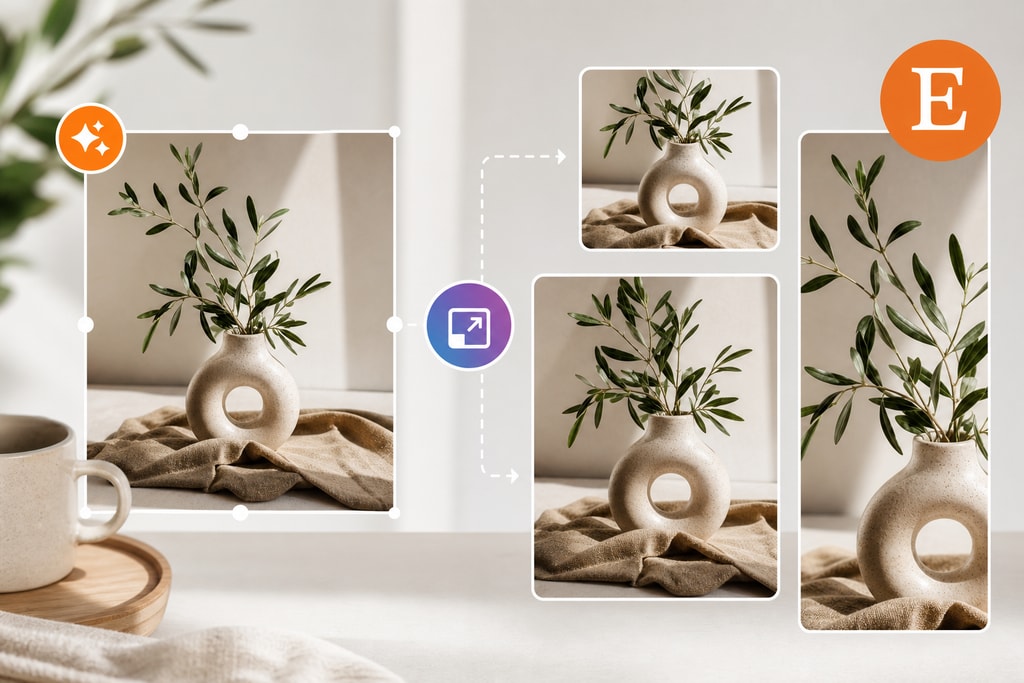
- Aspect Ratios: Thumbnails are displayed in a 4:3 aspect ratio.
This foundational knowledge ensures that your images meet Etsy’s standards efficiently.
Challenges in Manual Image Resizing
Resizing images manually introduces several challenges:
- Time Consumption: Tweaking each image individually is labor-intensive.
- Quality Loss: Incorrect resizing can cause pixelation and blurriness.
- Inconsistency: Maintaining consistency in image appearance is difficult.
How AI Transforms Image Resizing
AI tools revolutionize the resizing of images by:
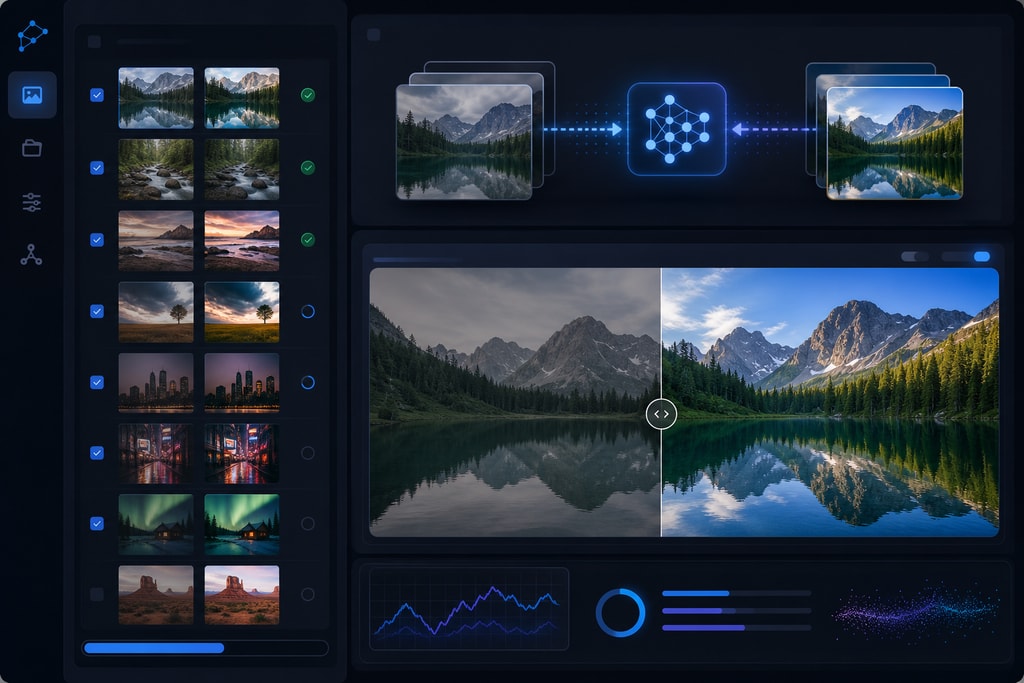
- Automating the Process: AI tools can batch resize images, saving time and effort.
- Preserving Quality: Advanced AI algorithms ensure image clarity and detail are maintained.
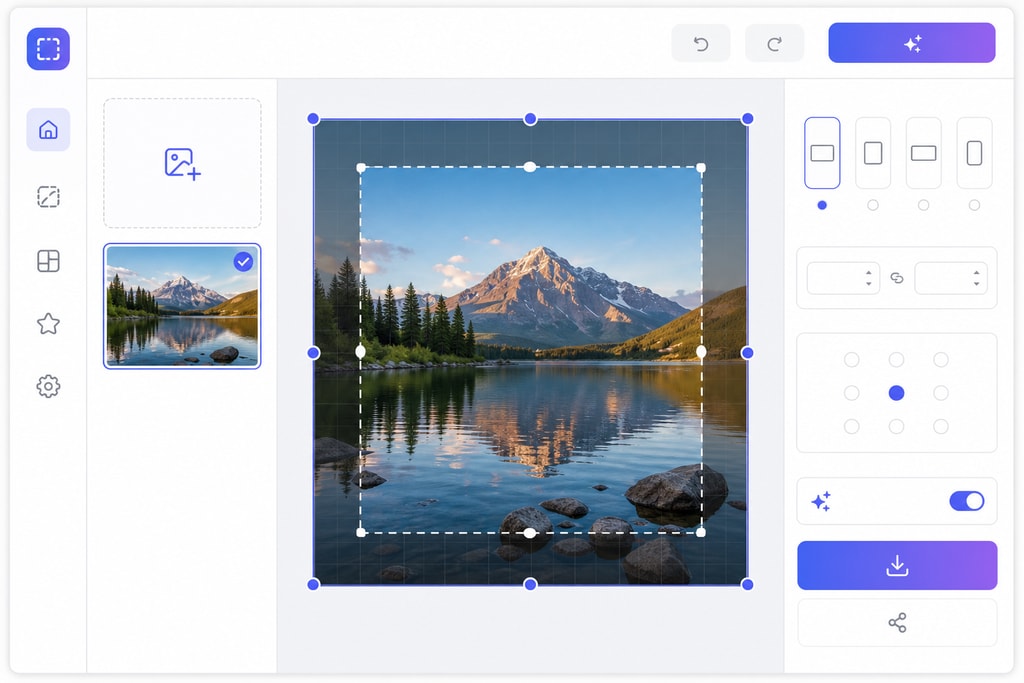
- Customization: Automatically adjust images to meet Etsy’s platform specifications.
Top AI Tools for Resizing Etsy Images
1. ImageResizr.com
Features:
- Platform-specific presets, including for Etsy.
- Batch processing for efficiency.
- Adjustable quality settings.
Example Usage: Upload your images, select the 'Etsy' preset, adjust settings as needed, and download your resized images.
2. Rescale
Features:
- AI-driven resizing and upscaling.
- Includes social media and e-commerce presets.
- Offers custom DPI and format options.
Example Usage: Upload up to 10 images, choose the 'Etsy' preset, set quality, and format preferences, then download the files.
3. EverAlice AI
Features:
- Smart resizing for multiple platforms.
- AI centers the subject.
- Supports batch processing.
Example Usage: Upload product photos, select Etsy and additional platforms, and download resized images.
4. Imagen's Resize for Etsy
Features:
- Free online tool for Etsy image resizing.
- Maintains quality during resizing.
- Supports Etsy's image formats.
Example Usage: Simply upload images, select a preset, choose scaling mode, and download your optimized images.
Step-by-Step Guide to Resizing Images Using AI
- Choose an AI Tool: Decide which tool best suits your needs, considering features and ease of use.
- Upload Images: Begin by uploading your image files.
- Select Etsy Preset: Choose the preset that matches Etsy’s specifications.
- Adjust Settings: Modify any additional settings like quality or format.
- Process and Download: Let the AI tool process the images, then download.
Best Practices for Etsy Images
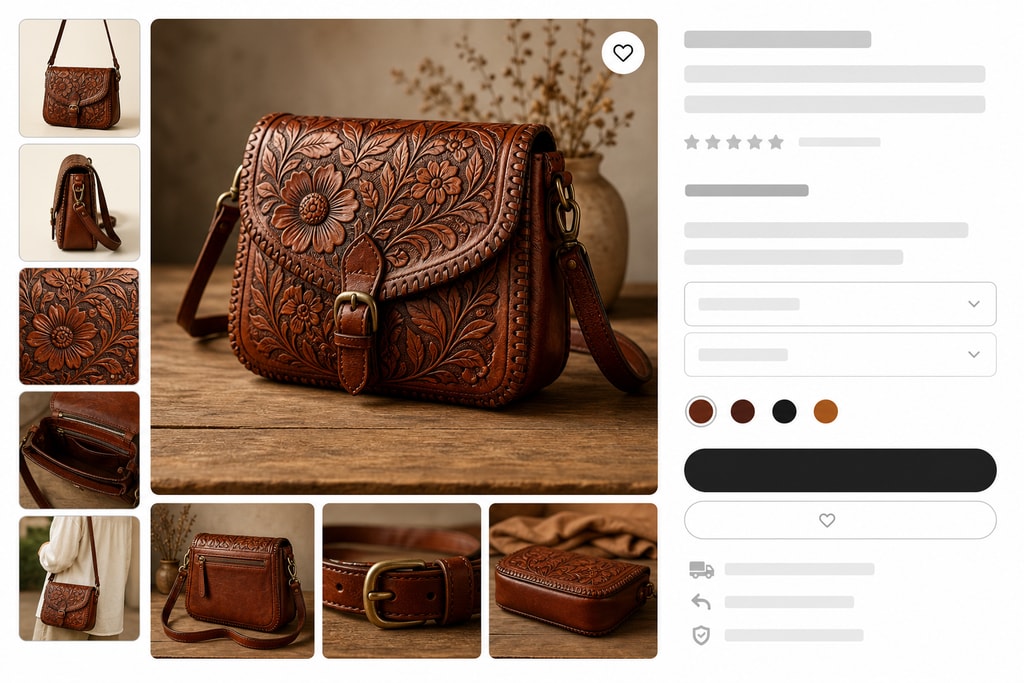
To leverage the maximum impact of your photos:
- Use High-Resolution Images: Start with high-quality images to ensure clarity post-resizing.
- Ensure Consistency: Apply consistent backgrounds and lighting across all product images.
- Detail Highlighting: Incorporate close-ups to emphasize product features.
- Thumbnail Testing: Verify images display correctly as thumbnails.
Explore further best practices in our Etsy Listing Photo Checklist.
Mistakes to Avoid
- Ignoring Aspect Ratios: Not adhering to the 4:3 aspect ratio can lead to poorly cropped thumbnails.
- Overlooking Quality Loss: Avoid upscaling images beyond their original resolution to prevent blurriness.
- Inconsistent Editing: Ensure all images maintain a consistent look for brand cohesiveness.
Advanced Tips
- Test Image Variations: Utilize A/B testing with different image styles to see what attracts more engagement.
- Leverage AI Tools for Editing: Beyond resizing, consider AI tools for enhancing colors and sharpness.
- Batch Process Regularly: Regular updates to your image library can keep your listings fresh and engaging.
Discover more tools to streamline your process with our Image Resizer.
FAQ
Q: What image formats are best for Etsy?
A: Opt for .jpg or .png as they are widely supported and provide a good balance between quality and size.
Q: How critical is the 2000-pixel dimension for listing images?
A: Extremely important, as it allows for the zoom feature on Etsy, enhancing customer interaction.
Q: Can AI handle batch resizing efficiently?
A: Yes, many AI tools offer batch processing to handle multiple images swiftly without quality loss.
Q: Is there a cost-effective AI tool available?
A: Imagen’s Resize for Etsy offers a free tier, ideal for budget-conscious small business owners.
Q: How does resizing affect SEO?
A: Properly resized images improve page load times, positively impacting SEO. Ensure to include alt-text for better SEO performance.
Conclusion
AI-powered tools simplify the task of resizing images for Etsy, enabling sellers to maintain quality and consistency effortlessly. By choosing the right tools and following best practices, you can optimize your product listings and enhance customer engagement with polished, professional images.