In today's competitive boutique retail environment, the quality of your product photography can have a profound impact on your success. High-quality imagery not only captivates potential customers but also communicates the unique identity of your brand. However, traditional photoshoots can be both time-consuming and costly. Fortunately, advancements in artificial intelligence (AI) have revolutionized product photography, offering boutique owners powerful tools that streamline processes and enhance image quality without the need for extensive resources.
The Power of Professional Product Photography
Before delving into AI solutions, it’s crucial to grasp why premium product images are essential:
- First Impressions Matter: Stunning visuals can significantly influence purchasing decisions. Customers are far more likely to engage with clear and attractive photos.
- Brand Representation: Consistent, high-quality images reflect your boutique’s professionalism and help establish a strong brand identity.
- Boosted Engagement: Eye-catching photos are more frequently shared on social media, broadening your reach and attracting new customers.
Top AI Photo Tools to Transform Your Boutique’s Photography

Explore these AI-powered tools to take your boutique's product imagery to the next level:
1. Photoroom
Overview: Photoroom is a mobile-friendly AI photo editor crafted for e-commerce sellers. It excels at background removal and provides templates specific to platforms like Amazon, Shopify, and Etsy.
Key Features:
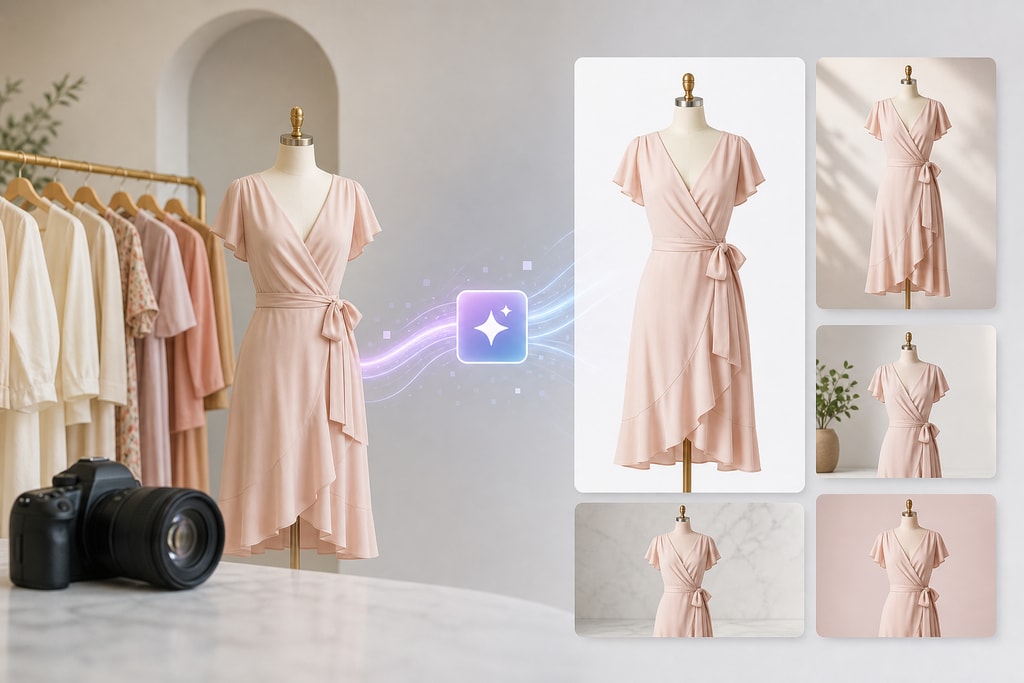
- Background Removal: Automates background removal for clean, marketplace-compliant images.
- Scene Generation: Creates lifestyle scenes without the need for physical props.
- Batch Processing: Edits multiple images simultaneously, improving efficiency for extensive inventories.
Best For: Boutique owners seeking a simple, mobile solution for quick and professional product edits.
Pricing: Free tier available with watermarks; Pro plans start around $13/month. (Mora Marketer)
2. Pebblely
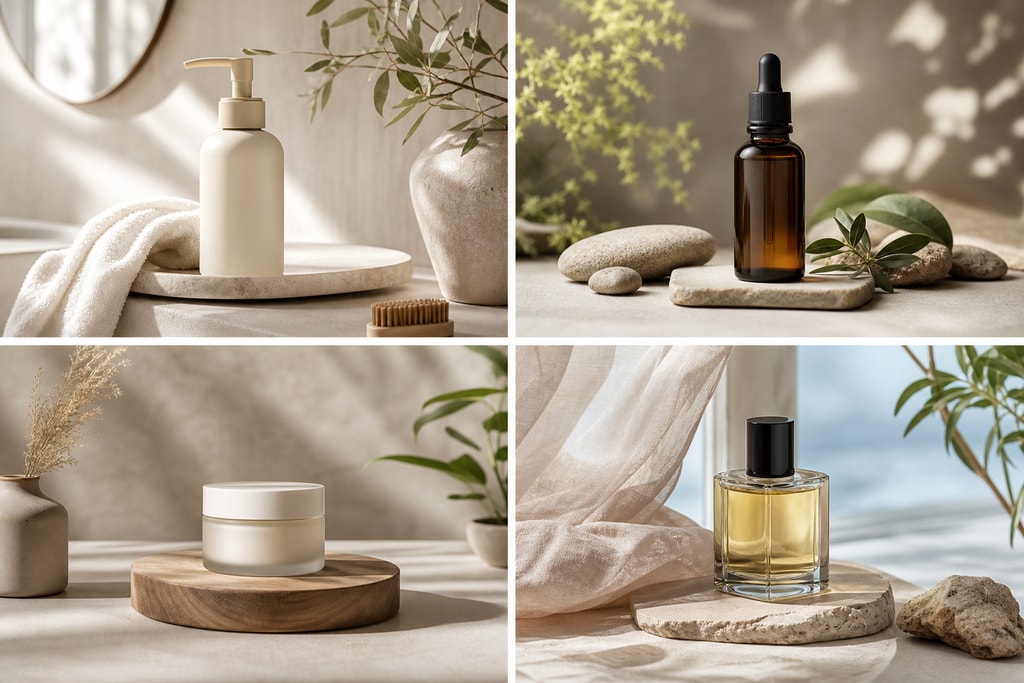
Overview: Pebblely specializes in generating realistic lifestyle backgrounds that enhance product appeal without elaborate photoshoots.
Key Features:
- AI-Generated Backgrounds: Produces diverse backgrounds with realistic lighting.
- User-Friendly Interface: Intuitive design requires no advanced technical skills.
Best For: Boutique owners who want to effortlessly add variety and context to their product images.
Pricing: Free version available; paid plans begin at $9/month. (Product Photo Kit)
3. Milano AI
Overview: Milano AI is designed for fashion and apparel e-commerce, offering on-model image creation from existing photos.
Key Features:
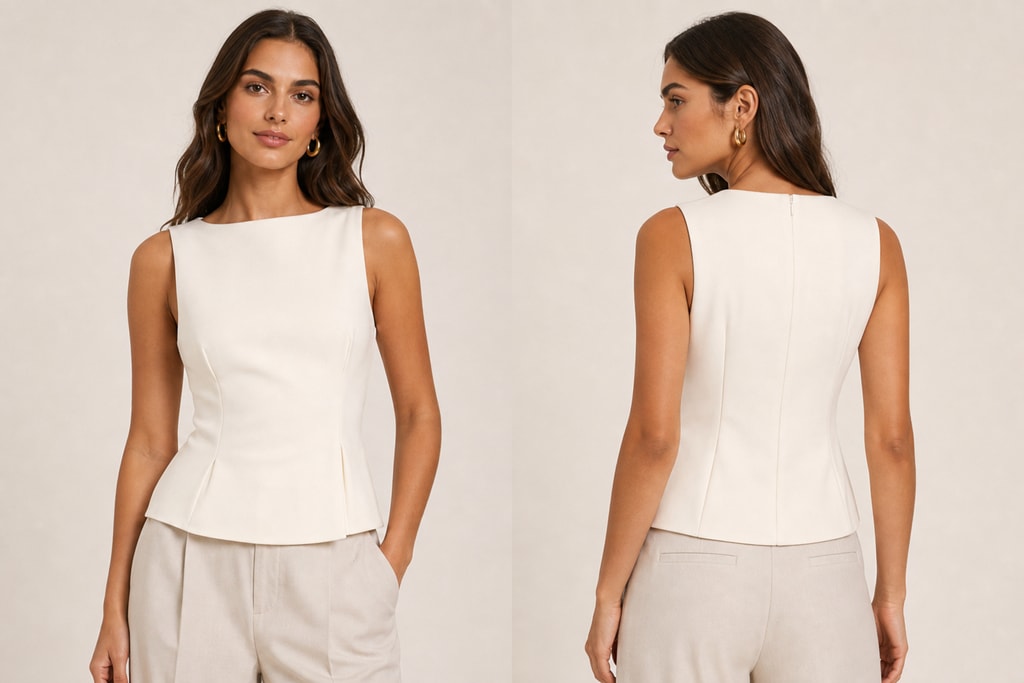
- On-Model Imagery: Generates images showing clothes on models without a photoshoot.
- Consistent Catalogs: Ensures uniformity across product listings, enhancing brand cohesion.
Best For: Boutiques focused on apparel, aiming to display products on models without logistical hurdles.
Pricing: Contact for pricing details. (Milano AI)
4. Evoto AI
Overview: Evoto AI offers advanced retouching, streamlining editing for professional results.
Key Features:
- Portrait Enhancements: Tools for editing facial features and backgrounds.
- Batch Processing: Saves time by handling multiple images at once.
Best For: Boutique owners needing detailed retouching to enhance product imagery.
Pricing: Utilizes a pay-per-export credit system; costs vary with usage. (Digital Camera World)
5. Flair AI
Overview: Flair AI enables creation of professional-quality product images via an intuitive drag-and-drop interface.
Key Features:
- Scene Design: Design scenes by placing products on a canvas with customizable backgrounds.
- Photorealistic Outputs: Generates images with natural lighting and shadows.
Best For: Boutique owners customizing product scenes without extensive photography gear.
Pricing: Contact for pricing details. (Tasarim.ai)
Making the Right Choice
Choosing the best AI tool is vital for your boutique’s success. Consider these factors:
Practical Examples
- For apparel boutiques, Milano AI offers excellent on-model imagery solutions.
- Boutiques with diverse inventory might lean towards Photoroom for its batch processing capabilities.
Decision Criteria
- Product Type: Tailor your choice based on the product type.
- Budget: Weigh subscription fees against time and cost savings.
- Workflow Integration: Opt for tools that integrate seamlessly into your existing processes.
Mistakes to Avoid
- Avoid over-reliance on a single tool without assessing its fit for all product types.
- Don’t overlook potential costs associated with premium features you may not use.
Advanced Tips for Boutique Owners
- Utilize Free Trials: Experiment with different tools’ free versions to ensure they meet your needs before committing.
- Combine Tools for Optimal Results: Pair tools like Evoto AI for retouching with Photoroom for background removal for comprehensive solutions.
Frequently Asked Questions
Q: Can AI photo tools replace traditional photography entirely?
A: AI tools can significantly enhance and streamline product photography, but traditional methods are still valuable, especially for complex or highly customized shoots.
Q: Are AI photo tools cost-effective for small boutiques?
A: Yes, they can be. Many offer free or affordable options that reduce the need for costly photo shoots, ultimately cutting expenses.
Q: How do I integrate AI tools into my current workflow?
A: Start by identifying repetitive tasks AI can assist with and integrate tools seamlessly with your existing platforms. Experiment with different options and consult guides, like those at ProdShot’s Free Product Photo Tools, to plan better.
Q: What if I need custom imagery not supported by AI tools?
A: For niche needs, consider using AI tools alongside traditional methods or consulting professional photographers for specialized projects.
—
Transitioning to AI-powered photo tools can be a game-changer for boutique owners. By carefully selecting tools that fit your needs and budget, you can elevate your brand and streamline operations significantly. As always, continue refining your approach with consistent testing and integration with other resources, like Create Product Photos, to stay ahead in the e-commerce realm.