

In the fast-paced world of e-commerce, social media, and digital content, a high-quality photo is no longer a luxury, it's a necessity. But what if you don't have a professional photography studio or the time to master complex software? This is where AI photo editors come in, transforming simple snapshots into professional-grade images in seconds. These powerful tools use artificial intelligence to automate complex tasks like background removal, lighting correction, and object enhancement, saving you time and resources.
This guide cuts through the noise to analyze the 12 best AI photo editors available today. We'll dive deep into their specific features, ideal use cases, and practical limitations, helping you find the perfect solution for your needs. Whether you're a Shopify seller needing crisp product shots, a content creator aiming for a polished feed, or a professional photographer looking to speed up your workflow, this list is your definitive resource. Even with the most advanced software, starting with a great base image is key. To truly make your images shine, consider these essential jewelry photography tips that provide the best starting material for any AI photo editor.
Our comprehensive roundup is designed for quick navigation. Each option includes screenshots and direct links, allowing you to compare features and find the right platform without guesswork. We'll provide a thorough breakdown of everything from e-commerce presets to batch processing capabilities, ensuring you have all the information needed to make an informed choice.
1. ProdShot
ProdShot stands out as a premier choice in our list of the best AI photo editors, specifically engineered for e-commerce and product marketing. Its core strength lies in its ability to transform basic smartphone snapshots into high-conversion, professional-grade product photos in seconds. This platform isn't just a generic image enhancer; it's a specialized tool built from the ground up to solve a critical problem for online sellers: creating compelling, click-worthy visuals without the time, cost, or complexity of traditional photoshoots.
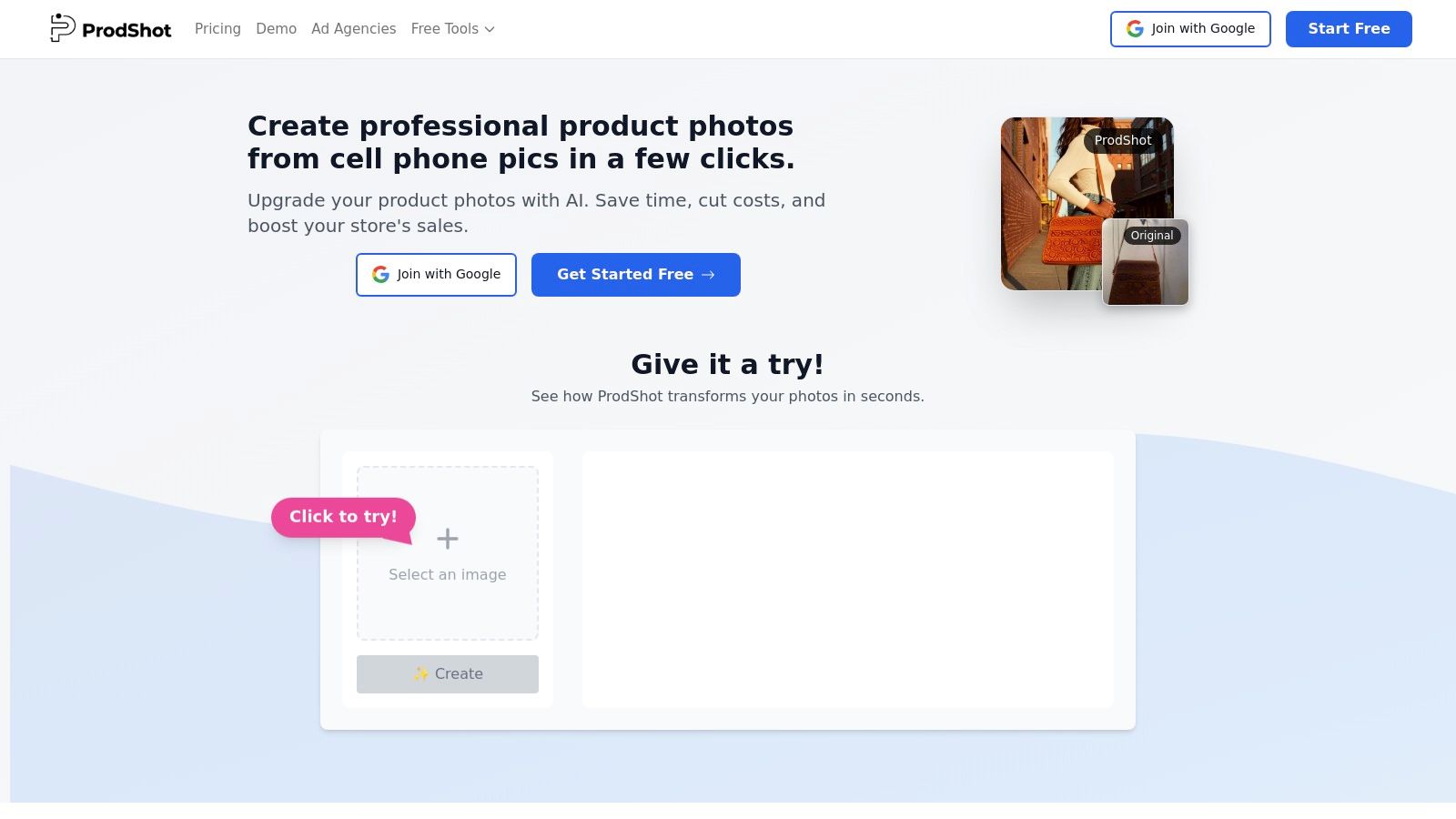
The platform automates the most tedious aspects of product photography, from background removal and object centering to sophisticated lighting and color correction. What makes it particularly powerful is its focus on workflow efficiency. Users can upload entire product catalogs at once via ZIP files or multiple selections, making it an indispensable tool for merchants with hundreds or thousands of SKUs. The AI processes these batches quickly, delivering images that are pre-formatted for major marketplaces like Shopify, Amazon, Etsy, and eBay, which significantly reduces the friction of creating new listings.
While the AI handles the heavy lifting, remember that the quality of your source image still matters. For those focusing on product photography, especially for e-commerce, mastering the initial capture is crucial. You can learn more about how to photograph clothes for crisp, pro-level shots to ensure your input images give the AI the best possible material to work with. ProdShot then elevates these solid starting points into polished, brand-aligned assets.
Key Strengths & Use Cases
- High-Volume Catalog Processing: The batch upload feature is a game-changer for agencies and retailers managing large inventories, turning a multi-day task into a job of minutes.
- Marketplace Optimization: It generates outputs that meet the specific image requirements for platforms like Amazon and Shopify, ensuring compliance and a professional look across all sales channels.
- Cost-Effective Visuals: Ideal for small retailers, marketplace sellers, and startups who need studio-quality imagery without the associated budget for photographers and equipment.
Access is straightforward with a free trial available to test its capabilities. While detailed per-plan pricing requires signup, the value proposition is clear: a massive reduction in the cost and effort required to produce sales-driving product visuals.
Visit Website: https://prodshot.net
2. Adobe Photoshop (Creative Cloud Pro and Photography plans)
Adobe Photoshop remains the undisputed industry standard, and its deep integration of generative AI, powered by Adobe Firefly, makes it one of the most powerful and versatile AI photo editors available. Unlike more specialized, single-purpose tools, Photoshop offers a complete, end-to-end creative suite for professionals who demand granular control over every pixel.
The standout AI feature is Generative Fill, which allows users to seamlessly add, remove, or expand elements in an image using simple text prompts. This technology is embedded directly into familiar Photoshop workflows, making it incredibly intuitive for existing users. It excels at complex tasks like removing distracting objects, extending backgrounds, or even generating entirely new components that match the original photo's lighting and perspective. The tight integration with Adobe Lightroom and Creative Cloud libraries ensures a smooth workflow from raw photo import to final polished asset, a crucial advantage for high-volume creators.
Key Features & Use Cases
- Best For: Professional photographers, creative agencies, and advanced users who need a comprehensive toolset for complex compositing and retouching.
- Pricing: Available via subscription. The Photography Plan (includes Photoshop and Lightroom) starts at $9.99/month. The full Creative Cloud Pro plan offers more features and starts at a higher price point.
- Pros: Unmatched professional features, robust third-party plugin support, and seamless cloud asset synchronization across devices.
- Cons: The learning curve is significantly steeper than simpler web-based editors, and the subscription cost can be a barrier for casual users.
While Photoshop offers immense power, mastering its advanced tools requires a significant time investment. For businesses needing high-quality images without the steep learning curve, exploring professional product photo editing services can be a more efficient alternative.
Website: https://www.adobe.com/products/photoshop.html
3. Adobe Lightroom (Classic, cloud, mobile)
While Photoshop excels at intensive manipulation, Adobe Lightroom is the workhorse for organizing, culling, and enhancing large volumes of photos, powered by sophisticated AI. It’s designed for photographers who need an efficient, end-to-end workflow, from initial import to final export, with powerful AI tools that streamline repetitive editing tasks across entire photo shoots. Lightroom’s strength lies in its non-destructive editing environment and best-in-class photo management capabilities.
The standout AI features are its intelligent Masking tools and Denoise AI. With a single click, the software can automatically and precisely select a subject, sky, or even specific people within a photo, allowing for targeted adjustments without tedious manual outlining. The Denoise AI is exceptional at reducing noise in low-light images while preserving detail, a critical function for event and wildlife photographers. Combined with its seamless cloud synchronization across desktop, mobile, and web, Lightroom stands as one of the best AI photo editors for workflow efficiency and core image enhancement.
Key Features & Use Cases
- Best For: Professional and enthusiast photographers, wedding and event shooters, and anyone managing large photo libraries who needs fast, high-quality batch editing and organization.
- Pricing: Available via subscription. The Photography Plan (includes Lightroom and Photoshop) starts at $9.99/month. Standalone Lightroom plans with 1TB of cloud storage are also available.
- Pros: Industry-leading photo organization and library management, powerful AI-driven masking and noise reduction, and a seamless ecosystem across desktop, mobile, and web.
- Cons: Lacks the advanced compositing and generative fill features found in Photoshop, and the subscription model may not suit infrequent users.
Website: https://www.adobe.com/products/photoshop-lightroom.html
4. Skylum Luminar Neo
Skylum Luminar Neo positions itself as an accessible yet powerful desktop editor, built from the ground up with AI at its core. It strikes a balance between the one-click simplicity of mobile apps and the deeper control of professional software, making it an excellent choice for photographers who want fast, impressive results without a steep learning curve. The interface is clean and centered around its AI-powered tools, allowing for dramatic edits in just a few clicks.
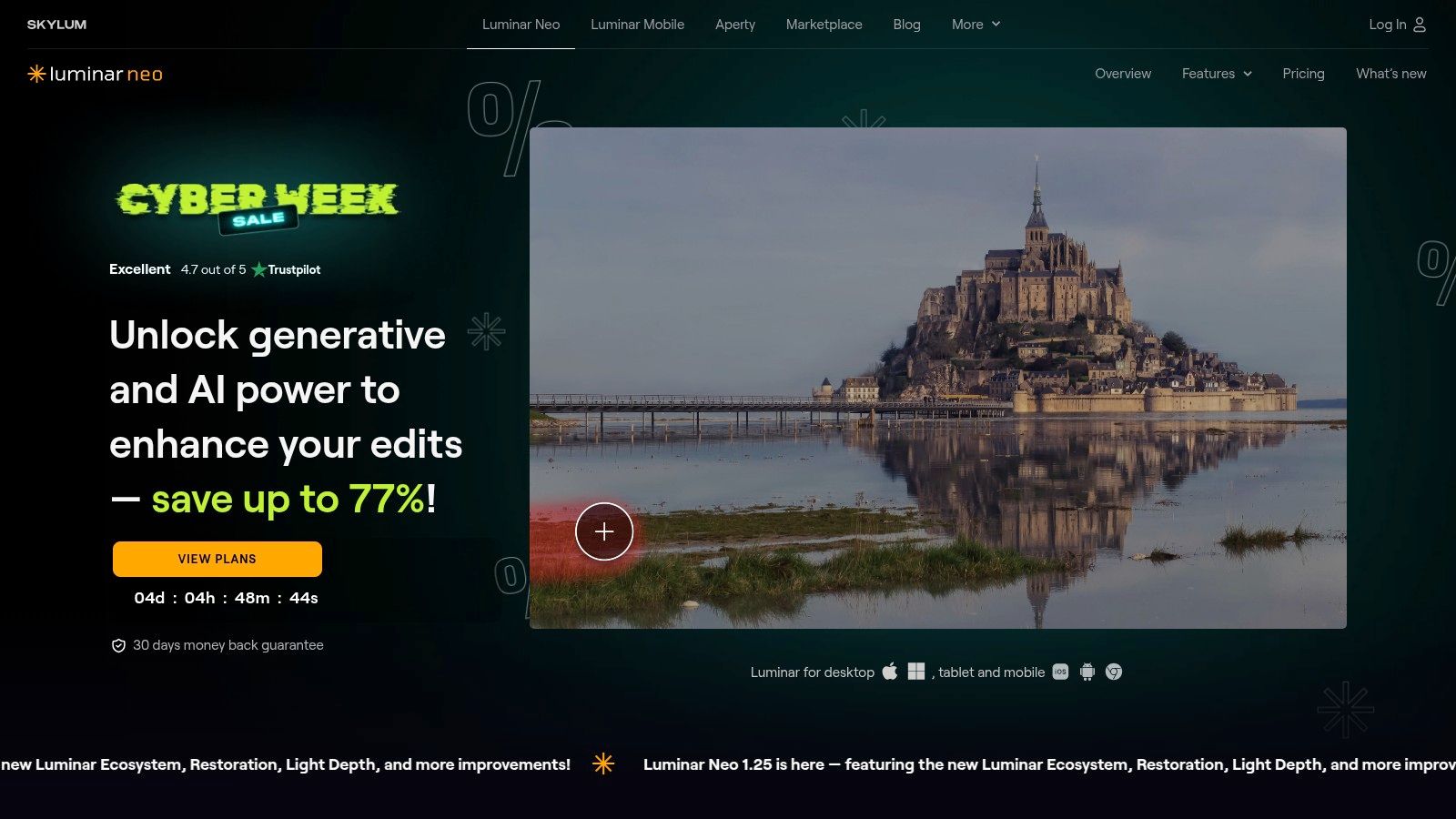
Its standout features are a suite of specialized AI tools designed for specific tasks. Sky AI can replace a dull sky with a dynamic one in seconds, automatically adjusting the scene's lighting to match. Tools like Enhance AI and Relight AI intelligently adjust lighting and color balance, while generative AI features like GenErase remove unwanted objects seamlessly. This focus on automated, task-specific tools makes it one of the best AI photo editors for users who prioritize speed and efficiency over granular manual control. For those exploring AI's role in creating visuals from scratch, it's useful to understand how these editing tools compare to an AI product photo generator.
Key Features & Use Cases
- Best For: Hobbyist and enthusiast photographers, social media creators, and anyone looking for powerful, one-click enhancements with the option for more advanced control.
- Pricing: Offers both subscription plans and a perpetual license, with frequent promotions and bundles. Add-on extensions and presets are available for purchase.
- Pros: Very user-friendly with a minimal learning curve, perpetual license option is great for budget-conscious users, and it works as a plug-in for Adobe workflows.
- Cons: Performance can be slow on older computers when applying multiple heavy AI edits, and some AI-driven masks may still require manual adjustments for perfect results.
Website: https://skylum.com/luminar
5. Topaz Labs
Topaz Labs has carved out a niche by focusing its AI power on technical image enhancement rather than pure generative creation. It offers a suite of specialized, AI-first finishing apps designed to excel at denoising, sharpening, upscaling, and face recovery. This makes it an essential tool for photographers looking to rescue technically imperfect shots or prepare images for large-format printing, setting it apart from all-in-one editors.
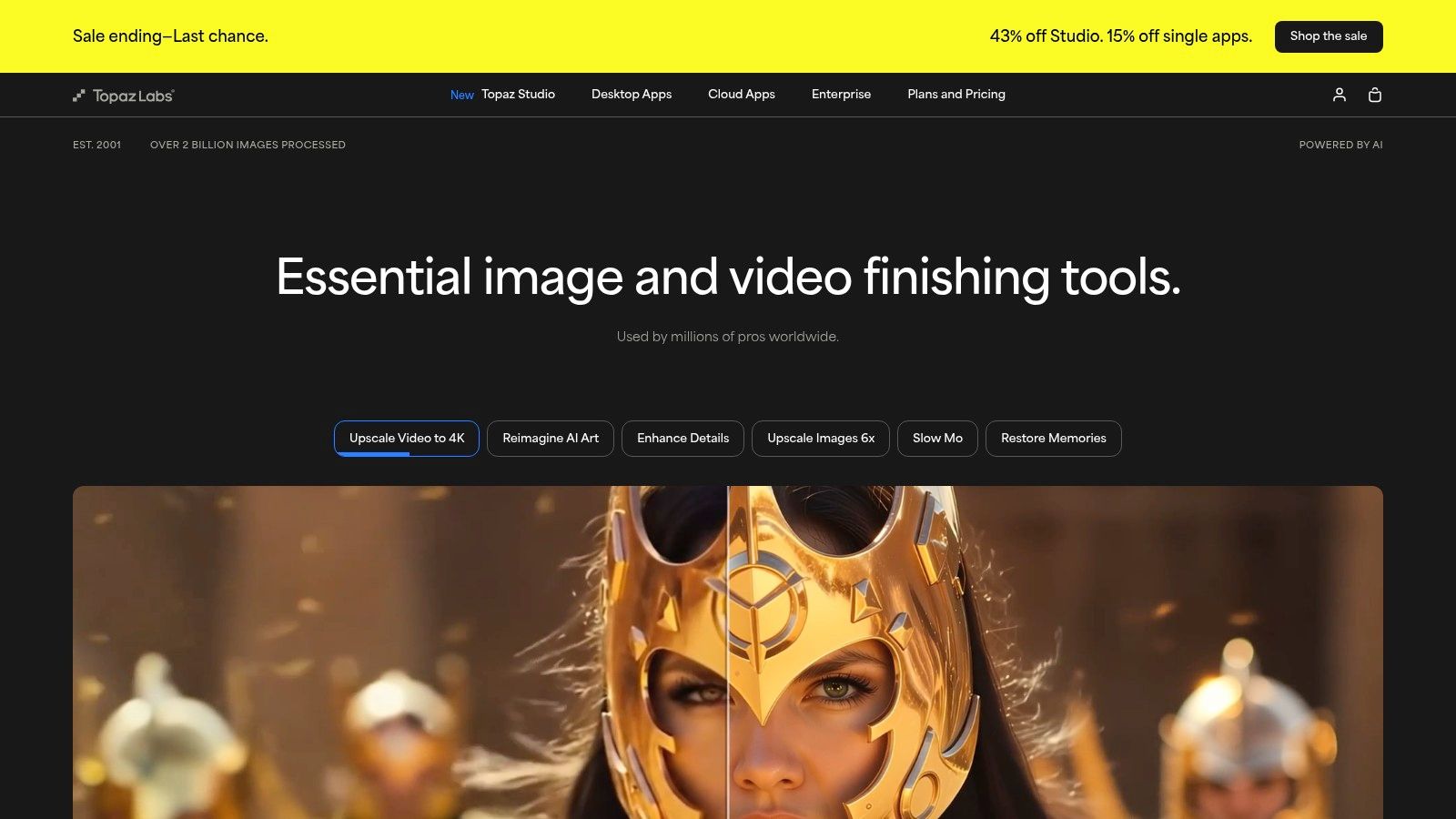
The strength of Topaz Labs lies in its dedicated AI models. Tools like Photo AI intelligently apply sharpening, noise reduction, and upscaling in a single, streamlined workflow, acting as either a standalone application or a plugin for Lightroom and Photoshop. This integration is crucial for professionals who want to incorporate best-in-class technical correction into their existing process. The results for recovering blurry images or cleaning up high-ISO noise are often superior to what general-purpose editors can achieve, making it one of the best AI photo editors for image restoration.
Key Features & Use Cases
- Best For: Photographers and e-commerce sellers needing to restore low-light photos, sharpen product details, or upscale images for high-resolution displays and print.
- Pricing: Available as a bundle or individual one-time purchases (e.g., Photo AI for $199), which includes one year of updates.
- Pros: Produces market-leading results for noise reduction, sharpening, and upscaling. The one-time purchase model is appealing to users who dislike subscriptions.
- Cons: Heavier AI models can be demanding on older computer hardware, and some long-time users have been frustrated by shifts in the product lineup and pricing structure.
Website: https://www.topazlabs.com
6. ON1 Photo RAW (and Photo RAW MAX)
ON1 Photo RAW carves out a unique space in the AI photo editor landscape by offering a comprehensive, all-in-one raw processor, photo organizer, and effects engine, with a standout perpetual license option. This makes it a compelling alternative for photographers who prefer to own their software outright rather than commit to a monthly subscription. It's designed as a complete workflow solution, from culling images to applying final, AI-powered enhancements.
The platform integrates powerful AI tools like Super Select AI for intuitive masking, NoNoise AI for class-leading noise reduction, and Resize AI for intelligent image upscaling. Its generative AI capabilities allow for object removal and background expansion directly within the non-destructive workflow. For those already embedded in the Adobe ecosystem, the MAX edition can function as a powerful suite of plug-ins for Photoshop and Lightroom, offering a hybrid approach. This flexibility makes it one of the best AI photo editors for those seeking both power and ownership.
Key Features & Use Cases
- Best For: Photographers and serious hobbyists who want a complete, subscription-free editing suite with strong AI capabilities and RAW processing power.
- Pricing: Available as a one-time perpetual license (typically starting around $99.99, but check for promotions) or via the ON1 Everything subscription.
- Pros: The buy-to-own option is a major draw for users avoiding subscriptions, and it provides an integrated toolset covering the entire editing workflow in one application.
- Cons: Pricing and promotional offers can sometimes be confusing, and some users have reported occasional performance quirks with demanding tasks.
Website: https://www.on1.com/products/photo-raw/
7. Capture One
Capture One has long been a favorite among professional studio photographers for its exceptional color rendering and tethered shooting capabilities. Now, with the integration of powerful AI tools, it stands as a top-tier editor for high-end commercial work, blending meticulous manual control with intelligent automation. It’s built for workflows where precision, speed, and image quality are non-negotiable, setting it apart from more generalized photo editing software.
The platform’s AI shines in its masking and retouching features. AI Masking can instantly select subjects, backgrounds, people, or even specific articles of clothing, dramatically accelerating complex selection tasks. The Retouch Faces AI provides a fast, natural way to clean up portraits without the plastic-like finish that can come from over-editing. This combination of pro-grade session management and smart AI enhancements makes Capture One one of the best AI photo editors for studio environments where efficiency and quality are paramount.
Key Features & Use Cases
- Best For: Professional studio photographers, e-commerce brands, and commercial artists who need superior tethering, color accuracy, and session management.
- Pricing: Available via subscription or as a perpetual license. Subscriptions offer continuous updates, while perpetual licenses cover only the purchased major version.
- Pros: Outstanding tethering and detailed color/editorial control for pro studios, professional session features, and options for both subscription and perpetual licenses.
- Cons: The perpetual license model limits updates, and subscription prices are positioned for the professional market, making it a significant investment.
While Capture One excels in a professional setting, its focus on studio workflows means it has a steeper learning curve than many other tools on this list. For businesses focused specifically on creating clean, consistent product images for e-commerce without the deep dive into studio software, a specialized service like ProdShot offers a more direct path to high-quality results.
Website: https://www.captureone.com
8. Pixelmator Pro (Mac)
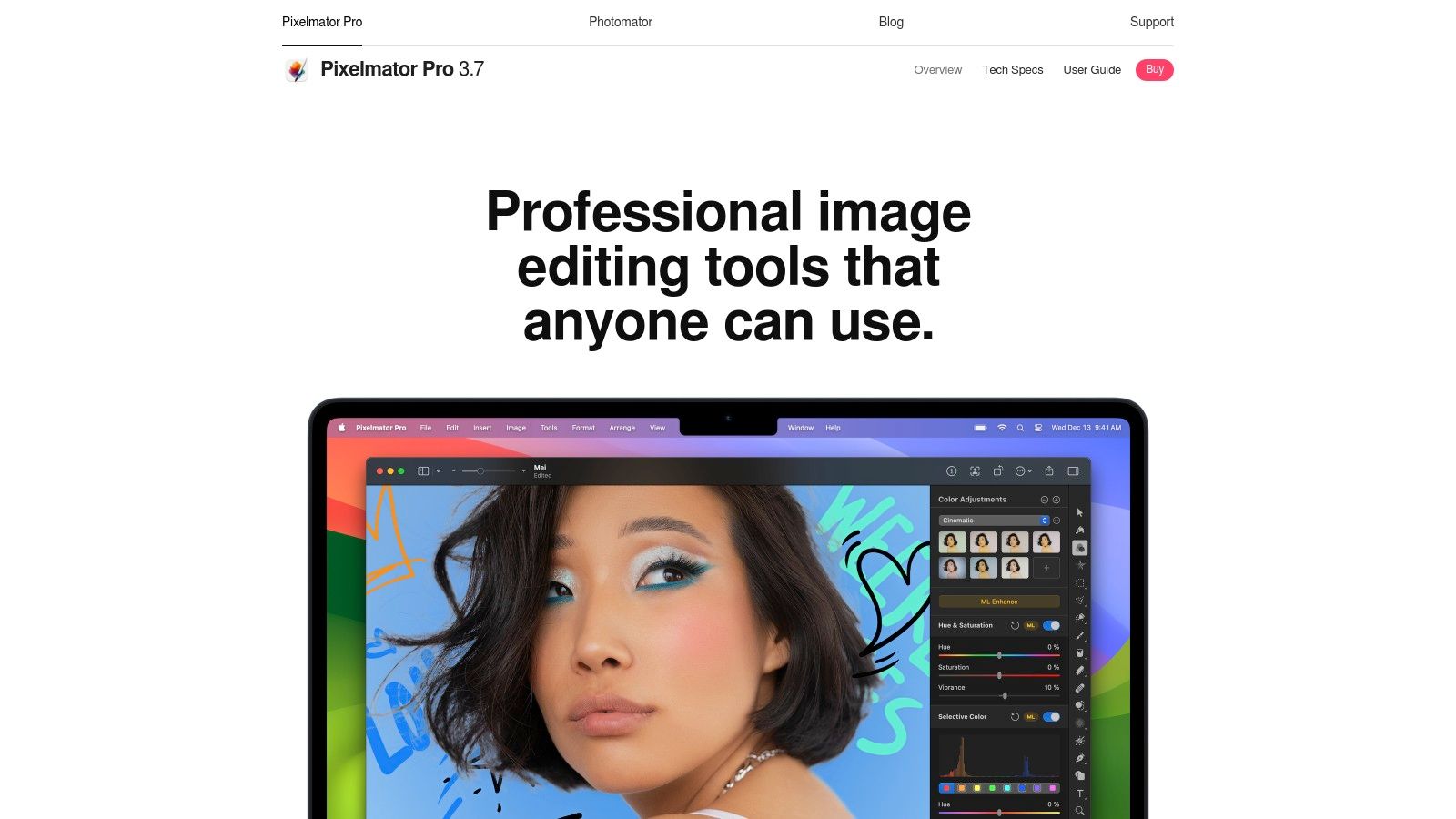
For Mac users seeking a powerful, non-subscription AI photo editor, Pixelmator Pro is a top contender. It leverages Apple's Core ML framework to deliver incredibly fast, machine learning-powered features that are deeply integrated into the macOS environment. This optimization for Apple silicon results in a remarkably smooth and responsive user experience that feels perfectly at home on any modern Mac.
Unlike cloud-based tools, Pixelmator Pro is a native application offering a clean, intuitive interface that is far less intimidating than traditional professional editors. Its standout AI features include ML Super Resolution, which intelligently increases image resolution without sacrificing quality, and ML Enhance, which automatically adjusts over a dozen color and exposure settings with a single click. These tools are ideal for quickly improving photos without a deep understanding of manual editing controls, making it one of the best AI photo editors for those who value speed and simplicity.
Key Features & Use Cases
- Best For: Mac-based content creators, photographers, and small business owners who want a powerful, one-time purchase photo editor without the complexity of a full professional suite.
- Pricing: Available as a one-time purchase from the Mac App Store. The price varies by region but typically offers exceptional value compared to subscription models.
- Pros: One-time purchase model (no recurring fees), extremely fast and well-optimized for macOS and Apple silicon, and an intuitive, user-friendly interface.
- Cons: Exclusive to macOS, meaning Windows and web users cannot access it. The App Store pricing can fluctuate based on regional stores.
Website: https://www.pixelmator.com/pro
9. Canva (Pro and Business)
Canva has evolved from a simple design tool into a powerful, web-based creative suite, making it one of the most accessible and best AI photo editors for non-designers. Its strength lies in integrating a vast library of templates and assets with a user-friendly interface, where AI-powered tools are seamlessly woven into the workflow. This makes it ideal for marketers, social media creators, and small business teams who need to produce high-quality visuals quickly without a steep learning curve.
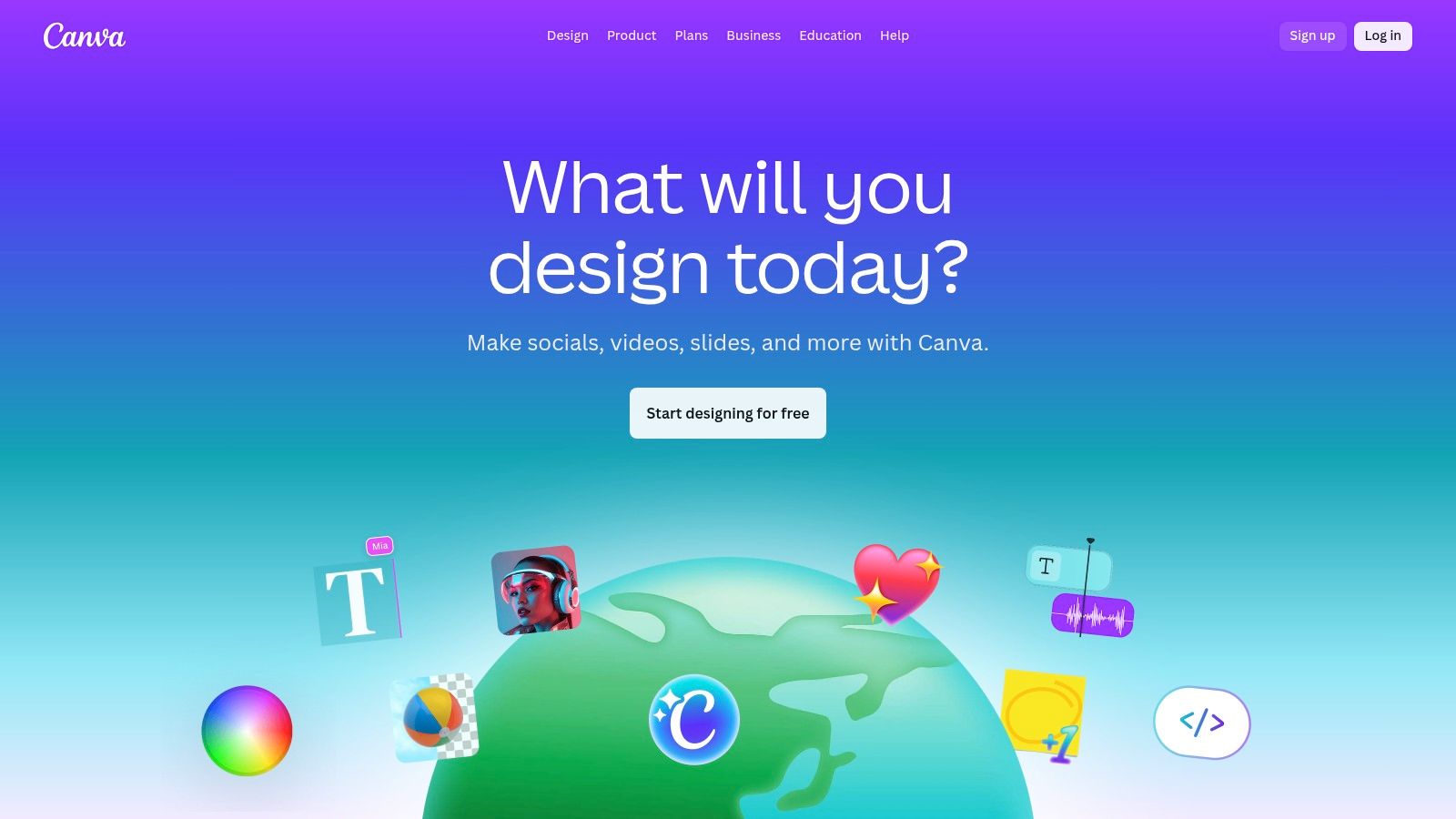
The platform’s "Magic Studio" brings together over 25 AI tools, including standouts like Magic Edit, Magic Eraser, and Background Remover. Magic Edit allows users to add or replace elements in a photo with a simple text prompt, while the Background Remover is a one-click solution perfect for creating clean product shots for e-commerce listings. The combination of these AI features with Canva’s robust collaboration tools and brand kit management makes it an indispensable asset for teams aiming for brand consistency across all marketing channels. For e-commerce sellers needing precise backgrounds, explore how to remove the background from a product photo for Shopify.
Key Features & Use Cases
- Best For: Marketers, social media managers, and small business teams needing fast, template-driven image and video production with strong brand management tools.
- Pricing: A free version is available with limited features. Canva Pro starts at $14.99/month, offering access to premium assets and the full suite of AI tools. Canva for Teams plans are available for larger groups.
- Pros: Extremely easy to use with a minimal learning curve, excellent for social media content, and strong collaboration features for team-based projects.
- Cons: Offers less granular, pixel-level control compared to dedicated desktop editors like Photoshop, and the pricing tiers can be confusing for teams with specific needs.
Website: https://www.canva.com
10. Picsart
Picsart has evolved from a popular mobile app into a powerful web and mobile AI photo editor, positioning itself as an all-in-one creative platform for social media content creators and small businesses. Its strength lies in combining accessible AI tools with a vast library of templates, stickers, and content, making it incredibly fast to produce on-trend, visually engaging assets. It bridges the gap between simple one-click filters and more complex professional software.
The platform offers a suite of over 15 AI-powered tools, including a capable AI Image Generator, one-tap background and object removal, and effective face retouching features. What sets Picsart apart for marketers and influencers is its batch editor and brand kit features, which streamline the process of applying consistent branding across multiple images. While generative features rely on a credit system, the paid plans are often generous, making it a cost-effective solution for high-volume content needs.
Key Features & Use Cases
- Best For: Social media managers, influencers, and Etsy sellers who need to quickly create branded, eye-catching content for platforms like Instagram and TikTok.
- Pricing: A free version is available with limited features. Paid plans start at around $5/month (billed annually) and include monthly AI credits and access to premium tools.
- Pros: Very easy to use, excellent for social-ready edits, and a massive content library. Paid tiers offer generous AI credits and frequent promotions.
- Cons: Credit limits and features can vary by plan and promotional offers, and it lacks the fine-tuned control required for professional RAW or high-resolution photography workflows.
Website: https://picsart.com
11. Microsoft Designer (and Windows Photos’ Generative Erase)
Microsoft has integrated accessible AI editing tools directly into its ecosystem, making Microsoft Designer and the native Windows Photos app a surprisingly capable duo for quick, hassle-free edits. This approach combines a user-friendly web interface with powerful features baked right into the operating system, offering a seamless experience for Windows users who need fast results without installing professional software.
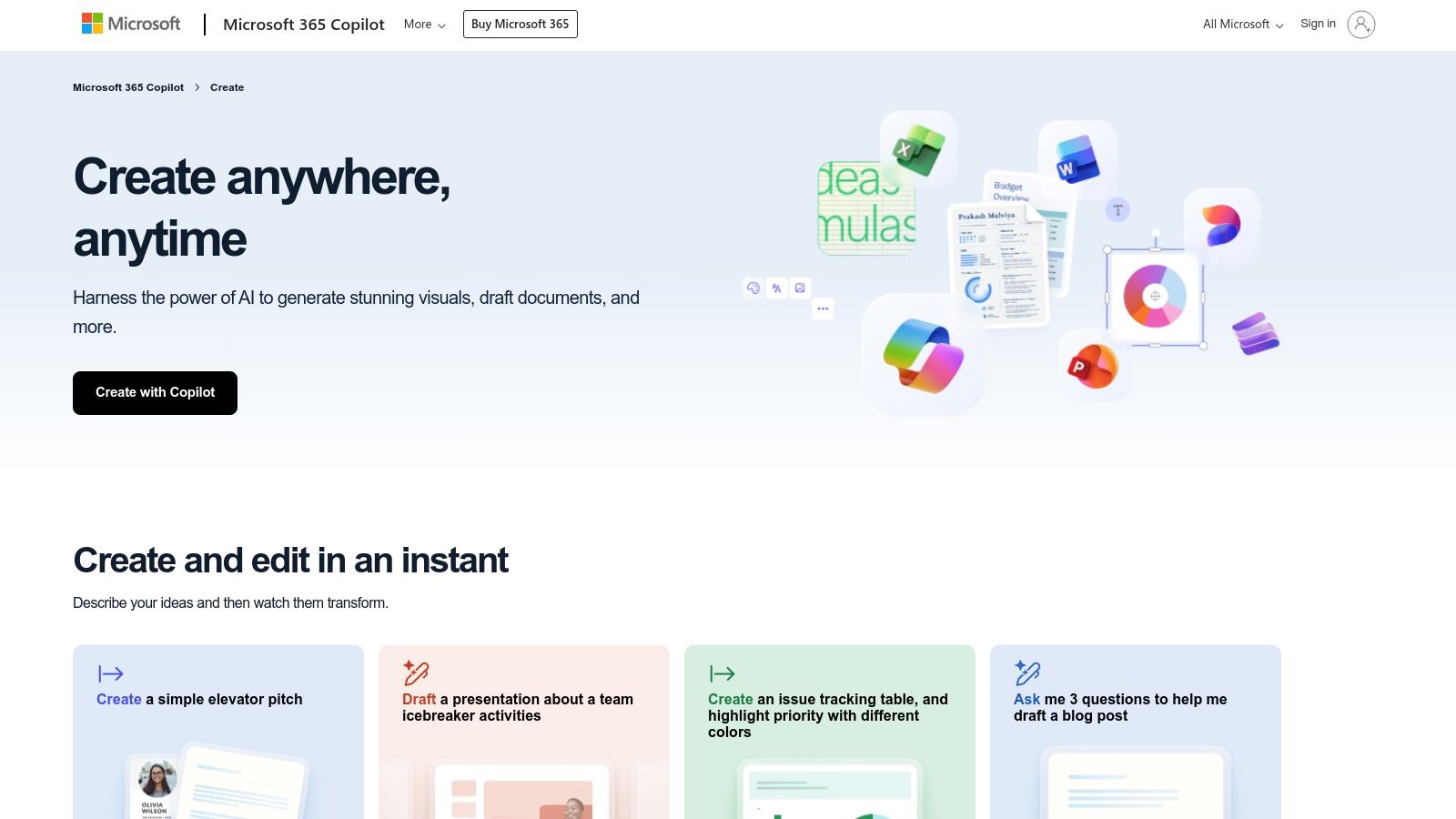
The standout feature is the integration between the Photos app and the browser-based Designer. You can start an edit in Photos, using its new Generative Erase to remove unwanted objects, and then seamlessly hand the image off to Designer for more complex tasks like background removal or adding new generative elements. This workflow makes it one of the best AI photo editors for casual users or small business owners looking for a free and convenient solution for everyday image improvements.
Key Features & Use Cases
- Best For: Windows users, casual content creators, and small business owners needing fast, free, and accessible AI-powered edits without a steep learning curve.
- Pricing: Free to use. Some advanced features may require a Microsoft 365 subscription in the future, but core functionality is currently available at no cost.
- Pros: Deeply integrated into the Windows 11 ecosystem for a smooth workflow, completely free for core features, and very easy to use for beginners.
- Cons: Less granular control compared to professional-grade editors, the best experience is limited to Windows users, and it lacks advanced batch processing capabilities.
Website: https://create.microsoft.com/features/ai-image-editor
12. Best Buy (retailer listing for Adobe Photoshop Elements 2025)
For users who prefer a one-time purchase from a trusted retailer over a cloud subscription, Best Buy offers a practical alternative by providing licensed software like Adobe Photoshop Elements 2025. This approach positions Best Buy not as a software developer, but as a reliable channel for acquiring powerful, consumer-focused AI photo editors. This is ideal for individuals and small business owners who want the security of a physical or digital purchase receipt from a major US retailer, complete with in-store pickup, straightforward returns, and potential financing options.
The key offering here is access to AI-driven tools like those in Photoshop Elements without committing to a recurring monthly fee. Photoshop Elements itself uses Adobe Sensei AI to power features like one-click subject selection, automatic colorization, and guided edits that simplify complex tasks. Buying through Best Buy ensures transparent pricing, access to frequent promotional sales like Black Friday, and the convenience of US-based fulfillment and customer support, making it a distinct and valuable purchasing route for some of the best AI photo editors on the market.
Key Features & Use Cases
- Best For: Hobbyists, small business owners, and families who prefer a single software purchase from a major retailer and need AI-powered tools without a steep learning curve.
- Pricing: Varies by product and promotions. The featured Adobe Photoshop Elements 2025 SKU is a 3-year license, providing long-term access for a one-time cost.
- Pros: Trusted US retailer with reliable delivery, pickup, and returns. Transparent pricing with common promotional cycles (Black Friday, seasonal sales).
- Cons: Photoshop Elements has a simpler AI toolset compared to Creative Cloud Photoshop. The example license is for a fixed 3-year term, not a perpetual license.
Website: https://www.bestbuy.com/site/adobe-photoshop-elements-2025-3-year-license-mac-os-windows/6593860.p
Top 12 AI Photo Editors — Features & Pricing
| Tool | Key features | Quality & Speed | Value / Pricing | Target audience | Unique selling points |
|---|---|---|---|---|---|
| ProdShot 🏆 | ✨ Auto BG removal, lighting/color AI, batch ZIP, marketplace-ready | ★★★★☆ — seconds per image, fast batch | 💰 Free trial + flexible plans; studio-cost savings | 👥 Small retailers, marketplace sellers, agencies, creators | ✨ Phone→studio-quality images, direct marketplace outputs |
| Adobe Photoshop (CC) | ✨ Generative AI (Firefly), compositing, plugins, cloud | ★★★★★ — pro-grade, feature-rich | 💰 Subscription (relatively expensive) | 👥 Professionals, studios, advanced editors | ✨ Industry-standard, deep tooling & plugin ecosystem |
| Adobe Lightroom | AI masking, cloud sync, library & mobile culling | ★★★★☆ — fast culling & global edits | 💰 Subscription (often bundled with PS) | 👥 Photographers needing catalog + edits | ✨ Strong library, mobile + PS round-trip |
| Skylum Luminar Neo | One‑click AI (Relight, GenErase), presets, plugins | ★★★★ — quick AI fixes | 💰 Perpetual or subscription; affordable promos | 👥 Hobbyists, creators wanting fast edits | ✨ Fast presets, perpetual license option |
| Topaz Labs | Upscale, denoise, sharpen, face recovery | ★★★★★ — best-in-class upscaling/denoise | 💰 Single-app or collection purchases; cloud render options | 👥 Pros needing high-quality finishing | ✨ Superior AI upscaling & noise reduction |
| ON1 Photo RAW | RAW workflow, NoNoise, Super Select AI, Resize AI | ★★★★ — all‑in‑one workflow | 💰 Perpetual or subscription (variable promos) | 👥 Photographers preferring buy-to-own | ✨ Integrated browse/develop/effects in one app |
| Capture One | Tethering, color control, AI masking, retouch tools | ★★★★★ — studio-grade precision | 💰 Subscription or perpetual (pricey for pros) | 👥 Studios, pro photographers | ✨ Best tethering & color/editorial control |
| Pixelmator Pro (Mac) | ML Enhance, ML Super Resolution, macOS optimized | ★★★★ — fast native performance | 💰 One-time Mac App Store purchase | 👥 Mac users seeking native, no-subscription app | ✨ Apple silicon optimized, ML tools |
| Canva (Pro/Business) | Background remove, Magic Edit, templates, brand kit | ★★★★ — fast template-led output | 💰 Freemium; Pro/Business subscriptions | 👥 Marketers, teams, social creators | ✨ Huge template library + team collaboration |
| Picsart | AI Image Generator, BG/Object removal, mobile apps | ★★★ — quick social edits | 💰 Paid plans with monthly AI credits | 👥 Social creators, casual editors | ✨ Generative tools + generous promo credits |
| Microsoft Designer / Windows Photos | Generative Erase, BG remove, web + Photos handoff | ★★★ — lightweight, quick fixes | 💰 Free to try (some features may need M365) | 👥 Casual users, Windows-native workflows | ✨ Free, integrated with Windows Photos |
| Best Buy (retailer listing) | Retail/download codes, in-store pickup, returns | ★★★ — consumer-level software options | 💰 Retail pricing, seasonal promotions | 👥 Buyers preferring retail purchase & pickup | ✨ Retail perks: pickup, returns, financing |
The Final Frame: Making the Right Choice
Navigating the landscape of the best AI photo editors can feel overwhelming, but the right choice ultimately hinges on your specific goals, workflow, and budget. We've explored a diverse range of powerful tools, from specialized e-commerce powerhouses like ProdShot to comprehensive creative suites like Adobe Photoshop and versatile all-in-one platforms like Skylum Luminar Neo. The common thread is clear: artificial intelligence is no longer a futuristic gimmick but a foundational technology that accelerates creativity, streamlines tedious tasks, and makes professional-quality results more accessible than ever.
The era of spending hours meticulously tracing product outlines or manually color-correcting entire photoshoots is officially over. For an online seller, this means reclaiming valuable time to focus on marketing, customer service, and growing your business. For a professional photographer, it means having more bandwidth for creative exploration and less time bogged down in repetitive post-production.
Key Takeaways and Final Considerations
As you prepare to make a decision, distill your needs down to the essentials. The most expensive or feature-rich software isn't always the best fit. Reflect on the insights from our comprehensive review and buying checklist to guide your selection.
Remember these core principles:
- Purpose Defines the Tool: Your primary objective is the most critical factor. An Etsy seller’s needs are fundamentally different from a landscape photographer's. Tools like ProdShot and Canva are built for speed and commercial output, while platforms like Capture One and Topaz Labs are designed for meticulous, high-fidelity image enhancement.
- Workflow Integration is Crucial: Consider how a new tool will fit into your existing process. Do you need a simple, web-based solution for quick edits, or a robust desktop application with plugin support that integrates with other software? A frictionless workflow saves more time in the long run than any single automated feature.
- Balance Power with Simplicity: The allure of endless features can be a trap. If you only need to remove backgrounds and generate simple scenes, a complex tool with a steep learning curve like Photoshop might be overkill. Opt for a solution that solves your core problems efficiently without unnecessary complexity.
Your Actionable Next Steps
With this information in hand, you are now equipped to choose the best AI photo editor for your unique situation. The next step is to move from analysis to action. Don't let indecision stall your progress.
- Revisit the Buying Checklist: Go back through the checklist provided earlier in this article. Score your top two or three contenders against your specific requirements, such as budget, skill level, and essential features (e.g., batch processing, preset availability).
- Start a Trial: Almost every tool on our list offers a free trial or a limited free version. There is no substitute for hands-on experience. Spend an hour processing a few of your own images to see if the interface feels intuitive and the results meet your quality standards.
- Invest and Implement: Once you’ve found the right fit, commit to it. Invest in the subscription or license and dedicate a small amount of time to learning its key functions. The initial learning curve will quickly pay dividends in efficiency and improved image quality.
Ultimately, the best AI photo editors are powerful allies in a visually driven world. By leveraging these tools, you're not just editing photos; you're creating more compelling brand stories, attracting more customers, and building a more professional presence. Choose wisely, implement thoughtfully, and watch your visual content transform.
Ready to stop editing and start selling? If your goal is to create stunning, conversion-focused product photos in seconds, ProdShot is the specialized tool built for you. Skip the complexity and get straight to professional, AI-generated results by visiting ProdShot to start your free trial today.