

In 2025, the line between amateur and professional content is blurrier than ever, thanks to a powerful new generation of apps. But with thousands of options flooding app stores, choosing the right tools can feel overwhelming. Are you paying for features you don't need? Is there an AI-powered alternative that could save you hours each week? This guide cuts through the noise. We've compiled the ultimate list of the best apps for content creation, categorized for every need, from AI-powered product photography and professional video editing to rapid-fire social media design.
This comprehensive resource is designed to help you build a smarter, more efficient workflow. Whether you're an e-commerce seller on Shopify, a social media manager crafting daily posts, or a professional creative agency, this breakdown provides clear recommendations. We analyze each app's specific strengths, ideal use cases, and potential limitations so you can make an informed decision without endless trial and error. For instance, while we cover broad design suites, it's also crucial to identify specialized tools that solve specific problems. When evaluating potential additions to your content creation setup, consider specialized AI tools, such as the best AI transcription apps for podcasts in 2025, to enhance efficiency.
Inside, you will find:
- Detailed Breakdowns: Analysis of top apps for photo editing, video production, graphic design, and social media.
- Use-Case Scenarios: We pinpoint who each app is best for, from solo entrepreneurs to marketing teams.
- Practical Insights: Honest pros and cons, platform availability, and pricing information.
- Visual Guides: Screenshots and direct links to help you explore each option quickly.
Our goal is simple: to help you find the perfect tools to create high-quality content faster and more effectively. Let's dive in and upgrade your digital toolkit.
1. ProdShot
ProdShot is an AI-powered product photography platform that solidifies its place as one of the best apps for content creation by democratizing professional-grade visuals. It empowers e-commerce sellers, agencies, and marketers to transform basic smartphone photos into clean, conversion-optimized product images in seconds. This eliminates the need for expensive studio equipment, professional photographers, and tedious manual retouching. The platform is engineered for speed and efficiency, making it an indispensable tool for anyone managing an online storefront or creating product-focused content at scale.
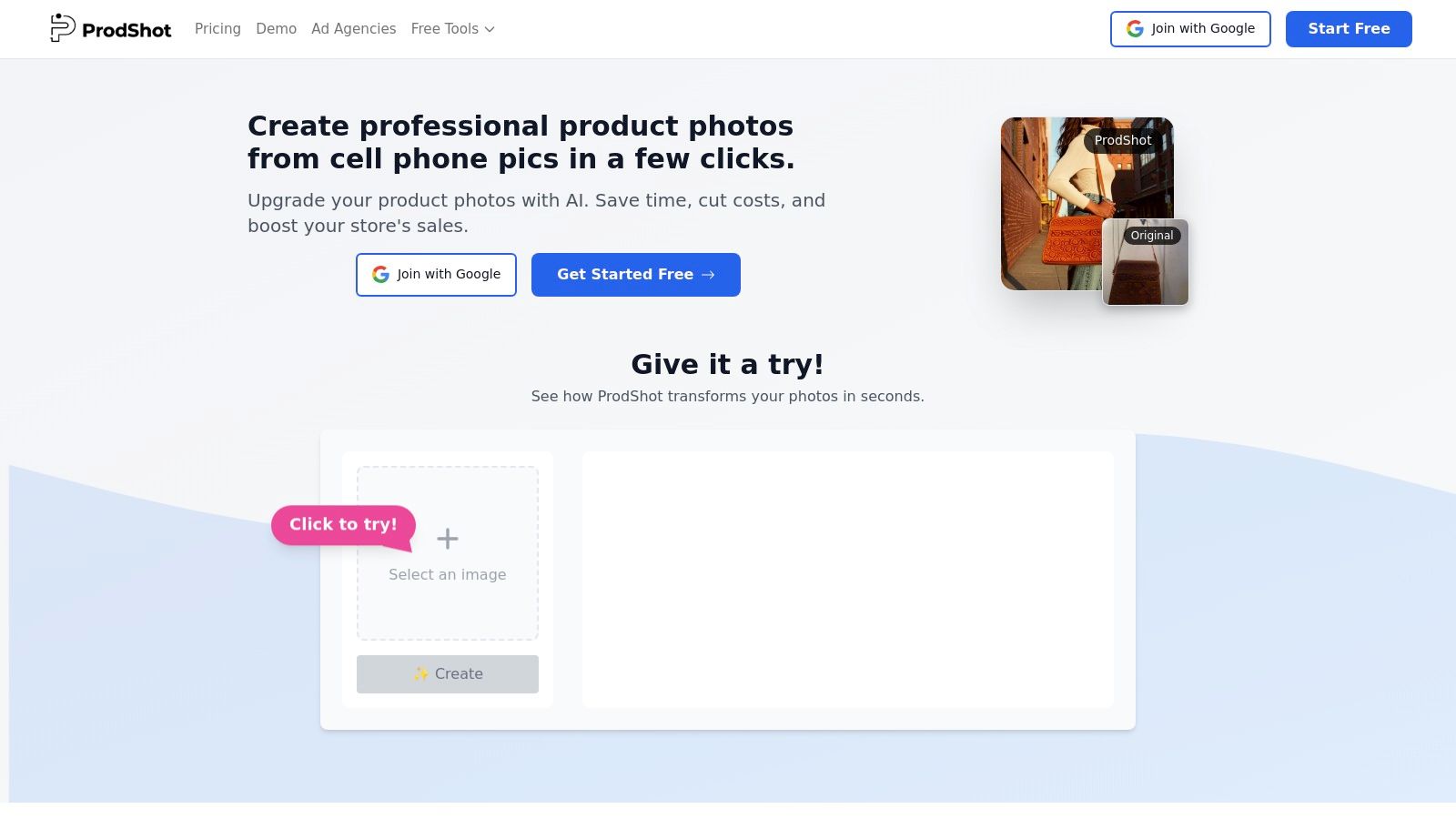
What truly sets ProdShot apart is its intelligent, end-to-end workflow designed specifically for commerce. It doesn't just remove a background; it uses AI to correct lighting, clean up minor imperfections, and place the product in a marketplace-ready template. Users can upload entire catalogs via ZIP files and watch the platform generate consistent, high-quality images tailored for Shopify, Amazon, Etsy, and social media channels. This batch-processing capability is a significant advantage for sellers who need to update dozens or hundreds of listings quickly.
Key Features & Use Cases
ProdShot's feature set is built around a core promise: speed and quality without complexity. The user experience is exceptionally straightforward, requiring no prior design or photo editing skills.
- AI-Powered Image Transformation: The core engine automatically handles background removal, lighting adjustments, and object cleanup, creating a polished studio look from a simple phone snapshot.
- Batch Processing: A critical feature for efficiency. Users can upload multiple files or entire ZIP archives to process a full product catalog in one go, saving countless hours of manual work.
- Marketplace-Ready Templates: The platform includes pre-configured templates optimized for the image requirements of major e-commerce sites like Shopify and Amazon, ensuring visual consistency and compliance.
- Integrated Toolkit: Beyond the main transformation tool, ProdShot offers an image resizer, upscaler, and object remover for final adjustments, making it a comprehensive solution.
A common workflow involves a seller taking photos of new inventory with their phone, uploading the entire folder to ProdShot, and receiving a complete set of clean, on-brand images ready for their storefront in minutes.
Pros & Cons
| Pros | Cons |
|---|---|
| Speed and Automation: Transforms phone photos into studio-quality images in seconds, drastically reducing production time. | Pricing Opacity: The website does not list specific pricing tiers, requiring users to sign up for a trial to see costs. |
| Batch Processing: Ability to upload and convert entire product catalogs via ZIP files is a major time-saver. | AI Limitations: May struggle with highly complex or transparent objects, sometimes requiring minor manual corrections. |
| Cost-Effective: Eliminates the need for expensive photography equipment, studio rentals, or outsourcing to retouchers. | |
| E-commerce Focused: Templates and outputs are specifically designed to boost conversions on platforms like Shopify & Amazon. |
Availability and Access
ProdShot is a web-based platform accessible directly through its website. It offers a free trial for new users to test the full range of features. While detailed pricing is not publicly displayed, the site mentions flexible plans designed to scale with a user's needs.
Website: https://prodshot.net
2. Apple App Store
For creators embedded in the Apple ecosystem, the App Store isn't just a marketplace; it's a highly curated discovery platform. While not an app itself, it’s the primary gateway to finding some of the best apps for content creation, many of which are exclusive to iOS, iPadOS, or macOS. Its strength lies in human-led editorial curation, which regularly surfaces high-quality, innovative tools through featured stories and "best-of" collections.
This rigorous vetting process ensures a higher standard of quality and security compared to other platforms. The user experience is seamless, with integrated billing, automatic updates, and straightforward subscription management across all your devices. For e-commerce sellers and marketers, this is where you’ll discover powerful mobile-first video editors like LumaFusion or specialized design apps that can transform your workflow on the go.
Key Details & User Experience
The App Store excels at providing a trustworthy environment. Detailed app pages with user reviews, developer responses, and clear privacy information help you make informed decisions before downloading.
- Platform: iOS, iPadOS, macOS
- Best For: Content creators, designers, and e-commerce sellers using Apple devices who value a secure and curated app discovery experience.
- Pricing: Free to access. Apps range from free with in-app purchases to one-time payments or subscriptions.
Our Take: The editorial collections are its killer feature, often highlighting niche but powerful creator tools you wouldn't find otherwise. It’s the gold standard for discovering mobile-first creative software.
Pros:
- Strong trust and safety review process for all apps.
- Seamless billing and updates across all your Apple devices.
- Excellent editorial curation that surfaces high-quality apps.
Cons:
- Exclusively available on Apple devices.
- Professional-grade apps can be pricier than cross-platform alternatives.
Learn more about optimizing your images for the App Store and other platforms.
Website: https://www.apple.com/app-store/
3. Google Play Store
For the millions of creators on Android devices, the Google Play Store is the essential portal for discovering tools that power their workflows. It's the official marketplace for Android and ChromeOS, hosting a vast and diverse catalog of the best apps for content creation. Its key advantage is its sheer scale and openness, offering everything from professional-grade video editors to experimental AI-powered design tools, often at more competitive price points than on other platforms.
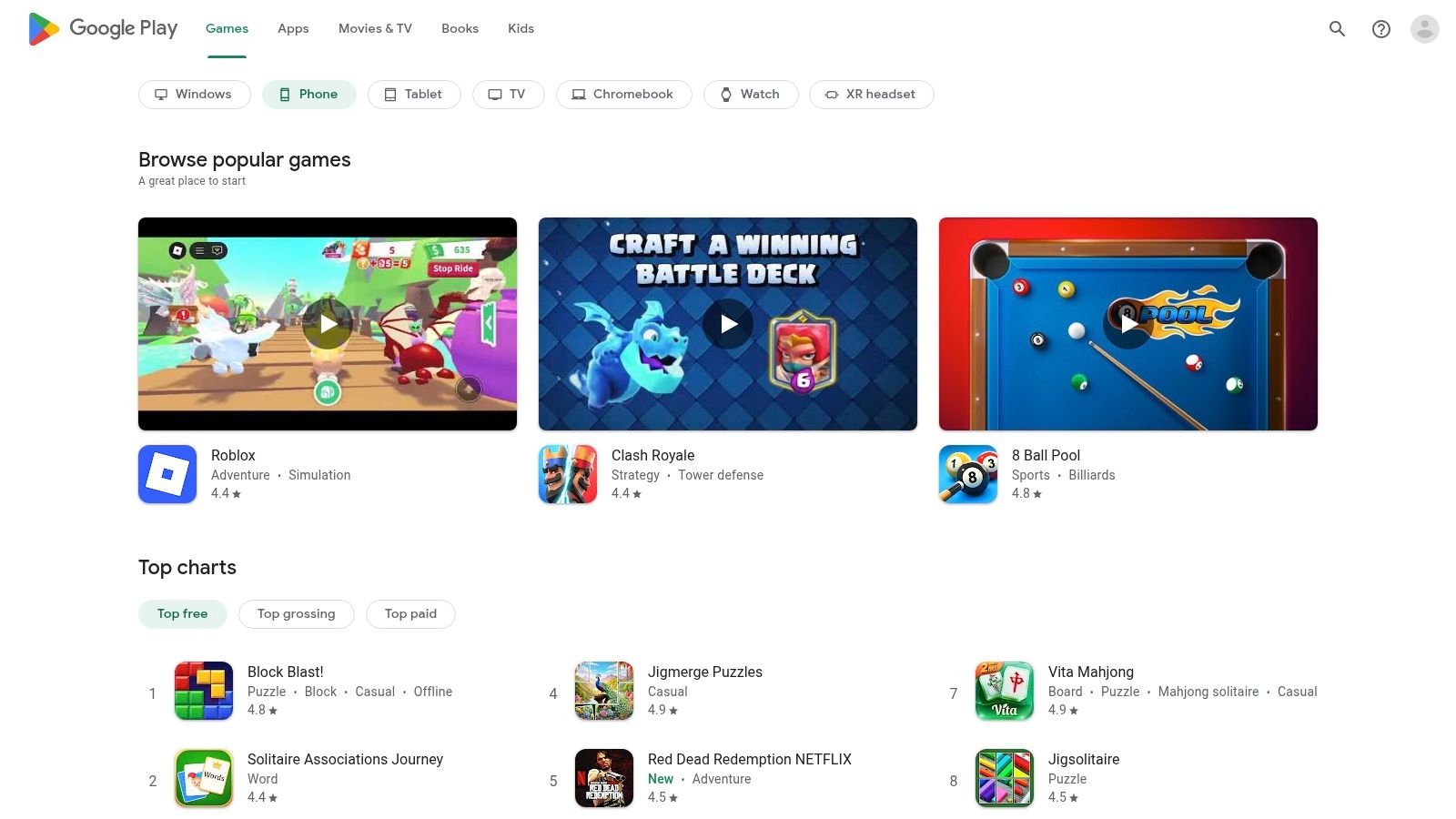
The platform integrates seamlessly with your Google account, streamlining billing, subscriptions, family sharing, and updates across all your devices. Device-aware listings automatically filter for apps compatible with your specific smartphone, tablet, or Chromebook, simplifying the search process. For e-commerce sellers and marketers, this means easy access to powerful content tools like CapCut or Photoroom that are optimized for the Android ecosystem.
Key Details & User Experience
The Play Store offers a familiar and functional user experience, with Play Protect providing a baseline of security scanning for all apps. User reviews, download counts, and editor's picks help guide discovery, while personalized hub features offer tailored recommendations.
- Platform: Android, ChromeOS
- Best For: Content creators and e-commerce sellers using Android devices who need a wide selection of apps and seamless Google account integration.
- Pricing: Free to access. App pricing varies from free and ad-supported to one-time purchases and subscriptions.
Our Take: The massive selection is its greatest strength, ensuring you can find a creative tool for almost any niche or budget. Its integration with the Google ecosystem makes managing subscriptions and app libraries effortless.
Pros:
- Huge selection of apps across all content creation categories.
- Easy installs and updates with Play Protect safeguards.
- Streamlined billing and device sync across Android/ChromeOS.
Cons:
- Exclusively for Android and ChromeOS devices.
- App quality can vary widely between listings compared to more curated stores.
Website: https://play.google.com
4. Microsoft Store
For content creators working primarily on Windows PCs, the Microsoft Store serves as a secure and centralized hub for discovering and installing creative software. While its catalog isn't as vast as mobile-focused app stores, it provides a safe, streamlined experience for finding some of the best apps for content creation tailored to the Windows environment. Its main advantage is the deep integration with the operating system, offering consolidated installs, automatic updates, and simplified license management tied to your Microsoft account.
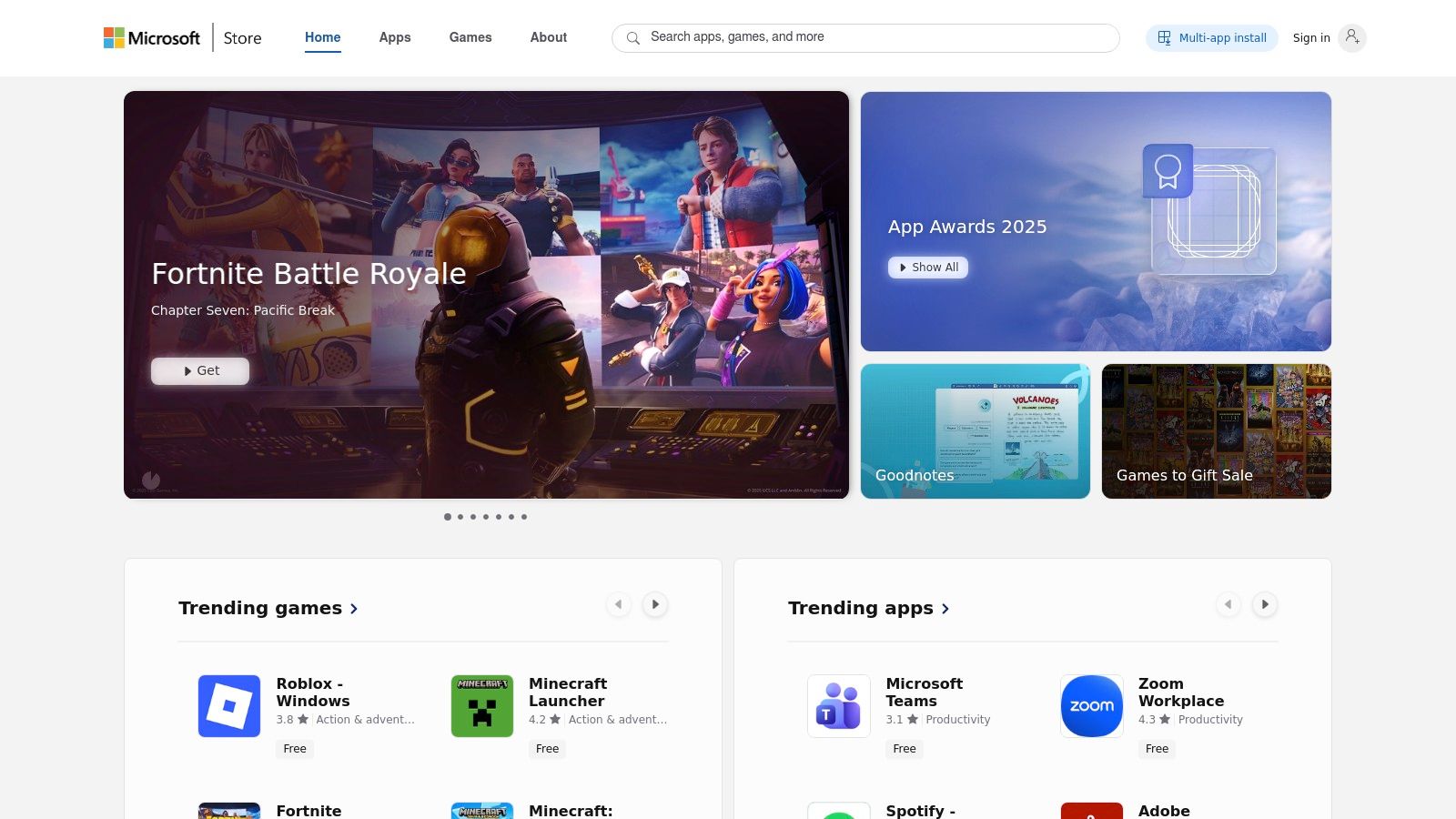
This centralized approach removes the friction of searching individual developer websites and manually managing installations. For e-commerce sellers or marketers on a PC, this is where you can find trusted photo editors, video tools like Clipchamp, and various utilities that benefit from Windows security features. The store ensures that apps are vetted for compatibility and safety, reducing the risk associated with downloading software from unverified sources.
Key Details & User Experience
The Microsoft Store prioritizes a secure and straightforward user journey. App pages include user ratings and reviews tied to verified Microsoft accounts, which helps in assessing an app’s quality before installation.
- Platform: Windows
- Best For: PC-based content creators, marketers, and e-commerce sellers who prefer a secure, centralized location for app discovery and management.
- Pricing: Free to access. Apps vary from free and ad-supported to one-time purchases or subscriptions.
Our Take: Its greatest strength is reliability. Knowing your apps are safely installed, automatically updated, and your licenses are tied to your account for easy restoration across devices provides significant peace of mind.
Pros:
- Safe, consolidated installs with automatic updates.
- Easy license restoration across different Windows devices.
- Strong integration with Windows security and device management.
Cons:
- Creative app catalog is smaller than Apple's or Google's mobile stores.
- Not all major professional creative applications are distributed through the Store.
Website: https://www.microsoft.com/store/apps
5. Adobe Creative Cloud
For professionals who demand the most powerful and integrated tools, Adobe Creative Cloud is the undisputed industry standard. This comprehensive suite goes beyond single apps, offering a deeply interconnected ecosystem of over 20 desktop and mobile applications like Photoshop, Premiere Pro, Illustrator, and Lightroom. Its primary strength lies in seamless cross-app workflows, allowing creators to move assets between programs without friction.
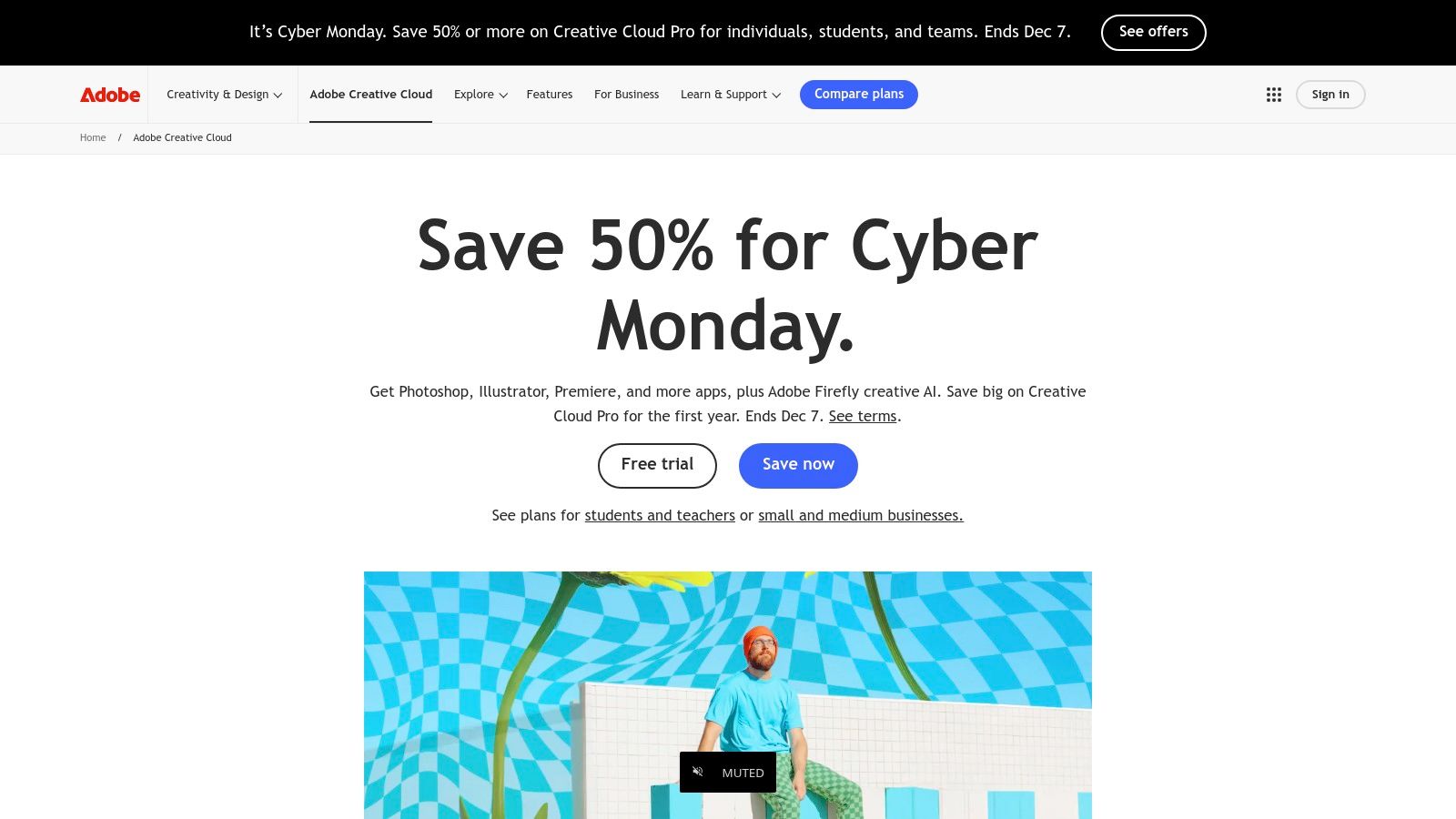
The recent integration of Adobe Firefly, its generative AI model, has embedded powerful AI capabilities directly into core apps. This allows e-commerce sellers and marketers to generate images, create vector graphics, or apply text effects using simple prompts. This combination of best-in-class manual tools and cutting-edge AI makes it one of the most versatile suites among the best apps for content creation available today.
Key Details & User Experience
Creative Cloud excels at providing a unified professional environment with shared libraries, fonts, and cloud storage that syncs across all devices. This ensures consistency and efficiency for teams and solo creators alike.
- Platform: Windows, macOS, iOS, Android
- Best For: Professional designers, video editors, marketing agencies, and e-commerce brands needing an all-in-one, industry-leading creative suite.
- Pricing: Subscription-based. Plans vary, such as the "All Apps" plan, with prices that increased in 2025.
Our Take: The tight integration between apps is its biggest advantage. Starting a design in Illustrator, animating it in After Effects, and editing it into a video in Premiere Pro is a seamless process no other ecosystem can match.
Pros:
- Industry-leading, best-in-class tools for professional workflows.
- Tight cross-app integration and frequent updates with new features.
- Built-in Firefly generative AI for advanced creative tasks.
Cons:
- Subscription costs increased in 2025, making it a significant investment.
- Steeper learning curve for some of the more complex applications.
Learn more about how AI is transforming product photography.
Website: https://www.adobe.com/creativecloud.html
6. Canva
Canva has revolutionized the design landscape by making it accessible to everyone, regardless of skill level. It is a web-first platform built for speed, enabling non-designers and marketing teams to quickly create professional-looking social media graphics, presentations, and brand assets. Its core strength lies in its vast library of templates, stock photos, and design elements, which drastically cuts down creation time.
The platform empowers users to maintain brand consistency with features like Brand Kits, while its suite of "Magic" AI tools simplifies complex tasks like background removal and content resizing. For e-commerce sellers, Canva is an indispensable tool for crafting ad creatives, promotional banners, and social posts without the steep learning curve of traditional design software. This makes it one of the best apps for content creation when speed and ease of use are priorities.
Key Details & User Experience
Canva’s drag-and-drop interface is famously intuitive, making design feel more like assembling a puzzle than a technical task. The user experience is built around efficiency, with easy export options optimized for every major social media platform.
- Platform: Web, Windows, macOS, iOS, Android
- Best For: Social media managers, e-commerce sellers, and marketing teams needing to produce a high volume of on-brand visual content quickly.
- Pricing: Free tier available. Paid plans (Pro and Teams) start from $14.99/month for additional features, templates, and AI credits.
Our Take: Canva’s template library is its superpower. It provides a professional starting point that eliminates creative blocks and ensures you can publish high-quality content in minutes, not hours.
Pros:
- Extremely fast workflow for producing and publishing social content.
- Massive template library reduces the learning curve for non-designers.
- Strong team collaboration and brand management features.
Cons:
- Recent price increases for team plans make value dependent on usage.
- Advanced design and video features still lag behind professional Adobe suites.
Learn more about using Canva as a photo editor for your Shopify store.
Website: https://www.canva.com
7. Affinity (Canva/Serif relaunch)
Following its acquisition by Canva, the Affinity suite has been relaunched into a unified creative platform that combines professional-grade pixel, vector, and layout tools. It merges the capabilities of Affinity Photo, Designer, and Publisher into one powerhouse application, challenging the subscription-based model of its competitors. This makes it one of the best apps for content creation for those who need robust features without recurring costs.
The platform is designed for creators who demand precision, offering RAW photo editing, advanced vector manipulation, and print-ready layout tools that are fully compatible with standard industry files like PSD and AI. For e-commerce sellers, this means you can create everything from high-resolution product photos to bespoke packaging designs and marketing brochures within a single, integrated workflow. The relaunch also introduces optional Canva integration, bridging the gap between professional design and accessible AI-powered features.
Key Details & User Experience
Affinity maintains its highly praised, non-destructive workflow and impressive performance, even with complex, multi-layered documents. The user interface remains clean and intuitive, with separate "studios" for pixel, vector, and layout tasks that keep the workspace uncluttered.
- Platform: macOS, Windows, iPadOS
- Best For: Designers, photographers, and marketers who require professional design tools for bespoke graphics, print media, and detailed photo editing without a subscription.
- Pricing: The core application is free. Optional AI features and cloud integration are available through paid Canva plans.
Our Take: The new free-to-use model makes professional-level design incredibly accessible. It’s the perfect high-power, low-cost alternative to Adobe for creating polished, custom brand assets from scratch.
Pros:
- Core suite combining photo, vector, and publishing is completely free.
- Professional depth suitable for print, digital, and branding work.
- No mandatory subscription for core professional tools.
Cons:
- Advanced AI and cloud features require a paid Canva plan.
- The relaunch has created some uncertainty for legacy users regarding future updates.
Website: https://affinity.studio/
8. Blackmagic Design — DaVinci Resolve
For creators demanding professional-grade video editing without the recurring subscription fees, DaVinci Resolve is an industry powerhouse. Originally famed for its Hollywood-level color grading tools, it has evolved into an all-in-one post-production suite that integrates editing, visual effects (Fusion), color correction, and audio mastering (Fairlight) into a single, seamless application. It is one of the best apps for content creation when high-fidelity color and professional workflows are non-negotiable.
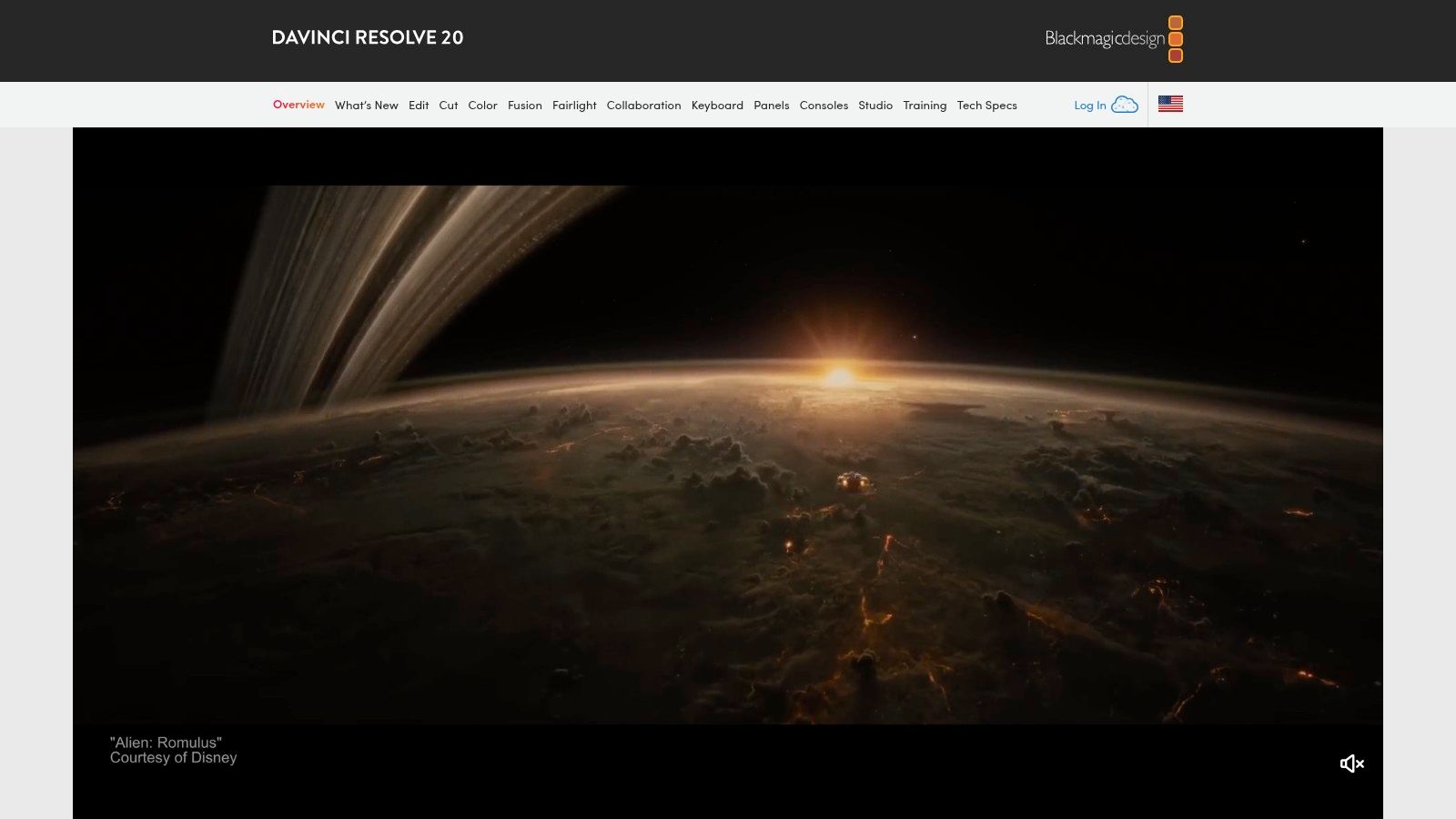
The free version alone offers more functionality than many paid competitors, making it accessible for creators on a budget who are willing to invest time in learning. For e-commerce brands producing high-end product videos or marketing agencies creating cinematic ads, the precise control over color and effects is unparalleled. The transition from editing to color grading to audio mixing is fluid, as everything exists within the same project file, eliminating the need to round-trip between different software.
Key Details & User Experience
DaVinci Resolve has a steeper learning curve than more consumer-focused editors, but its node-based workflow for color and effects provides infinite creative possibilities once mastered. The interface is organized into "pages," each dedicated to a specific task like cutting, editing, or audio.
- Platform: macOS, Windows, Linux
- Best For: Video creators, filmmakers, and marketers who require advanced color grading and a comprehensive, all-in-one post-production solution.
- Pricing: A powerful free version is available. DaVinci Resolve Studio is a one-time purchase ($295) for a perpetual license that unlocks advanced features like the DaVinci Neural Engine, more effects, and higher resolutions.
Our Take: The value proposition is unmatched. The free version is powerful enough for most professional work, and the one-time cost for the Studio version is a refreshing alternative to endless subscriptions.
Pros:
- Exceptionally powerful free version suitable for professional projects.
- Industry-leading color grading and audio post-production tools.
- Studio license is a perpetual one-time purchase, not a subscription.
Cons:
- Steeper learning curve compared to beginner-friendly editors.
- Requires a powerful computer to run smoothly, especially with 4K footage and effects.
Website: https://www.blackmagicdesign.com/products/davinciresolve
9. Apple Final Cut Pro
For creators deeply invested in the Apple ecosystem, Final Cut Pro is a powerhouse professional video editor optimized for speed and efficiency. Its non-linear, trackless Magnetic Timeline is a game-changer for rearranging clips without creating gaps or sync issues, making it one of the best apps for content creation when speed is paramount. The software is built to leverage the full power of Apple silicon, resulting in exceptionally fast rendering and real-time playback, even with 4K or 8K footage.
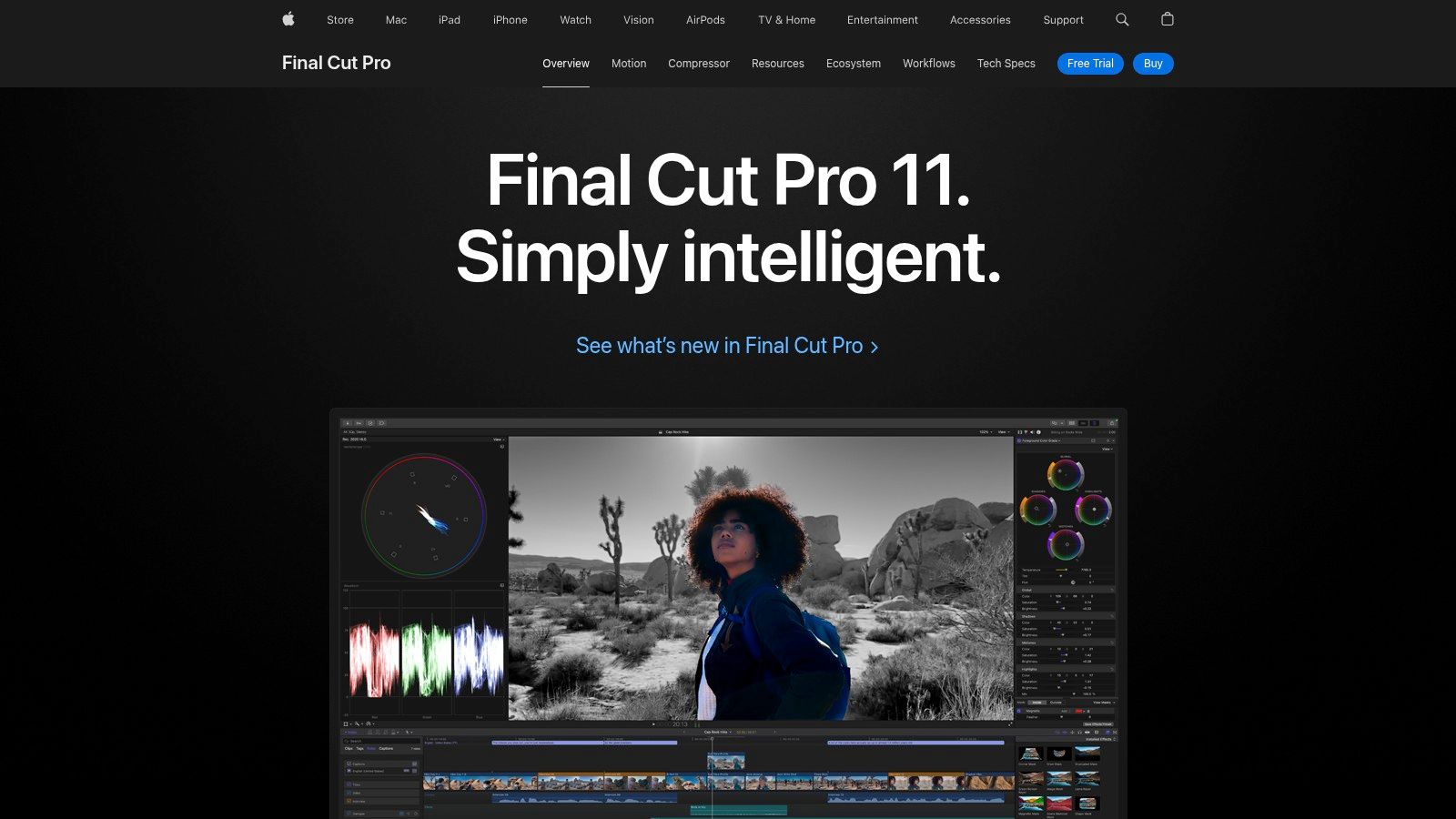
With a dedicated iPad version that supports the Apple Pencil for precision editing and seamless project transfer to the Mac, Final Cut Pro bridges the gap between mobile and desktop workflows. It’s an ideal choice for social media creators and e-commerce brands who need to quickly edit high-quality vertical video shot on an iPhone and get it published fast. AI-assisted features like Smart Conform automatically reframe videos for different aspect ratios, saving immense time.
Key Details & User Experience
Final Cut Pro offers a clean, intuitive interface that is less intimidating than many of its professional counterparts. The one-time purchase model for macOS is a significant draw for those avoiding subscription fatigue.
- Platform: macOS, iPadOS
- Best For: E-commerce sellers, YouTubers, and social media managers using Apple hardware who need a fast, powerful, and easy-to-learn video editor.
- Pricing: One-time purchase of $299.99 for macOS. The iPad version requires a subscription ($4.99/month or $49/year).
Our Take: The performance on Apple silicon is its defining feature. For Mac users, the sheer speed of the workflow, from import to export, is difficult to beat, especially for social-first content.
Pros:
- Incredibly fast performance and rendering on modern Macs.
- Streamlined user experience with the unique Magnetic Timeline.
- Clear, predictable one-time pricing for the desktop version.
Cons:
- Exclusively available on macOS and iPadOS.
- Fewer built-in VFX tools compared to all-in-one suites like DaVinci Resolve.
Website: https://www.apple.com/final-cut-pro/
10. CapCut
CapCut has become the go-to mass-market video editor for short-form social content, particularly for TikTok, Reels, and Shorts. Its core strength is its focus on speed and trends, providing a vast library of templates, trendy effects, and AI-powered tools that simplify otherwise complex editing tasks. This makes it one of the best apps for content creation for those needing to produce high volumes of engaging video content quickly.
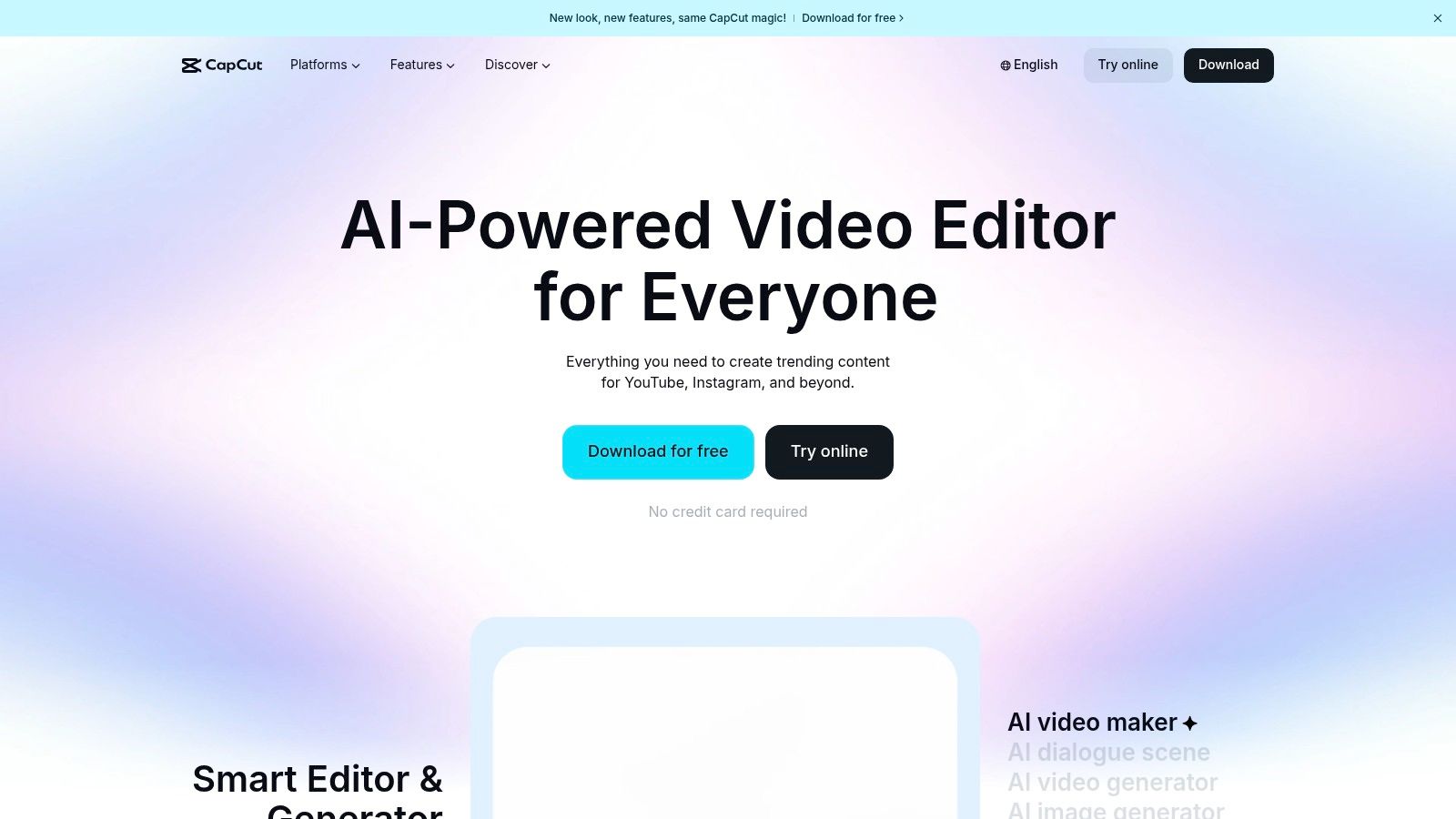
The platform’s cross-device functionality is a significant advantage for creators on the move. You can start a project on your phone, refine it on a desktop, and then make final tweaks in the web editor, with all changes syncing via the cloud. This flexibility is invaluable for social media managers and e-commerce sellers who need to create promotional clips without being tied to a single workstation.
Key Details & User Experience
CapCut’s interface is remarkably intuitive, designed for rapid-fire editing without a steep learning curve. The AI captioning feature is a standout, generating accurate subtitles in seconds and dramatically reducing production time for accessible content.
- Platform: Web, Desktop (Windows, macOS), Mobile (iOS, Android)
- Best For: Social media managers, influencers, and e-commerce sellers who need to rapidly produce trend-focused short-form video content.
- Pricing: A generous free tier is available. Paid plans (CapCut Pro) add more cloud storage, effects, and advanced AI features, with pricing that varies by region and platform.
Our Take: For creating social media videos that look current and polished with minimal effort, CapCut is unparalleled. Its template-driven workflow and automatic captioning are game-changers for fast-paced content calendars.
Pros:
- Extremely fast workflow specifically tailored for short-form video.
- Large ecosystem of templates, effects, and sounds.
- Generous free tier with powerful core features.
Cons:
- Pricing tiers can be inconsistent across different platforms and regions.
- Policy changes and potential U.S. availability issues have caused interruptions for some users.
Website: https://www.capcut.com
11. Setapp
Setapp operates like a "Netflix for Mac apps," offering a subscription service that unlocks a vast, curated library of premium applications. For creators, this model is a game-changer, providing access to dozens of specialized tools for a single monthly fee, eliminating the need to purchase individual licenses. It’s an ecosystem designed for power users who need a diverse toolkit, from screen recorders and GIF makers to project management and writing apps.
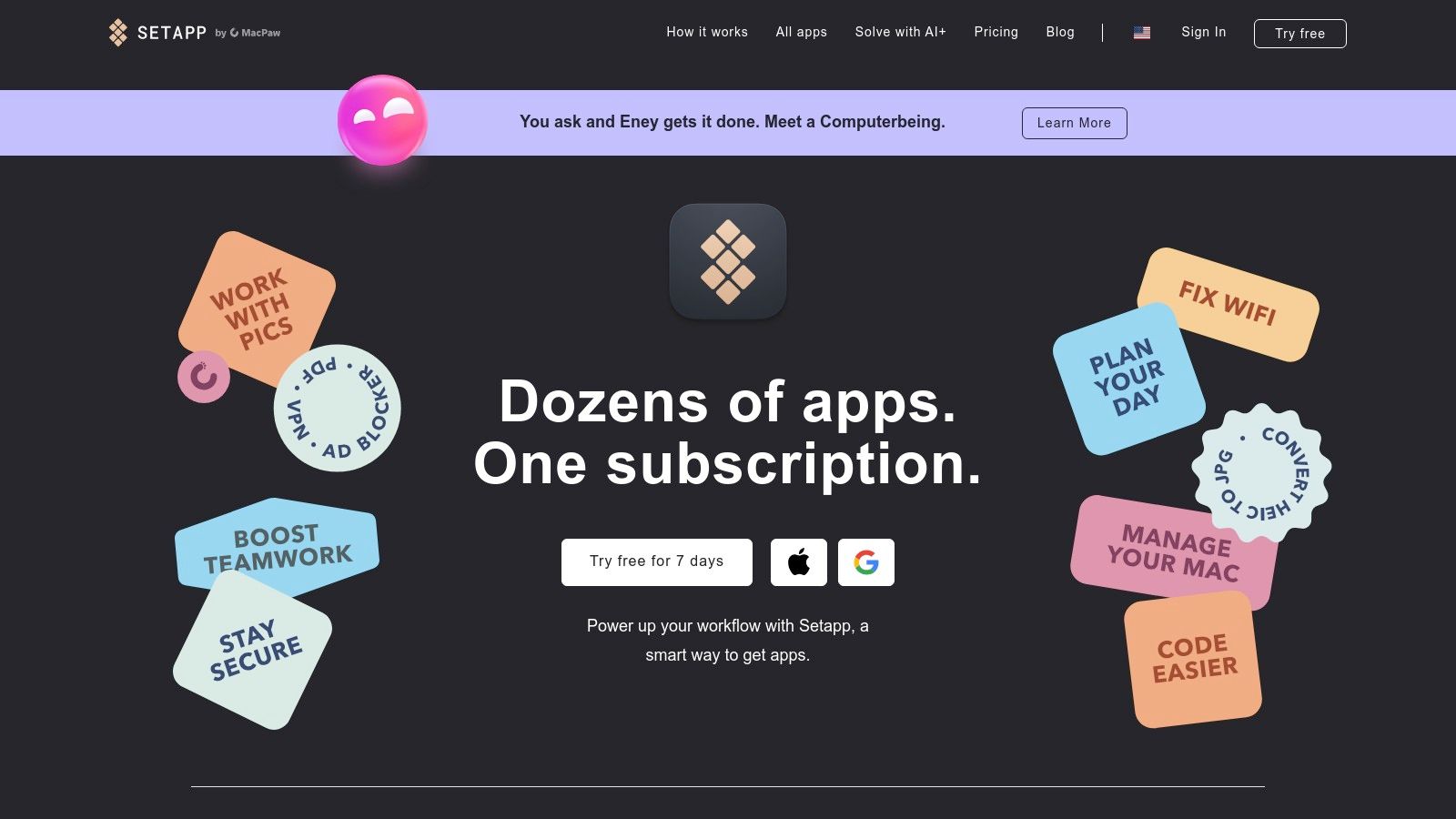
This platform is particularly valuable for creators who frequently experiment with new workflows. Instead of committing to an expensive app, you can install and test any tool in the catalog on demand. The centralized system for updates and billing simplifies software management, letting you focus on creating rather than juggling subscriptions. It bundles many of the best apps for content creation that solve niche problems, making it an incredible value proposition.
Key Details & User Experience
The Setapp interface is a clean, searchable desktop client that makes discovering and installing apps effortless. All applications are full-featured and ad-free, ensuring a high-quality user experience across the board.
- Platform: macOS, with companion apps on iOS/iPadOS
- Best For: Mac-based creators, marketers, and power users who need a wide variety of utility and creative apps without the high cost of individual purchases.
- Pricing: Starts at $9.99/month for one Mac. Plans are available for Mac + iOS and teams. A 7-day free trial is offered.
Our Take: Setapp's value is undeniable if you use three or more of its included apps. It's the ultimate toolkit for creators who love discovering and integrating new software to optimize their workflow.
Pros:
- Incredible value compared to buying apps individually.
- Centralized billing and updates simplify software management.
- High-quality, curated catalog of ad-free applications.
Cons:
- Does not include major professional suites like Adobe Creative Cloud or Final Cut Pro.
- The ever-growing library can be overwhelming for new users.
Website: https://setapp.com
12. G2 — Content Creation Category
When you need to move beyond curated lists and get real-world feedback, G2 is the go-to software marketplace. Its Content Creation category is a powerful research hub where you can compare hundreds of the best apps for content creation based entirely on verified user reviews. This platform allows you to shortlist and compare tools across design, video, and copywriting with granular detail.
Unlike simple app stores, G2 provides side-by-side comparisons, filterable grids, and proprietary "Momentum" reports that identify rising stars in the software landscape. For e-commerce sellers and agencies, this is invaluable for validating a potential software investment, reading about implementation challenges, and understanding how a tool performs in a real business environment before committing.
Key Details & User Experience
G2 shines by aggregating detailed reviews that cover not just features, but also ease of use, quality of support, and implementation hurdles. You can filter by company size or user role to find feedback relevant to your specific needs.
- Platform: Web
- Best For: E-commerce managers, marketing agencies, and creators who need to make informed, data-driven decisions when selecting new software tools.
- Pricing: Free to browse and compare.
Our Take: The verified user reviews are its greatest asset. It cuts through marketing hype and gives you honest, unfiltered insights into how a tool actually functions day-to-day.
Pros:
- Real-world feedback helps validate software choices and manage expectations.
- Side-by-side comparisons simplify the decision-making process.
- Direct links to vendor sites for trials, demos, and pricing.
Cons:
- Some listings and placements may be vendor-sponsored.
- Aggregated ratings don’t replace hands-on trials for your specific workflow.
Website: https://www.g2.com/categories/content-creation
Top 12 Content Creation Apps Comparison
| Product | Core features ✨ | Quality ★ | Value 💰 | Target 👥 | USP 🏆 |
|---|---|---|---|---|---|
| ProdShot 🏆 | AI background removal; lighting correction; batch ZIP uploads; marketplace-ready templates | ★★★★☆ — fast, automated, polished | 💰 Free trial; flexible plans; lowers outsourcing cost | 👥 Small retailers, agencies, marketplace sellers, creators | 🏆 Studio-quality product photos from phone snaps in seconds; end-to-end e‑commerce outputs |
| Apple App Store | Human-curated app collections; deep app pages; integrated billing | ★★★★★ — trusted curation & review process | 💰 Varies by app/subscription | 👥 iOS/iPadOS/macOS creators & buyers | Editorial curation surfaces vetted creator tools |
| Google Play Store | Large Android catalog; device-aware listings; subscriptions | ★★★★☆ — broad selection, mixed quality | 💰 Varies; many free apps & subscriptions | 👥 Android/ChromeOS creators | Massive selection with Play Protect safeguards |
| Microsoft Store | Centralized Windows installs; auto updates; account-tied reviews | ★★★☆☆ — safe but smaller catalog | 💰 Free/paid apps; fewer marquee pro titles | 👥 Windows creators & enterprise users | OS integration and easy license restoration |
| Adobe Creative Cloud | Photoshop, Premiere, Lightroom, Firefly AI; cloud libraries | ★★★★★ — industry‑leading pro tools | 💰 $$$ subscription (higher tiered plans) | 👥 Professional designers, agencies, studios | Best‑in‑class, tightly integrated creative suite |
| Canva | Templates, stock assets, Magic AI tools; brand kits | ★★★★☆ — ultra-fast, template-driven | 💰 Free tier; Pro/Team subscriptions | 👥 Non‑designers, social teams, marketers | Rapid on‑brand content creation with templates |
| Affinity (Canva/Serif) | Pixel + vector + layout studios; PSD/RAW support | ★★★★☆ — pro depth without subscription | 💰 Free core app; paid AI add‑ons | 👥 Designers needing offline pro tools | Pro-grade tools with a free/one-time model |
| Blackmagic DaVinci Resolve | Edit, Fusion VFX, Color grade, Fairlight audio; Neural Engine | ★★★★★ — Hollywood-grade post & color | 💰 Free tier; one‑time Studio license | 👥 Video pros, colorists, post houses | Exceptional free pro features; top color tools |
| Apple Final Cut Pro | Magnetic Timeline; Apple silicon optimized; iPad app | ★★★★★ — very fast on Mac | 💰 One-time mac purchase; optional iPad subscription | 👥 Mac social/video creators & editors | Speed and tight Apple ecosystem integration |
| CapCut | Short‑form templates; AI captioning; cloud sync across devices | ★★★★☆ — trend-focused, fast | 💰 Generous free tier; paid tiers vary by region | 👥 Short‑form social creators, influencers | Trendy templates and rapid short‑form workflows |
| Setapp | Curated Mac/iOS app catalog under one subscription; updates | ★★★★☆ — high utility for power users | 💰 Subscription; high value if many apps used | 👥 Power Mac users who need many utilities | One bill for many vetted apps; easy installs/updates |
| G2 — Content Creation | Side‑by‑side comparisons; verified user reviews; leader reports | ★★★★☆ — crowdsourced credibility | 💰 Free to browse; vendor-sponsored options exist | 👥 Buyers researching software & teams | Real-world reviews & filterable comparisons |
Choosing the Right App for Your Creative Workflow
Navigating the vast landscape of digital tools can feel overwhelming, but building the perfect creative stack is an achievable and highly rewarding endeavor. We've explored a wide array of the best apps for content creation, from comprehensive platforms like Adobe Creative Cloud and powerhouse video editors like DaVinci Resolve to user-friendly design suites like Canva and innovative marketplaces like Setapp. The central theme is clear: there is no single "best" app, only the best app for your specific needs, goals, and workflow.
The journey to an optimized content strategy begins with a clear-eyed assessment of your primary challenges. Are you spending too much time on tedious, repetitive tasks? Is the quality of your visual content failing to capture your brand's true value? Identifying your biggest content bottleneck is the most critical first step.
From Bottlenecks to Breakthroughs: A Strategic Approach
For many e-commerce entrepreneurs, particularly on platforms like Shopify, Amazon, and Etsy, the most significant and time-consuming hurdle is producing a consistent stream of high-quality, conversion-focused product imagery. While a tool like Adobe Photoshop offers unparalleled power, its steep learning curve can be a major barrier. Conversely, Canva excels at creating social media graphics and marketing assets, but it isn't purpose-built for generating professional product photos from scratch.
This is where specialized, AI-driven solutions demonstrate their immense value. Tools like ProdShot were engineered to solve this exact problem. By automating background removal, generating realistic scenes, and optimizing images for sales, it directly addresses the core pain point of product presentation, freeing up valuable time for you to focus on other critical aspects of your business, like marketing and customer service.
Building Your Personalized Content Creation Toolkit
The ideal creative workflow rarely relies on a single application. Instead, it involves a curated selection of tools that work in harmony. Your goal should be to build a toolkit that complements your skills and accelerates your output.
Consider these factors when making your selection:
- Skill Level and Learning Curve: Be realistic about the time you can invest in learning new software. If you need results fast, prioritize apps with intuitive interfaces and robust template libraries like Canva or CapCut. If you are committed to mastering a craft, investing in Adobe Creative Cloud or Final Cut Pro will pay long-term dividends.
- Budget and Pricing Model: Your budget will significantly influence your choices. Start with powerful free tools like DaVinci Resolve or the free tiers of many SaaS apps. Subscription models (Adobe, Setapp) offer continuous updates and broad access, while one-time purchases (Affinity, Final Cut Pro) can be more cost-effective over time.
- Primary Content Format: Are you focused on video for TikTok and Reels, static product shots for your online store, or detailed vector graphics for branding? Let your primary output guide your primary tool. A social media manager's toolkit will look very different from that of an e-commerce store owner.
- Integration and Workflow Efficiency: Consider how a new app will fit into your existing process. Does it integrate with other tools you use? Does it offer features like batch processing or team collaboration that can save you time and streamline operations?
Ultimately, the goal is to create a seamless, efficient process that transforms your ideas into high-impact content with minimal friction. Don't be afraid to experiment. Many of the best apps for content creation offer free trials or robust freemium versions. Use them to test drive the software, complete a real project, and determine if it truly solves your problem before making a financial commitment. Your final toolkit should feel less like a collection of separate programs and more like a unified extension of your creative vision, empowering you to elevate your brand and connect with your audience more effectively than ever before.
Ready to eliminate your biggest content bottleneck and create stunning, sales-ready product images in seconds? ProdShot uses AI to instantly generate professional, conversion-optimized visuals without the need for expensive photoshoots or complex editing skills. See how the right specialized tool can revolutionize your e-commerce workflow by trying ProdShot today.