
Tag: image background remover
-
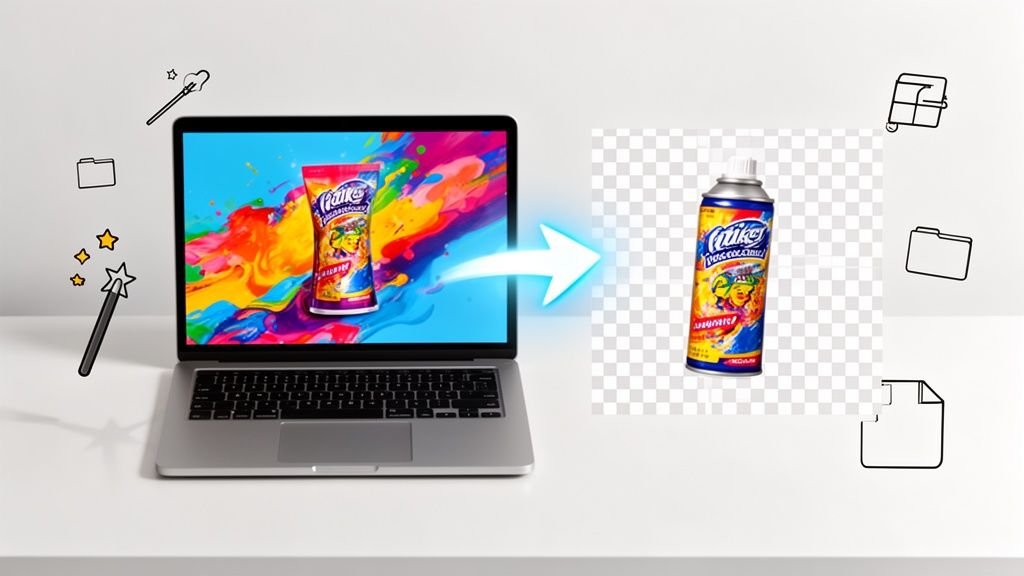
To turn a JPG into a transparent PNG, you first have to cut the subject out from its background with an editing tool. Once the background is gone, you save (or export) the image as a PNG file. That's the secret sauce—unlike JPGs, the PNG format supports transparency, which lets your image sit cleanly on…