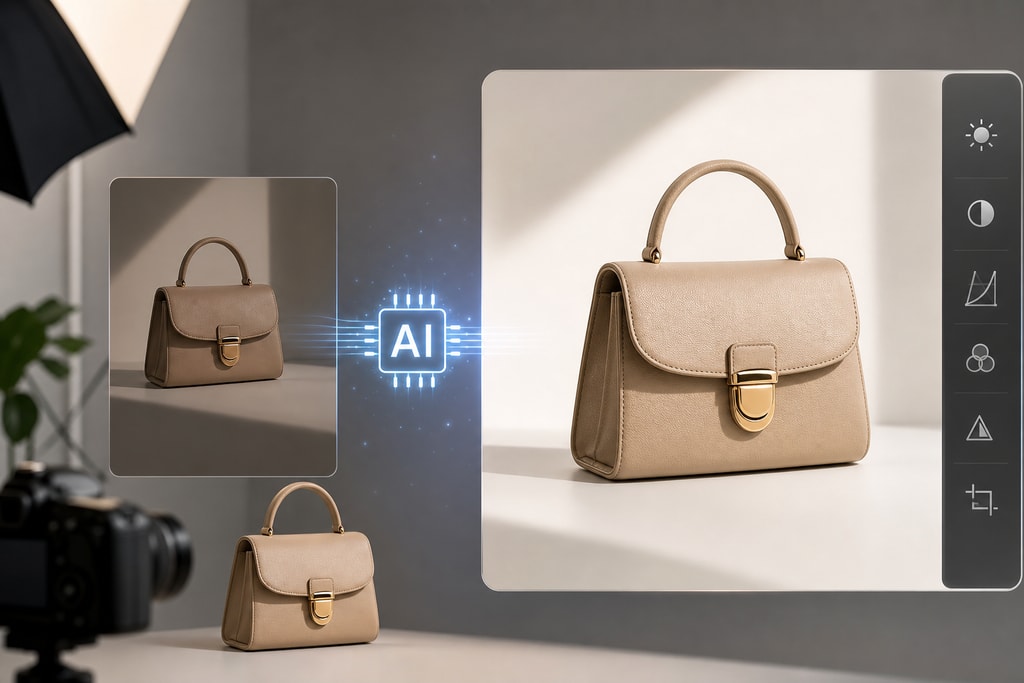
In the competitive landscape of e-commerce, the power of high-quality product photos cannot be overstated. They play a pivotal role in attracting potential customers, establishing brand trust, and driving sales. However, achieving these professional-grade images often incurs substantial cost and time investment. Enter artificial intelligence (AI): a revolutionary force in product photography, providing efficient and cost-effective solutions without compromising on quality.
The Imperative of High-Quality Product Photos
First impressions are crucial in online shopping; your product images act as the initial handshake with potential customers. Clear, well-lit, and visually appealing photos significantly impact purchasing decisions. According to Zoho's study, "Visually appealing and informative product photos reduce customers' uncertainty during online shopping and increase conversions." Source
How AI is Transforming Product Photography
AI technologies are revolutionizing how e-commerce businesses approach product photography, offering various innovative solutions:
1. Background Removal and Replacement
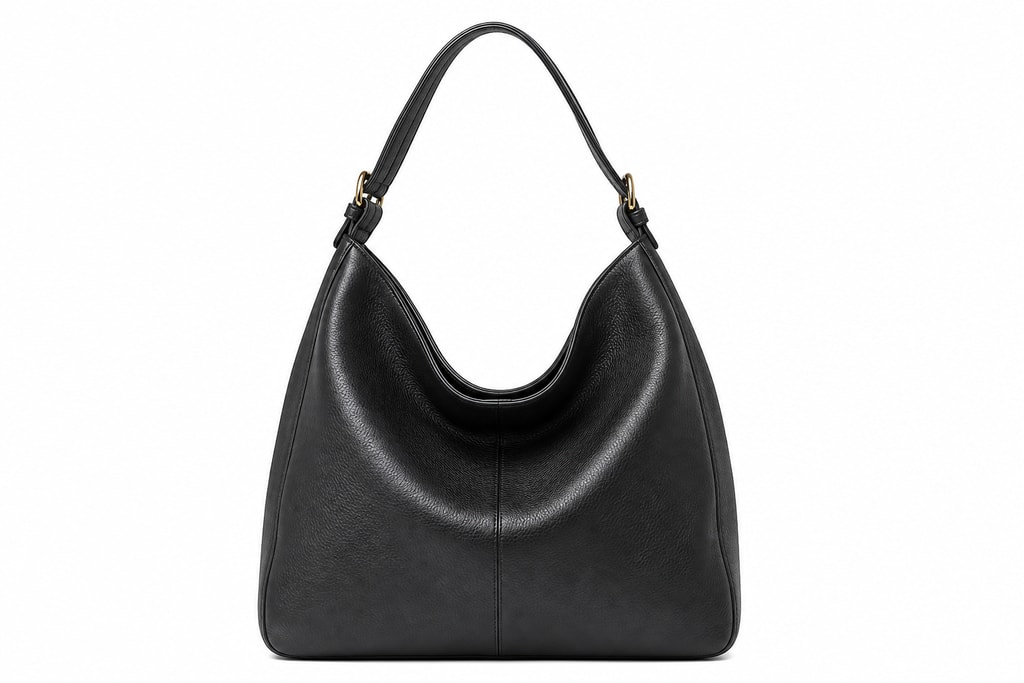
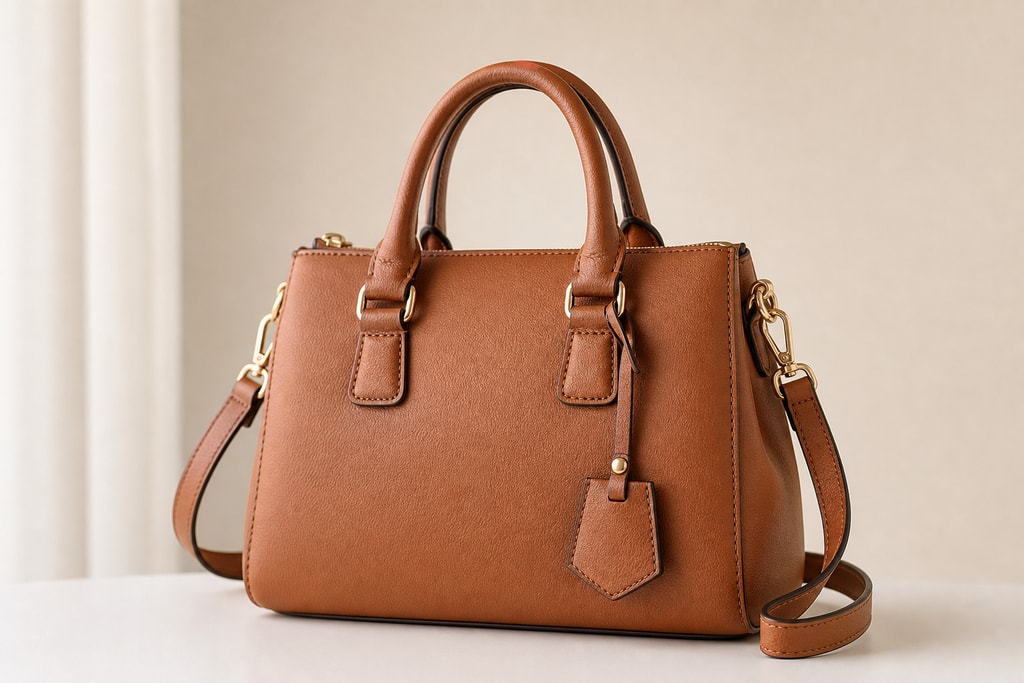
AI-powered tools automatically remove backgrounds from product images, facilitating clean, white backgrounds or customized scenes suitable for different marketplaces or creating lifestyle images without reshoots.
Practical Example
Imagine needing images for both digital marketplaces with a white background and lifestyle scenes for social media. AI tools can streamline this dual requirement in minutes.
2. Image Enhancement and Upscaling
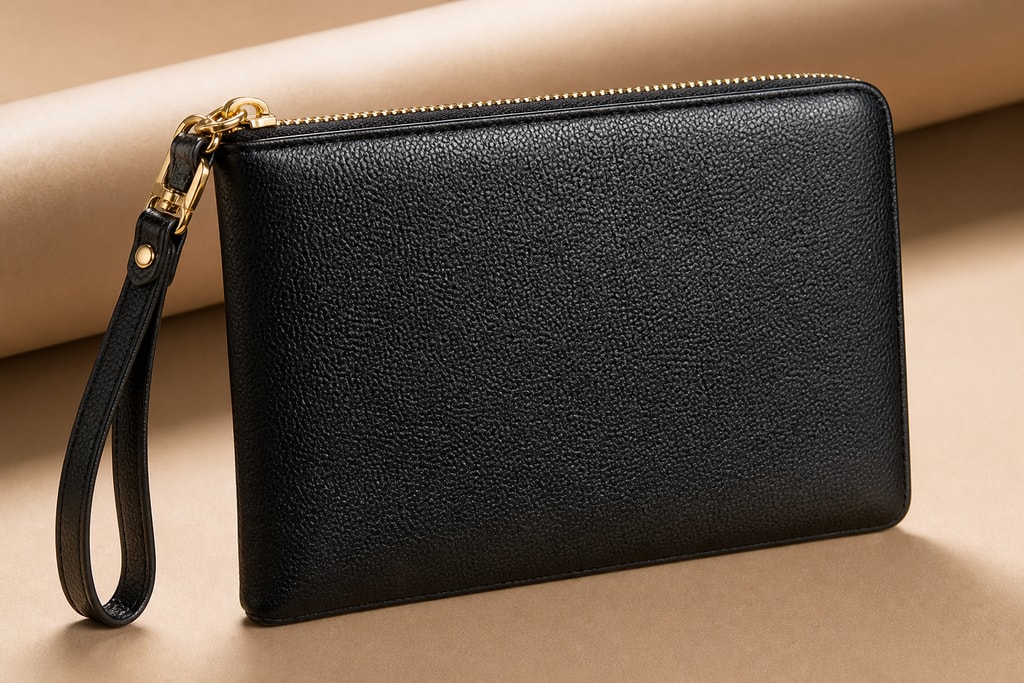
AI enhances low-resolution images, improving clarity and detail. This guarantees sharp, professional-looking photos even if the originals were substandard.
Mistakes to Avoid
Avoid overly enhancing images, as they may look unnatural. Balance is key to maintaining product authenticity.
3. Automated Retouching
AI performs tasks like color correction, lighting adjustments, and blemish removal, streamlining editing and maintaining consistency across images.
Decision Criteria
Decide on AI usage based on the volume of images. For large inventories, AI can significantly reduce time spent on manual edits.
4. Virtual Try-Ons and Inpainting
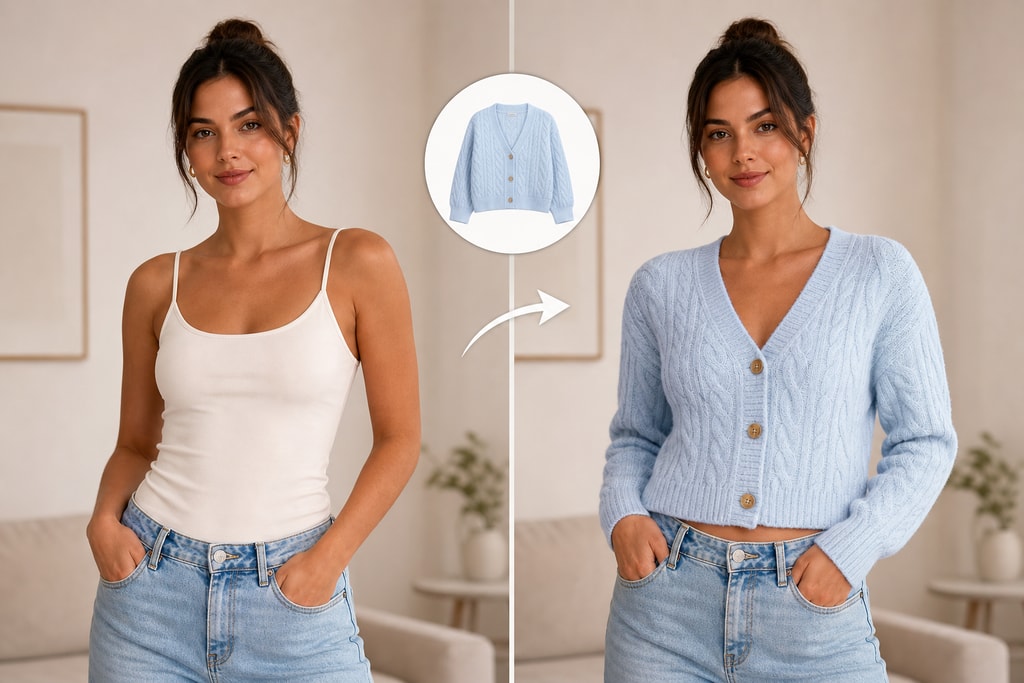
Advanced applications permit virtual try-ons, enabling customers to visualize products in context, as seen with DreamPaint's inpainting technology. Source
Leading AI Tools for E-commerce Product Photo Editing
Several AI tools have emerged to aid e-commerce sellers in enhancing their product photos. Here are some of the most notable:
1. Photoroom
Excelling in fast background removal and marketplace-ready edits, Photoroom is ideal for sellers requiring quick, clean results. It supports batch processing for up to 1,000 images simultaneously. Further reading
2. Pebblely
Specializing in generating lifestyle scenes, Pebblely places products into AI-created environments, enhancing their visual appeal. It's notably effective for beauty, food, and home goods products. Further reading
3. Let's Enhance
Focused on upscaling and enhancing low-resolution images, Let's Enhance ensures product photos are sharp and detailed, allowing improvements without reshooting. Learn more
4. Adobe Photoshop (Firefly-powered)
By integrating AI through Firefly, Adobe enhances traditional editing capacities with features like Generative Fill for background extension and object removal, simplifying complex edits. More details
Implementing AI in Your Product Photography Workflow
Incorporating AI not only boosts efficiency but also improves quality. Here's how you can smoothly transition:
- Assess Your Needs: Identify photography areas needing enhancement, such as background removal or lifestyle scenes.
- Choose the Right Tool: Align your tool selection with specific needs—use Photoroom for backgrounds or Pebblely for lifestyle images.
- Prepare Your Images: Ensure clear, well-lit photos to maximize AI effectiveness.
- Process Images in Batches: Utilize batch features to edit multiple images simultaneously, ensuring consistency and saving time.
- Review and Adjust: Verify images meet quality standards post-processing; manual adjustments may be necessary.
Checklist: Selecting the Right AI Tool for Your Needs
| Feature | Importance Level | Tool Example | |—————————–|——————|——————–| | Background Removal | High | Photoroom | | Lifestyle Scene Generation | Medium | Pebblely | | Image Upscaling | High | Let's Enhance | | Batch Processing | High | Photoroom | | Cost-Effectiveness | High | Pebblely |
FAQs
Q: Are AI-edited product photos accepted on all e-commerce platforms?
A: Most platforms accept AI-edited photos if they meet specific image requirements. It's essential to verify each platform’s guidelines.
Q: Can AI tools handle all types of products?
A: While versatile, some tools perform better with certain products. Testing different options ensures the best fit for your items.
Q: Is there a risk of AI altering the appearance of my products?
A: High-quality AI tools enhance images without distortion. However, always review to maintain product accuracy.
Q: How do I decide which AI tool is best for my needs?
A: Consider factors like feature offerings, budget, and specific needs such as batch processing or background removal. Explore our free tools for guidance.
Internal and Further Reading
- Discover how to Create product photos with AI tools.
- Explore Free product photo tools that can enhance your photography workflow.
Sources and Further Reading
- The role of AI in ecommerce product photography
- DreamPaint: Few-Shot Inpainting of E-Commerce Items for Virtual Try-On without 3D Modeling
- AI Product Photos for E-commerce: 7 Best Tools (2026)
- Best AI Photo Editing Tools 2026 (Tested & Ranked)
- The best AI image generators
By leveraging AI tools, e-commerce sellers not only produce high-quality product photos but also do so efficiently and cost-effectively. For those eager to streamline their photography process, ProdShot offers AI solutions tailored to your needs.