

Introduction
High-quality product images are critical to success on Amazon. They attract potential buyers, build trust, and significantly impact your conversion rates. Non-compliance with Amazon's strict guidelines, however, can lead to listing suppression and poor performance. This guide provides a thorough roadmap to ensure your product photos meet all of Amazon's criteria while maximizing their impact.
Technical Specifications
Image Dimensions and Resolution
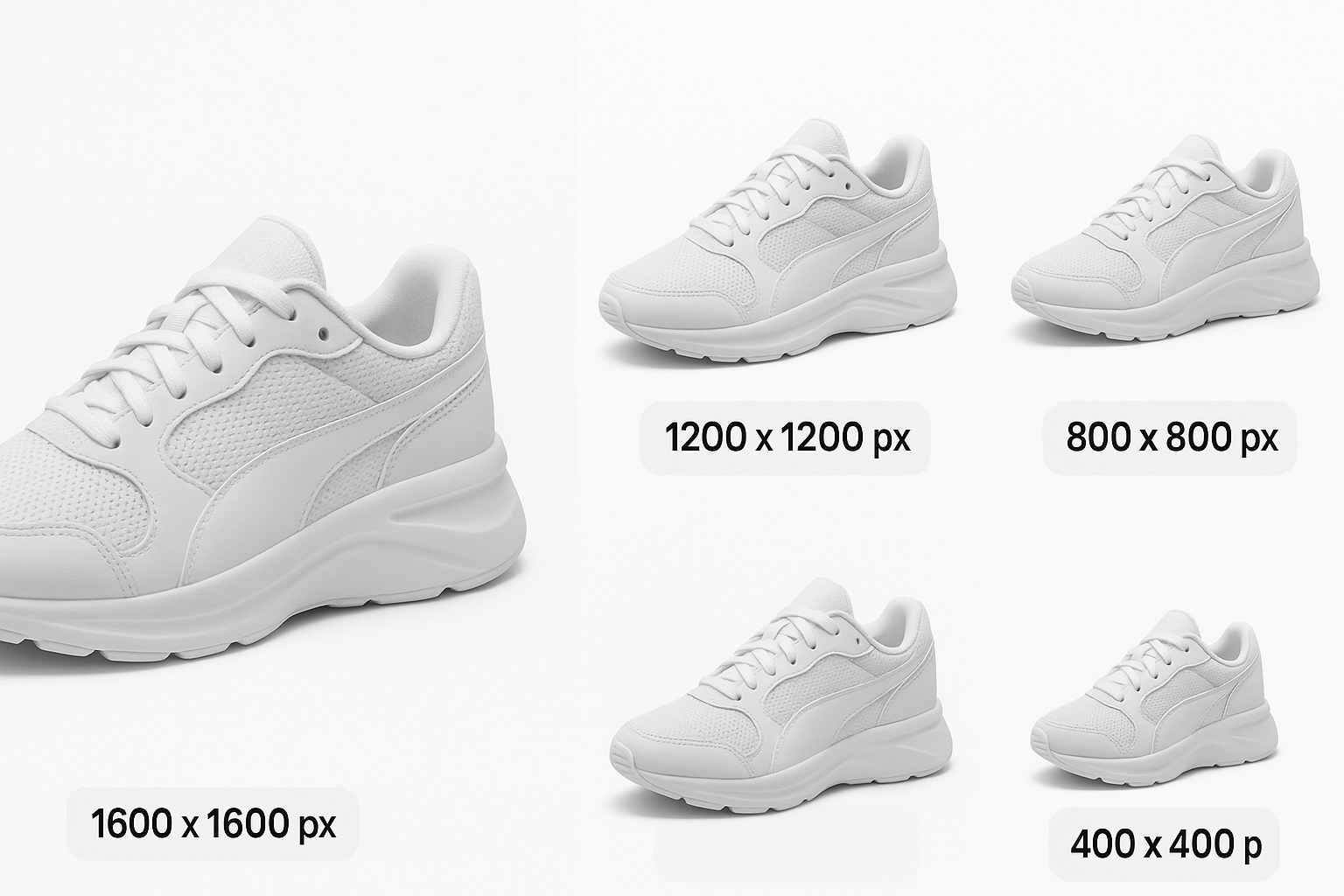
Optimal image dimensions contribute to enhanced customer interaction. By enabling the zoom function, images between 1,000 and 2,000 pixels on the longest side offer clarity and detail. Larger images up to 10,000 pixels are acceptable but may impact load times.
Practical Example
- Small Business Seller: Sally utilized 2,000 x 2,000 pixel images for her handmade crafts. She noticed a 15% increase in engagement after optimizing her image sizes.
Decision Criteria
- Ecommerce Platforms: Consider resource constraints when choosing image sizes. Larger files require more robust hosting solutions.
File Format and Color Mode
JPEG is recommended due to its optimal quality and file size balance. Ensure your images use the sRGB color space for consistent color representation.
Mistakes to Avoid
- Using CMYK: CMYK images appear differently on screens, leading to customer dissatisfaction.
Content Guidelines
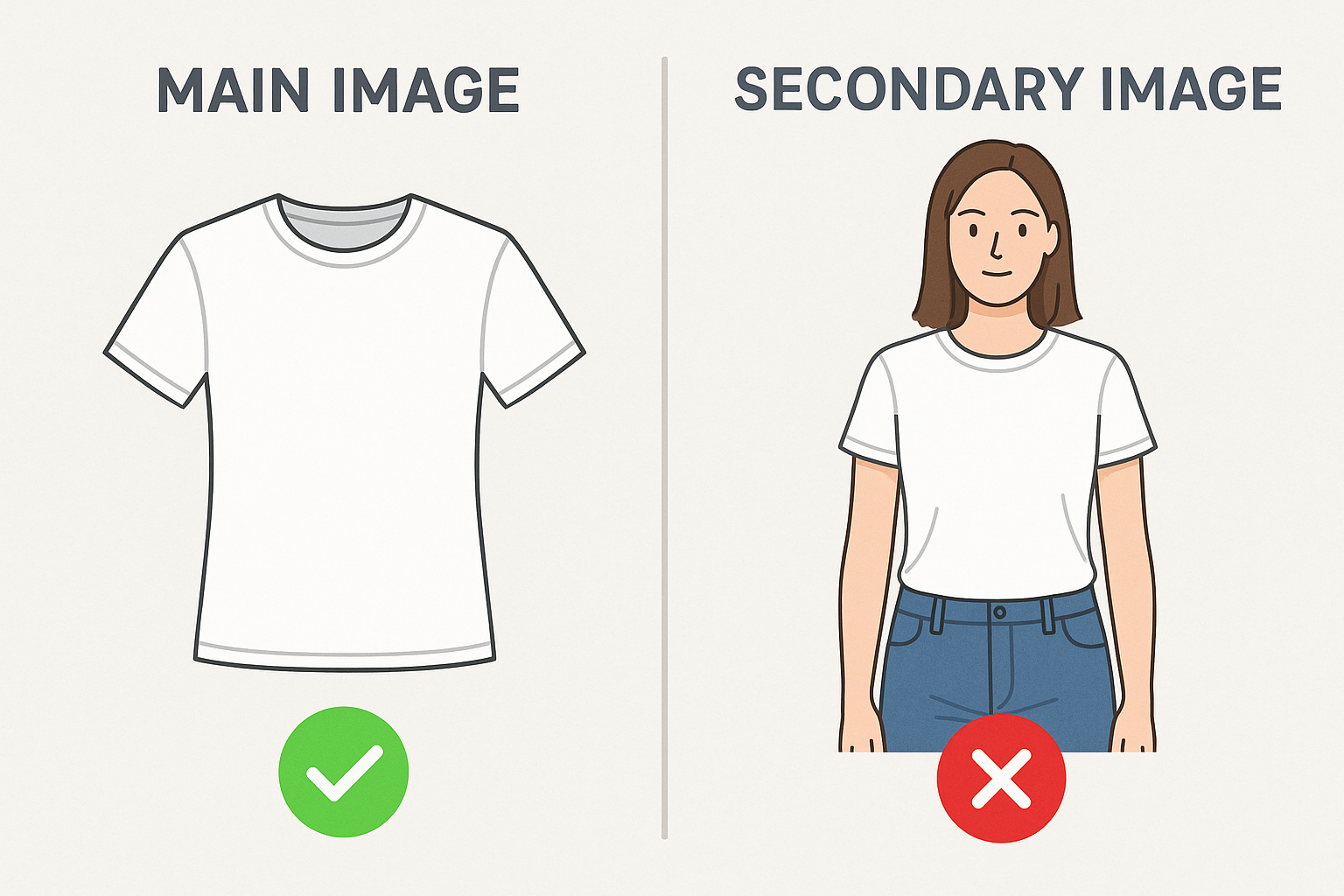
Main Image Requirements
The main image must be a clear presentation of the product on a pure white background. Avoid any additional elements like text, logos, or props.
Marketplace-Specific Advice
- Amazon vs. eBay: While Amazon demands strict adherence to white backgrounds for main images, platforms like eBay offer more flexibility.
Secondary Image Guidelines
Utilize secondary images to showcase lifestyle applications, infographics, and diverse backgrounds.
Practical Example
- Lifestyle Imagery: Mark's outdoor gear listings saw increased conversion rates when he added images depicting his products in real-life scenarios.
Common Mistakes to Avoid
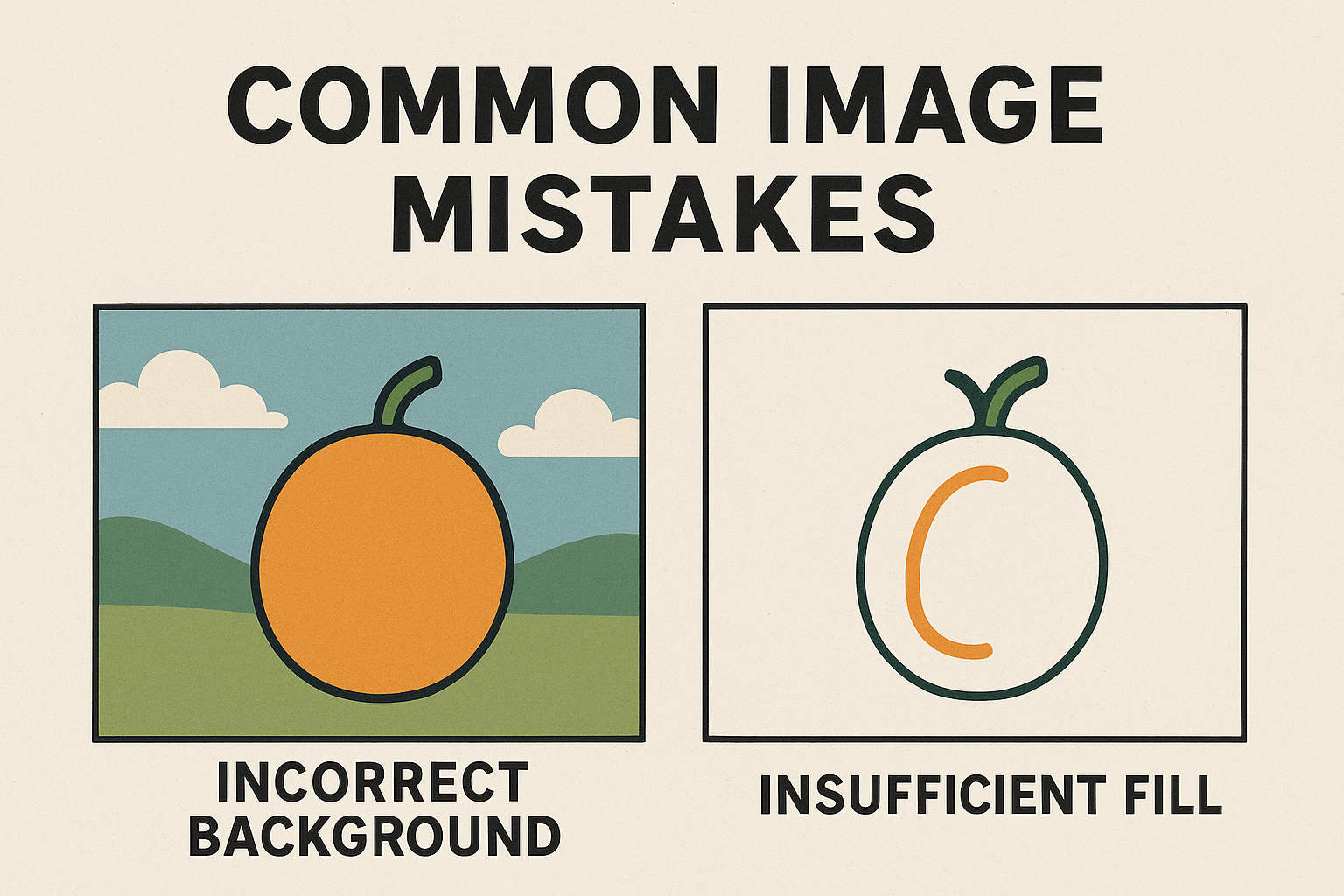
Incorrect Background Color
Ensure the background is a pure white (RGB 255, 255, 255). Slight variations lead to rejections.
- Internal Link: Amazon product image checklist
Insufficient Product Fill
Products should occupy at least 85% of the image frame. Non-compliance can detract from the product's visual impact.
Text or Watermarks on Main Image
Main images should be devoid of branding or promotional text to prevent rejection.
Category-Specific Requirements
Apparel and Accessories
Use techniques like flat lay for apparel to avoid visible mannequins. Provide multiple angles to display products comprehensively.
Practical Example
- Apparel Vendor: Jen switched to using ghost mannequins, which led to a 20% increase in perceived professionalism by customers.
Jewelry
Focus on close-up shots to highlight intricate details and maintain consistent lighting to reflect true colors.
Maximizing Image Impact
Using Infographics
Enhancing secondary images with infographics can highlight product features and specifications. This helps clarify benefits and reduces customer queries.
Example
- A kitchen appliance retailer added size charts and feature highlights, reducing return rates by 12%.
Strategies for Continuous Improvement
Evaluate and Optimize
Regularly update images based on customer feedback and sales data.
- Internal Link: Create product photos
- Conduct A/B testing with different images to determine which provides better conversions.
Monitor Competitor Listings
Analyze successful competitor listings and adapt proven strategies to your images for a competitive edge.
Strengthening Your FAQ
Why Is Image Quality So Important for Amazon Listings?
Quality images build trust and improve conversion rates by providing clear product details.
What Tools Can I Use to Edit My Product Images?
Consider tools like Adobe Photoshop or Canva for professional editing, ensuring compliance with Amazon's guidelines.
Does Amazon Offer Any Tools or Resources to Help with Listings?
Amazon provides Seller Central support with guidelines and tips for optimizing your product images effectively.
Conclusion
Meeting Amazon's product image requirements can seem challenging. By following this guide, sellers can avoid common pitfalls and leverage high-quality images to boost visibility and sales on Amazon. Remember to stay updated with Amazon's policies to maintain compliance and continuously refine image strategies.