Introduction
In the digital marketplace, where customers cannot physically touch a product, high-quality images become the key to unlocking sales. For e-commerce sellers, visually appealing photos are not just nice to have—they're essential. However, achieving professional-grade images often involves significant time and financial investment. Enter AI tools, which streamline product image editing, empowering sellers to create stunning visuals with ease.
The Crucial Role of Quality Product Images
First impressions matter, especially in online shopping. High-quality images can increase trust and make the decision-making process seamless for consumers. According to a study by Shopify, products presented with superior images boast conversion rates that are up to 40% higher. For e-commerce sellers, this data underscores a clear directive: invest in high-quality product photography to capture and hold potential buyers' attention.
AI's Innovative Approach to Product Image Editing
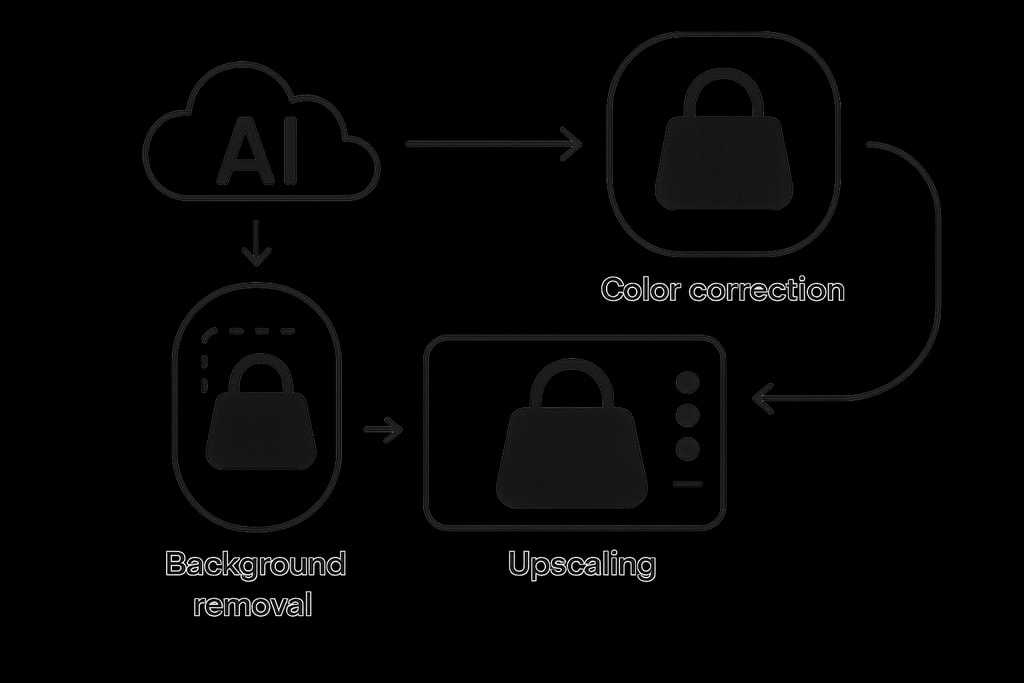
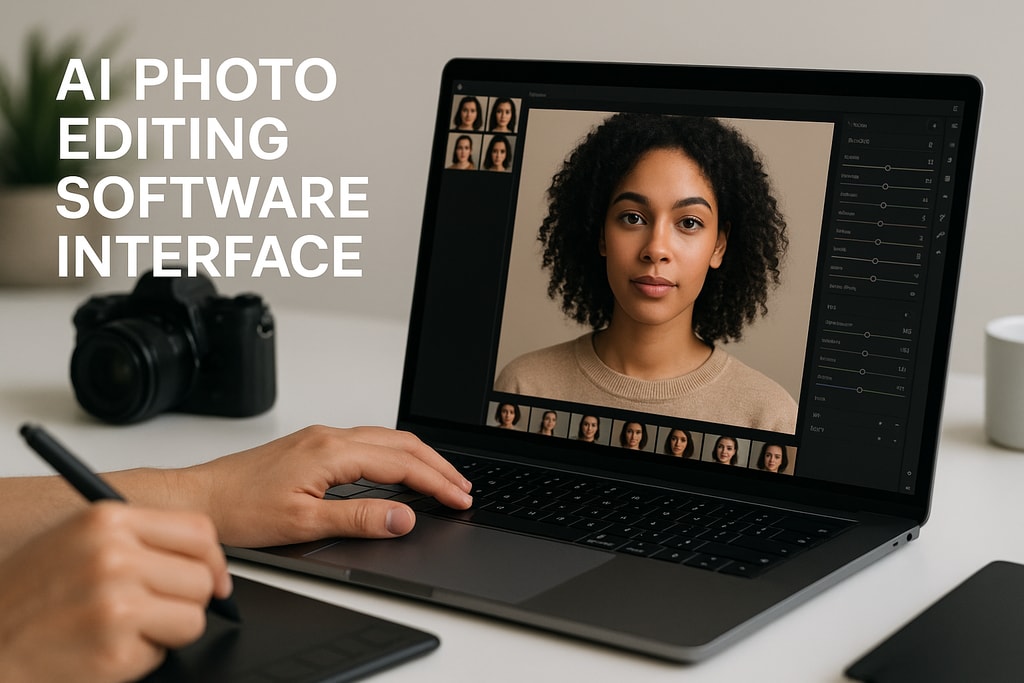
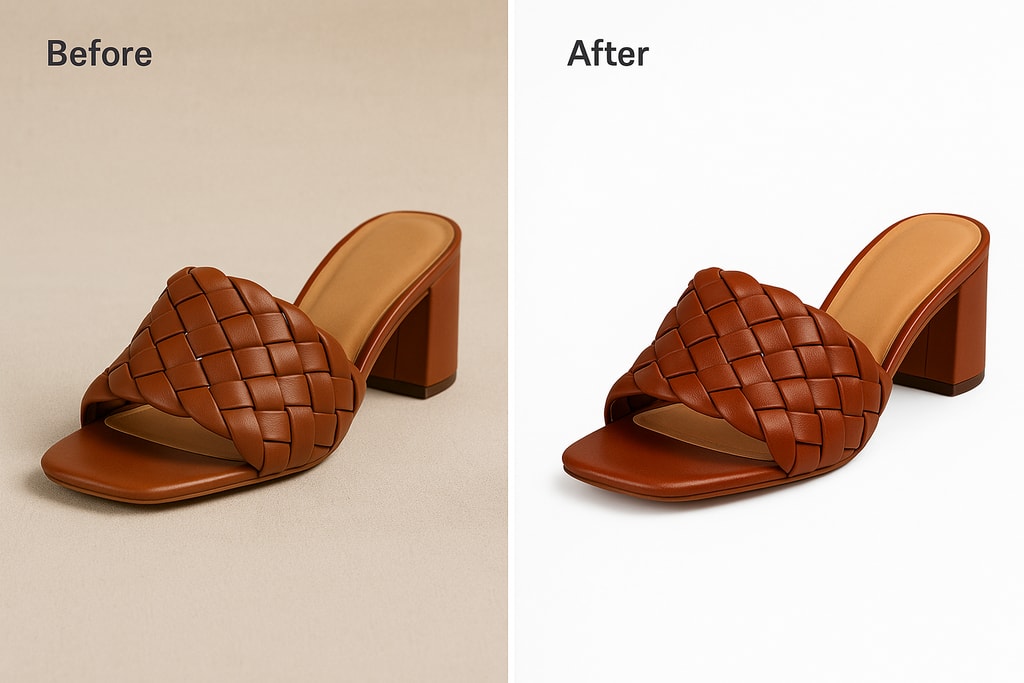
AI-driven image editing tools harness the power of machine learning algorithms to automate a variety of editing tasks with minimal manual effort. These include precise background removal, color correction, image upscaling, and more. By utilizing AI, sellers achieve consistent, professional results without needing advanced graphic design skills.
Leading AI Image Editing Tools for E-Commerce Sellers
Explore some of the top AI tools transforming the e-commerce imagery landscape:
1. Adobe Photoshop
Adobe Photoshop, an industry icon, now features AI enhancements like Content-Aware Fill and Neural Filters for seamless object removal and color adjustments. For comprehensive guides on leveraging Photoshop's features, check out Adobe's resources.
2. Pixlr
Pixlr stands out as a versatile, cloud-based solution offering AI-powered editing tools useful for on-the-go sellers. Capabilities like background removal and vibrant color correction cater to those who want quick, adaptable editing solutions without installing bulky software.
3. Photoroom
Photoroom excels at producing marketplace-ready images by automatically removing backgrounds and providing aesthetic templates. This tool, designed for efficiency, is ideal for large catalogs or diverse product lines.
4. Claid.ai
Specializing in resolution enhancement, Claid.ai uses AI to upscale images, tackling issues like noise reduction from lower-quality sources. This ensures that product photos remain sharp and professional across any device or platform.
5. Nightjar
Nightjar automates the consistency of product images across vast catalogs by focusing on lighting, shadows, and color correction. This AI-driven tool is unmatched for maintaining brand coherence without repetitive manual adjustments.
Successfully Integrating AI Tools within Your Workflow
To make the most of AI image editing tools:
- Identify Your Needs: Begin by pinpointing which photo editing tasks, like background removal or color enhancement, could benefit most from automation.
- Select an Appropriate Tool: Align your choice with specific needs. For significant batch edits, Nightjar or Pixlr's features might be particularly useful.
- Leverage Batch Processing: Select tools offering batch processing to accomplish uniformity across product photos rapidly.
- Implement Rigorous Quality Control: Ensure edited images not only meet aesthetic standards but also accurately portray real-life products.
For insights on creating perfect product photos from start to finish, visit our guide on creating product photos.
Practical Checklist: Preparing Images for AI Editing
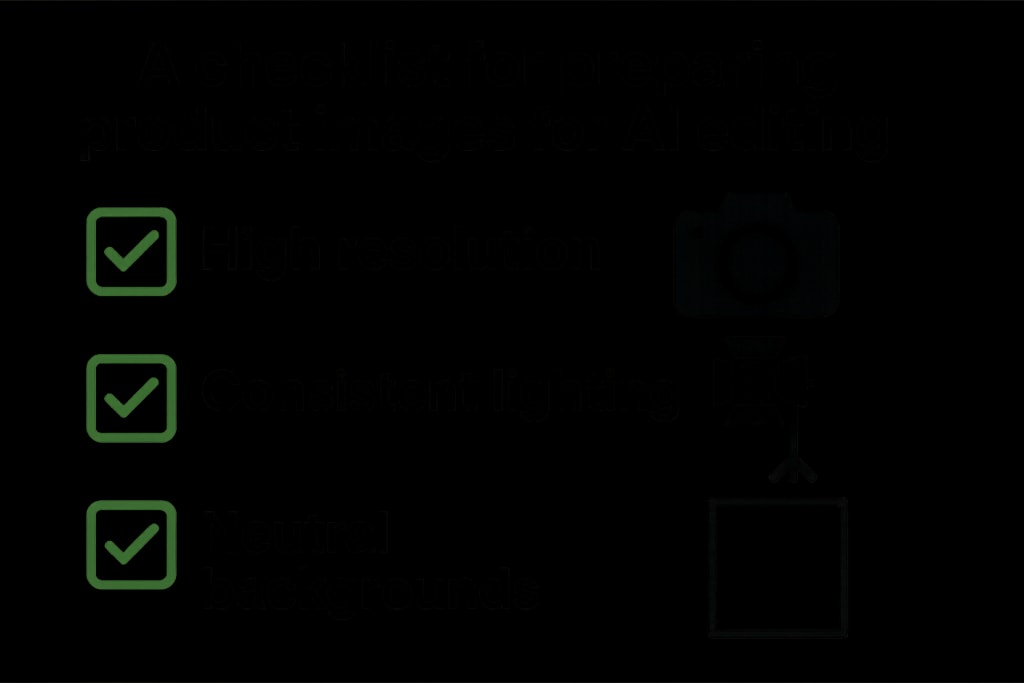
For optimal results, pre-edit preparation is key. Follow these steps:
- Capture High-Resolution Images: High resolution is critical for maintaining quality during any edits.
- Consistent Lighting Setup: Use uniform lighting to sidestep issues with shadow distortion.
- Neutral Backgrounds: Simplify background removal by photographing against plain backgrounds.
- Multiple Angles: Provide diverse perspectives with multiple photo angles, enhancing buyer confidence.
For helpful tools in photo preparation and editing, look into our free product photo tools.
Marketplace-Specific Strategies
Each online marketplace can have unique image requirements, making adaptability crucial:
- Amazon: Focus on plain white backgrounds as they are a requirement.
- Etsy: Emphasize creative styling to match Etsy's artisanal aesthetic.
- eBay: Ensure clarity and detail, vital for eBay’s diverse product range.
Common Mistakes to Avoid in AI Image Editing
- Neglecting Pre-Edit Preparation: Always begin with high-quality source images to avoid compound errors.
- Over-Reliance on Automation: Manual oversight is essential to maintain natural looking images that AI might overly edit.
- Ignoring Platform Guidelines: Each marketplace has specific guidelines that must be followed for optimized listing performance.
Expanded FAQ: Your AI Image Editing Queries Answered
Q: Can all types of products benefit from AI image editing tools?
A: Yes, most products benefit, but complex shapes or materials might require specific tool capabilities.
Q: Are technical skills necessary to use AI image editing tools?
A: The majority of AI tools feature user-friendly interfaces designed to accommodate users with minimal technical expertise.
Q: Do AI tools entirely replace the need for professional photographers?
A: While AI significantly enhances quality, professional photographers' creative input remains invaluable, especially for brand storytelling.
Sources and Further Reading
Harness AI-powered tools to elevate your e-commerce product images, ensuring they captivate and convert. Begin creating impactful images with ProdShot, your partner in AI-driven e-commerce solutions.