
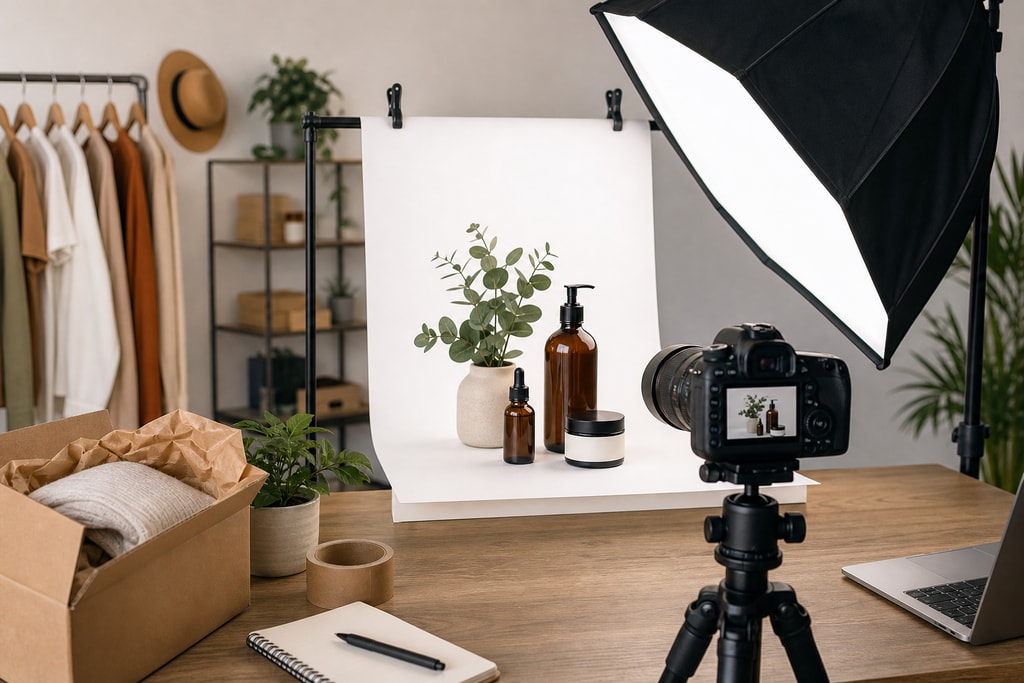
In today's competitive e-commerce landscape, compelling product photography is crucial for small businesses aiming to capture customer attention and drive sales. High-quality images showcase products effectively and build trust and credibility. However, traditional product photography can be costly and time-consuming, posing challenges for small enterprises with limited resources. This guide explores affordable and scalable solutions to help small businesses create effective product photos that enhance their online presence.
The Importance of Quality Product Photography
Visual content plays a pivotal role in online shopping experiences. According to Adobe, strong product photography helps customers feel confident about their purchases, leading to better trust and higher conversion rates. Key best practices include:
- Specificity Over Generic Shots: Highlight unique product features to differentiate from competitors.
- Multiple Angles: Provide various perspectives to give customers a comprehensive view.
- Answering Customer Questions: Use images to address common queries, reducing uncertainty.
- Consistent Styling: Maintain uniform lighting, backgrounds, and editing to build a cohesive brand image.
Affordable Product Photography Solutions
DIY Photography with Smartphones
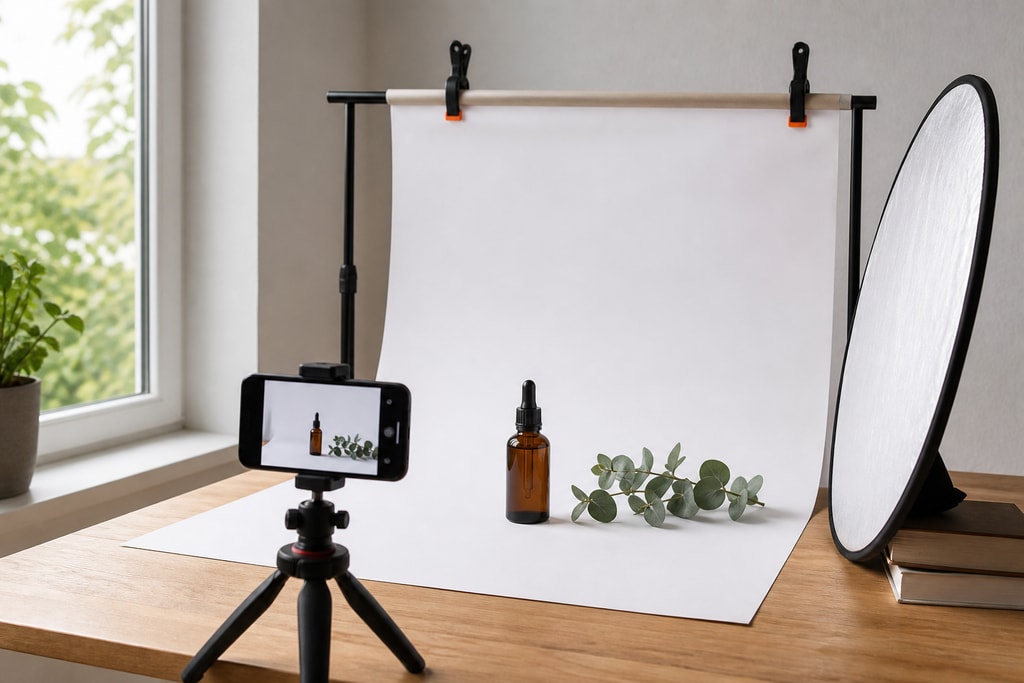
Advancements in smartphone camera technology have made DIY product photography a viable option. With proper lighting and composition, small business owners can capture high-quality images without investing in expensive equipment.
Practical Tips
- Lighting: Utilize natural light or affordable lighting kits to ensure even illumination.
- Backgrounds: Use clean, uncluttered backgrounds to keep the focus on the product.
- Stability: Employ tripods or stabilizers to prevent blurriness.
Common Mistakes to Avoid
- Using harsh direct light that casts strong shadows.
- Overlooking the importance of a consistent background.
For further guidance, explore our Create Product Photos page.
AI-Powered Product Photography Tools
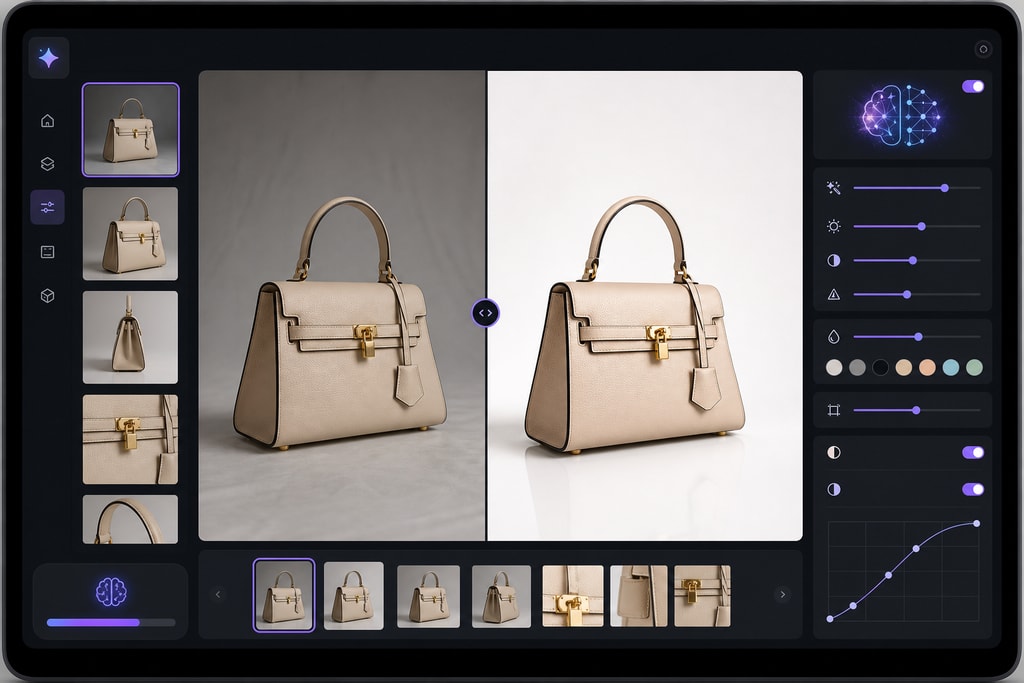
Artificial Intelligence (AI) has revolutionized product photography by offering cost-effective and efficient solutions. Platforms like ProdShot enable users to upload casual product photos taken with their phones and transform them into professional, marketplace-ready images.
Features and Benefits
- AI Model Shoot for Clothing and Apparel: Generate polished fashion visuals without the need for studio shoots.
- Batch Processing: Upload multiple images to transform entire product catalogs efficiently.
- Smart AI Editing: Create clean, on-brand product photos that appear studio-produced.
Other notable AI-powered tools include:
- Snapitect: Offers one-click e-commerce photo sets, generating multiple professional shots from a single product photo. Visit Snapitect
- Foca AI: Provides studio-quality product photography compliant with Amazon and Shopify standards, transforming casual shots into marketplace-ready images. Visit Foca AI
Decision Criteria
- Ease of Use: Evaluate the user interface and support resources.
- Pricing Plans: Compare monthly fees and service options.
Outsourcing to Freelance Photographers
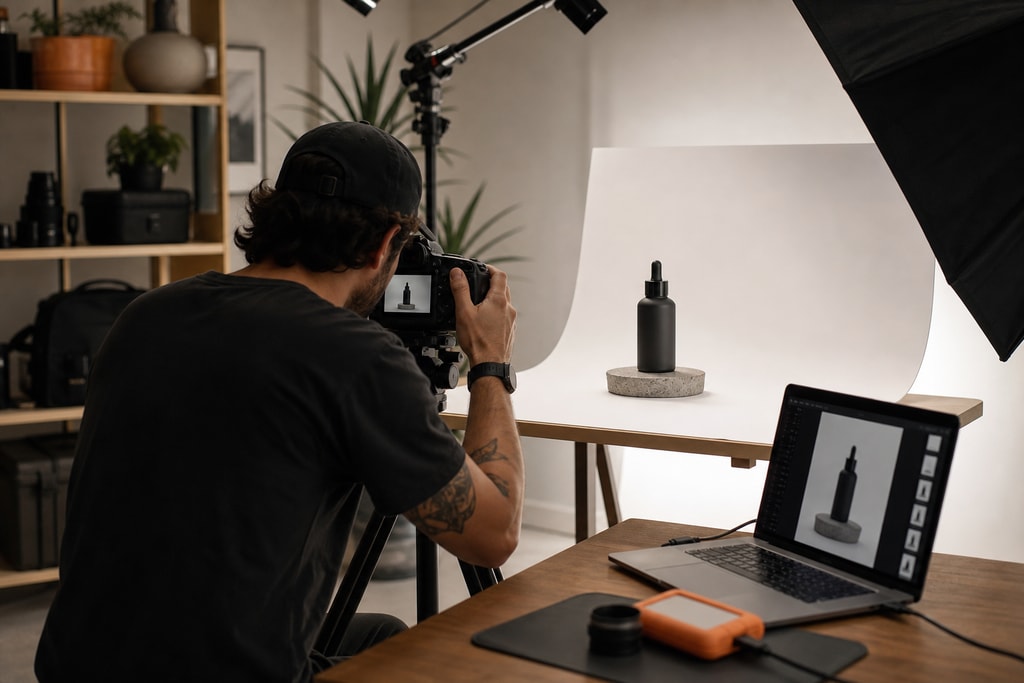
For businesses seeking a balance between quality and cost, hiring freelance photographers can be an effective solution. Platforms like Upwork and Fiverr connect businesses with photographers offering competitive rates.
Tips for Successful Outsourcing
- Portfolio Review: Assess previous work to ensure alignment with your brand aesthetic.
- Clear Communication: Provide detailed briefs to convey expectations.
- Budget Planning: Discuss pricing upfront to avoid unexpected costs.
Implementing Effective Product Photography Strategies
Planning Your Shoot
A well-organized photoshoot ensures efficiency and consistency. Key steps include:
- Define Objectives: Determine the purpose of the photos (e.g., website listings, social media, advertisements).
- Create a Shot List: Outline specific shots needed, including angles and details to capture.
- Prepare Products: Ensure items are clean and presentable, with any necessary props ready.
Utilizing Checklists for Consistency
Maintaining consistency across product images reinforces brand identity. Use checklists to standardize elements like:
- Lighting Setup: Positioning and intensity.
- Backgrounds: Color and texture.
- Image Dimensions: Aspect ratios and resolutions.
For a comprehensive guide, refer to our E-commerce Product Photo Checklist.
Editing and Post-Processing
Post-processing enhances image quality and ensures uniformity. Basic editing tasks include:
- Color Correction: Adjusting white balance and saturation.
- Cropping: Aligning images to desired compositions.
- Background Removal: Isolating products for a clean look.
Tools like Adobe Photoshop and Lightroom are industry standards, but user-friendly alternatives like Canva and Pixlr are also effective.
Mistakes to Avoid
- Over-editing, which can lead to unnatural appearance.
- Neglecting the alignment and centering of products in images.
Decision-Making: DIY vs. Professional Services
Choosing between DIY photography and professional services depends on factors like budget, time, and desired quality. Consider the following:
| Factor | DIY Photography | Professional Services | |———————-|——————————————————————————–|——————————————————————————————————–| | Cost | Lower initial investment; requires time and learning. | Higher upfront cost; delivers polished results. | | Time Commitment | Time-intensive, especially during the learning curve. | Saves time; professionals handle the process. | | Quality Control | Full control over the creative process; quality may vary based on skill level. | Consistent, high-quality output; limited control over creative decisions. |
For cost estimations, visit our Product Photo Cost Calculator.
Frequently Asked Questions (FAQ)
Q: Can I use my smartphone for product photography?
A: Yes, modern smartphones have advanced cameras capable of capturing high-quality images suitable for e-commerce. Proper lighting and composition are key.
Q: How can I ensure my product photos meet marketplace standards?
A: Familiarize yourself with the specific image requirements of each platform. For example, Amazon requires images with a pure white background and specific dimensions. Tools like Foca AI can help ensure compliance. Visit Foca AI
Q: Are AI-powered photography tools cost-effective for small businesses?
A: Absolutely. AI tools like ProdShot offer affordable plans that significantly reduce the cost compared to traditional photography methods, making them ideal for small businesses.
Q: How often should I update my product photos?
A: Regular updates are recommended, especially when introducing new products, rebranding, or improving image quality to stay competitive.
Q: What are the common mistakes to avoid in product photography?
A: Common pitfalls include poor lighting, cluttered backgrounds, inconsistent styling, and neglecting to showcase products from multiple angles.
Q: What platforms are best for finding freelance photographers?
A: Platforms like Upwork and Fiverr are excellent for connecting with experienced freelance photographers at competitive rates.
Conclusion
Effective product photography is a cornerstone of e-commerce success for small businesses. By leveraging affordable solutions like DIY methods, AI-powered tools, and strategic outsourcing, businesses can create compelling images that drive sales and enhance brand credibility. Platforms like ProdShot offer scalable options to transform casual photos into professional-grade images, empowering small businesses to compete in the digital marketplace.