
Introduction
In the visually-driven marketplace of Etsy, compelling product photos are crucial for attracting buyers and driving sales. Adhering to Etsy's photo guidelines not only ensures a professional appearance but also enhances your listings' visibility in search results. This guide will walk you through Etsy's photo requirements and best practices to help you create images that captivate and convert.
Understanding how to effectively showcase your products can significantly impact your shop’s success. This guide will delve deeper into the art and science of Etsy photography, including practical examples, mistakes to avoid, and insider tips directly drawn from successful sellers.
Understanding Etsy's Photo Requirements
File Types and Sizes
Etsy supports the following image file formats:
- JPEG (.jpg)
- PNG (.png)
- GIF (.gif)
- SVG (.svg)
- HEIC (.heic)
Animated GIFs and transparent PNGs are not supported; transparent areas in PNGs will appear black on Etsy. For optimal quality, Etsy recommends that listing photos have a width and height of at least 2000 pixels. The first listing photo should be at least 635 pixels in both dimensions to avoid lower placement in search results.
Aspect Ratio and Orientation
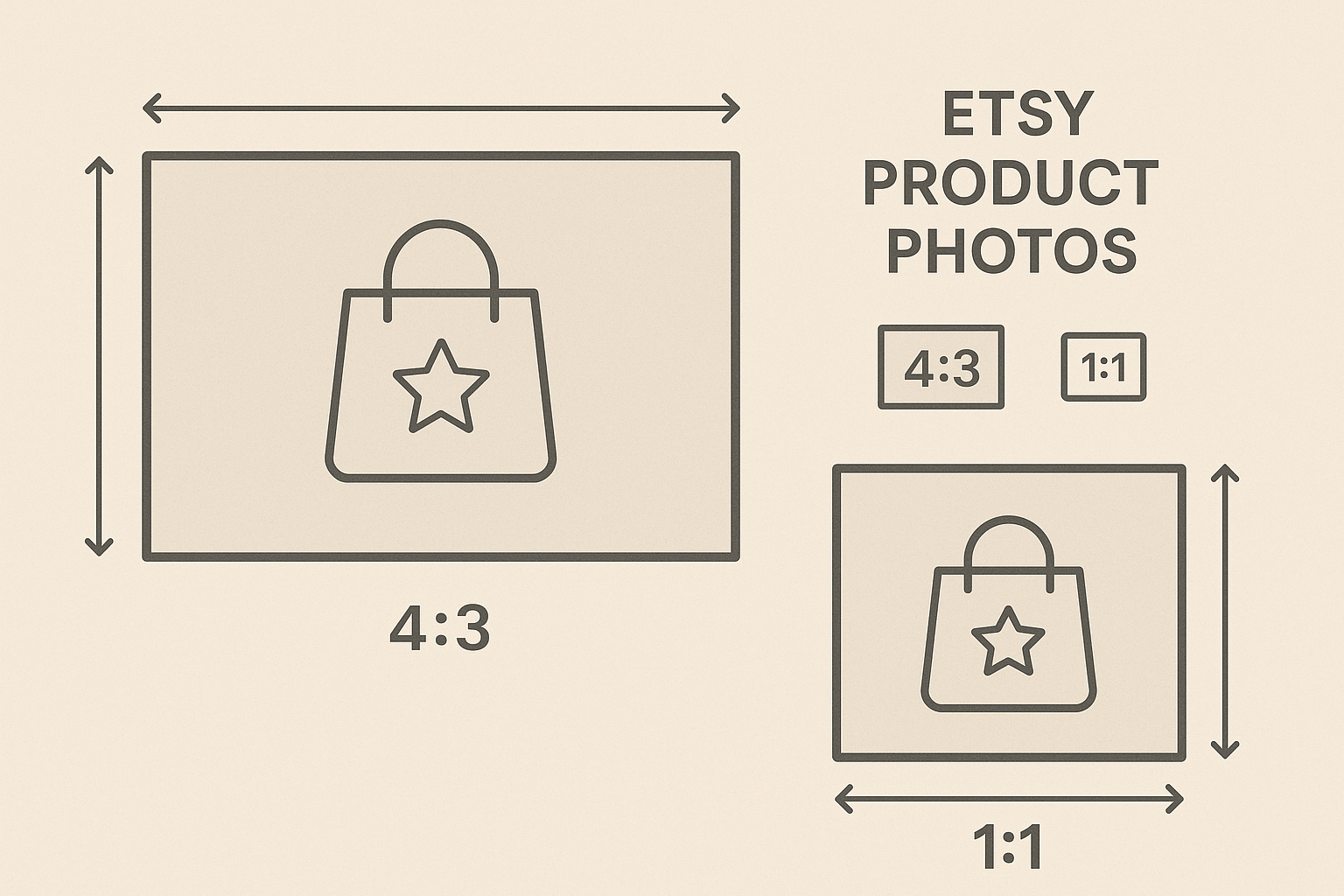
The first photo in a listing should be horizontal (landscape) or square to ensure the center focal point appears correctly in cropped thumbnail views. Consistency in photo orientation across all listing images creates a cohesive browsing experience.
Practical Example:
To visualize, imagine selling a handmade necklace. Your primary image should be a well-focused close-up angle showing the intricacies of your design in a square or landscape format. This assures clarity and balance when resized for thumbnails.
Best Practices for Etsy Product Photos
1. Use High-Quality Images
High-resolution images allow potential buyers to see the details of your products. Ensure your photos are clear, well-lit, and free from blurriness.
Common Mistake: Avoid using overly large images that may slow down the loading time of your page, leading to decreased user engagement and bounce rates.
2. Showcase Multiple Angles
Etsy allows up to 10 images per listing. Utilize this feature to display your product from various angles, highlighting different features and details.
Pro Tip: Use one photo to emphasize the unique selling points. For example, a clutch purse could have a detailed shot of its unique clasp mechanism.
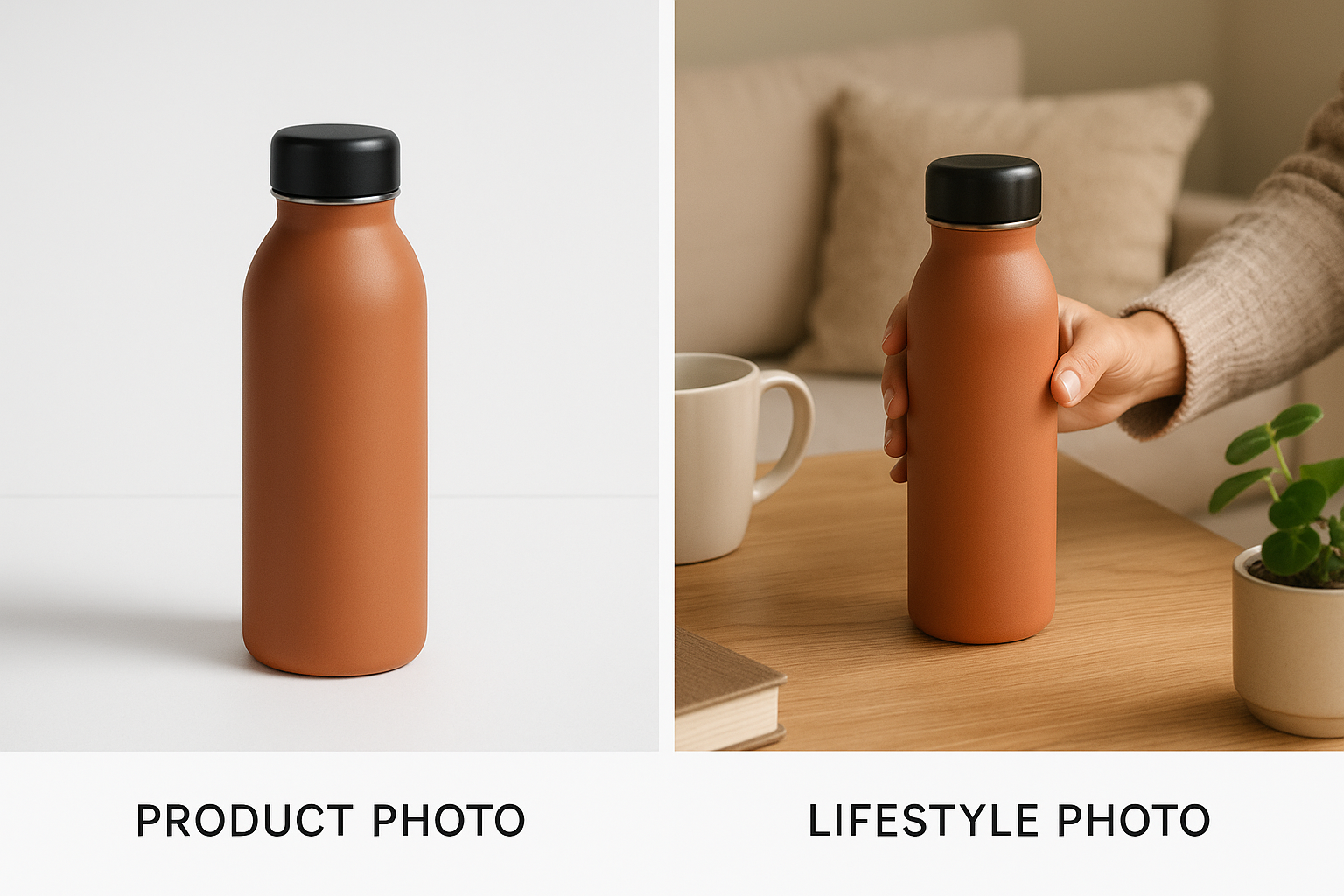
3. Incorporate Lifestyle Shots
Lifestyle images show your product in use, helping buyers visualize how it fits into their lives. This approach can make your listings more relatable and appealing.
Marketplace-specific Advice: Sellers in the home decor category benefit greatly from showcasing their items in well-styled interiors to suggest placement and usage ideas.
4. Maintain Consistent Branding
Use a consistent background, lighting, and style across all your photos to create a cohesive brand identity. This consistency helps build trust and recognition among buyers.
5. Optimize Thumbnails
Thumbnails are the first impression buyers have of your product. Ensure the main subject is centered and occupies a significant portion of the frame to stand out in search results.
Editing and Resizing Images
Resizing Images
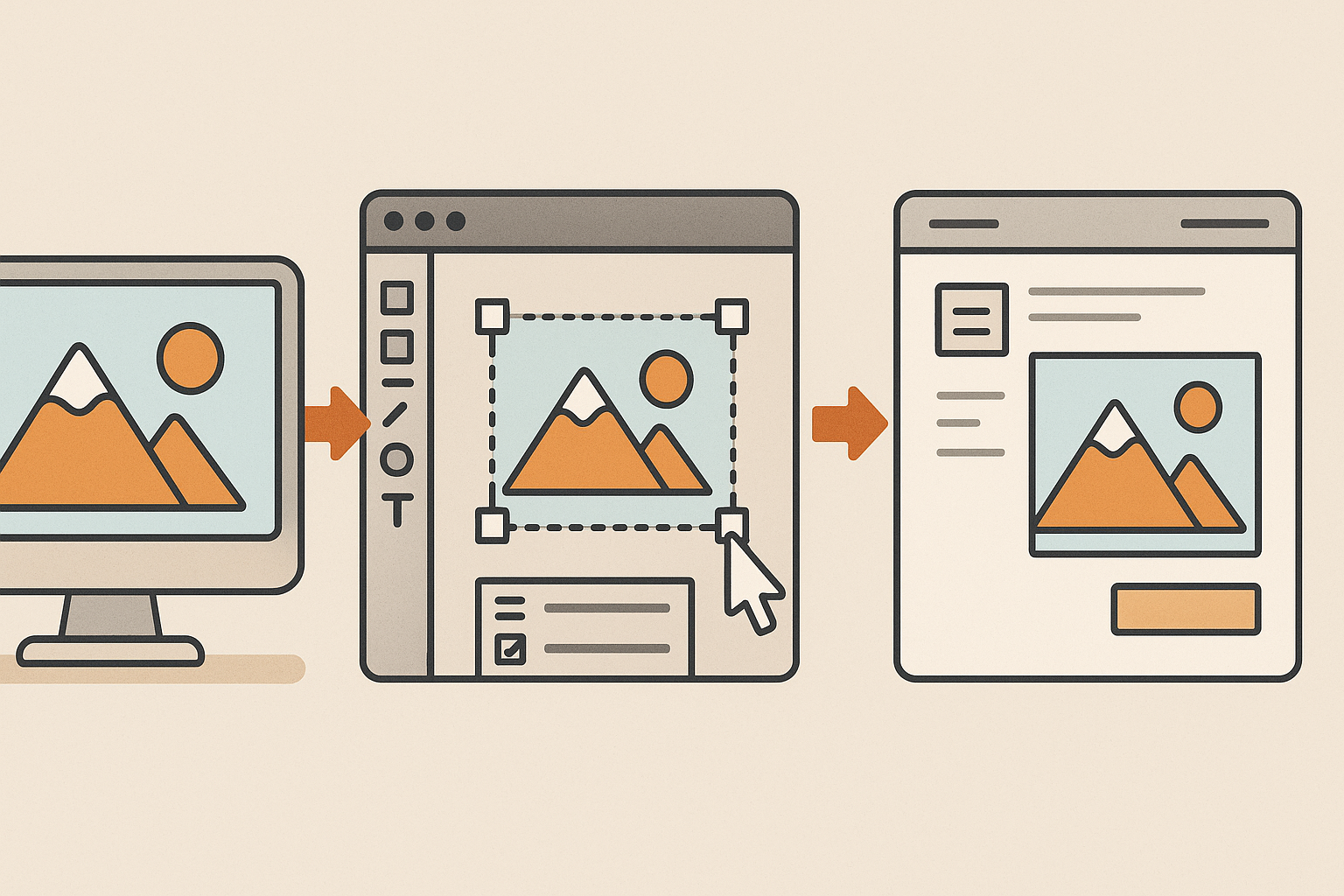
If your images exceed Etsy's recommended dimensions, you can resize them using photo editing software or online tools. Decreasing the size won't lower the resolution, but increasing it may cause pixelation.
Decision Criteria: Choose editing tools that preserve quality after resizing, such as Adobe Photoshop or free alternatives like GIMP and Canva.
Color Profile
Convert your images to the sRGB color profile to ensure colors display accurately on Etsy. This conversion can be done using most photo editing software.
Practical Tip: Always double-check colors on different devices before uploading them to catch any discrepancies early.
Checklist for Etsy Listing Photos
- [ ] File Format: JPEG, PNG, GIF, SVG, or HEIC
- [ ] Dimensions: Minimum 2000 x 2000 pixels
- [ ] Aspect Ratio: 4:3 or 1:1
- [ ] Orientation: Horizontal (landscape) or square
- [ ] Number of Images: Up to 10 per listing
- [ ] Image Quality: High-resolution, clear, and well-lit
- [ ] Thumbnails: Main subject centered and prominent
- [ ] Color Profile: sRGB
Common Mistakes to Avoid
- Using filters that alter natural colors
- Overcrowding backgrounds with props
- Neglecting the importance of lighting, relying solely on editing tools instead
Frequently Asked Questions (FAQ)
What is the maximum file size for Etsy photos?
Etsy allows image files up to 20MB in size. However, larger files may take longer to upload, especially on slower internet connections.
Advice: Keep your file size balanced, aiming for the best quality without excessive bulk.
Can I use transparent backgrounds in my Etsy photos?
Transparent PNG files are not supported on Etsy. Transparent areas will appear black, so it's best to use solid backgrounds.
How many photos can I add to an Etsy listing?
You can add up to 10 photos per listing. Utilizing all available slots can provide buyers with a comprehensive view of your product.
Suggestion: Use all 10 slots to highlight features, provide scale, and add context through decor and lifestyle images.
How do I ensure my photos stand out in search results?
Focus on well-lit, high-quality images with a clear focal point. Optimize your thumbnails and ensure a consistent style aligns with your brand.
Are there recommended tools for photo editing?
Tools like Adobe Photoshop, Lightroom, Canva, and GIMP are popular among Etsy sellers due to their ease of use and advanced editing capabilities.
Enhancing Photo Quality with External Tools
Consider outsourcing photo editing to professional services like ProdShot, which can transform casual product photos into marketplace-ready visuals without the hassle.
Sources and Further Reading
- Requirements and Best Practices for Images in Your Etsy Shop – Etsy
- How to Edit Your Listing Photos – Etsy
- Imagery of Minors – Our House Rules | Etsy
By following these guidelines and best practices, you can create compelling product photos that align with Etsy's requirements and enhance your shop's appeal. For an efficient way to produce professional-quality images, consider using ProdShot, which transforms your casual product photos into marketplace-ready visuals, saving you time and effort. Implementing these strategies will help your products shine in the competitive Etsy marketplace.