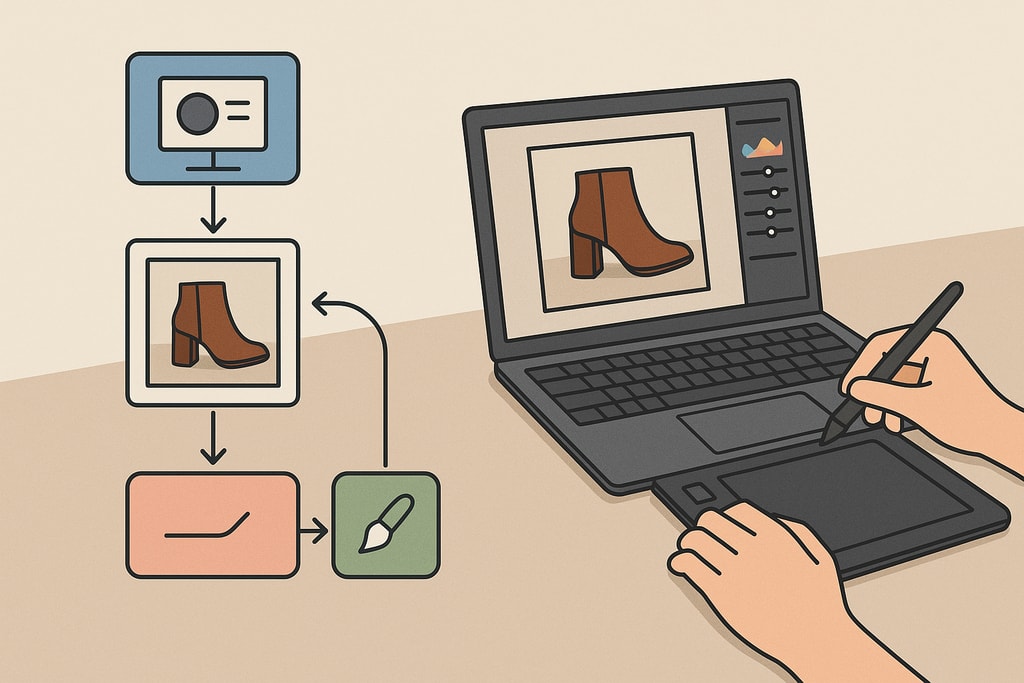
In today's fast-paced e-commerce landscape, the importance of high-quality product images cannot be overstated. They are vital in capturing customer attention, conveying product details, and driving conversions. Developing an efficient photo editing workflow can significantly enhance not only the consistency and quality of your images but also the performance of your listings. This guide is structured to provide practical insights, tools, and techniques for e-commerce sellers aiming to streamline their photo editing process.
1. Selecting the Best Source Images
The first step toward a successful photo editing workflow is selecting images that serve as the best foundation for further editing.
Criteria for Selection:
- Comprehensiveness: Choose images that clearly showcase the entire product without any parts being cut off.
- Clarity: Ensure that images are sharp and in focus to avoid losing customer interest.
- Lighting: Opt for well-lit images to reduce the need for extensive corrections later.
Practical Example:
Assess a batch of 100 product photos and select only those where products are centered and backgrounds are uncluttered. This minimizes editing and enhances the professional look of your images.
👉 Learn more about photo selection in our guide on Create product photos.
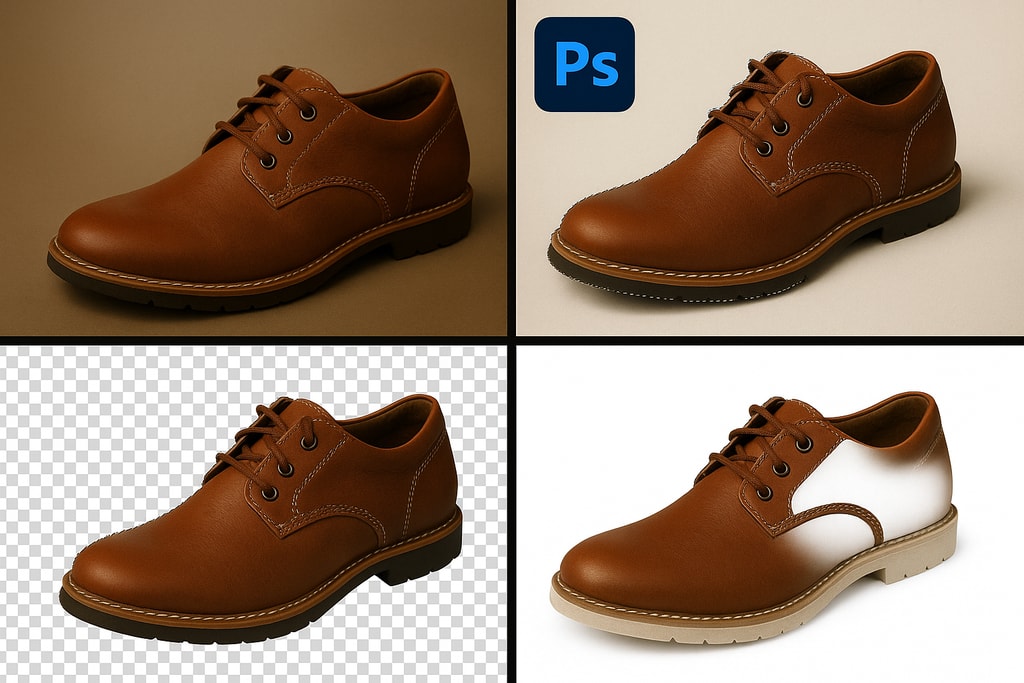
2. Effective Background Removal Techniques
A clean background is essential to keep the customer's focus on your product. Many e-commerce platforms recommend or require a white (#FFFFFF) background for main product images.
Tools and Techniques:
- Software Options: Use Adobe Photoshop for manual removal or AI-driven services for automated processes.
- Edge Precision: Ensure clean edges to prevent a halo effect, which can look unprofessional.
- Shadow Preservation: Retaining natural shadows adds depth and realism.
Decision Criteria:
Evaluate between manual and automated background removal based on your budget, skill level, and volume of images.
Mistakes to Avoid:
Avoid using overly artificial backgrounds or settings that might mislead customers regarding the product's appearance.
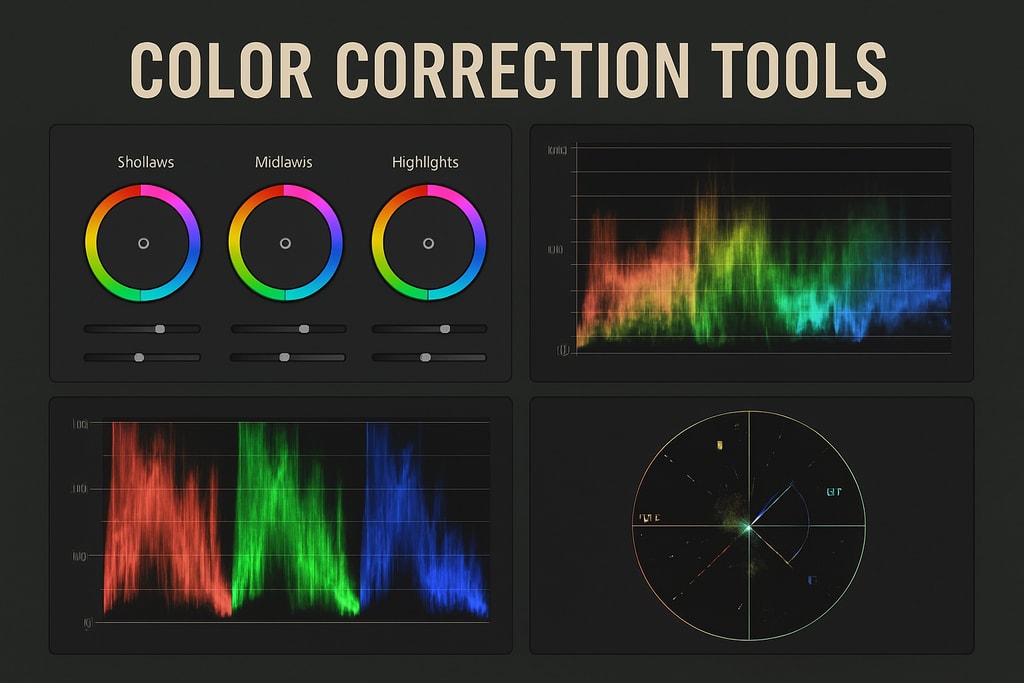
3. Mastering Color Correction and White Balance
Accurate color representation builds consumer trust and helps reduce product returns.
Steps to Correct:
- White Balance: Adjust this setting to ensure whites appear true to their nature and avoid color casts.
- Exposure Adjustments: Fine-tune to avoid over or underexposed images that obscure details.
- Color Matching: Cross-reference product images with physical samples to ensure fidelity.
Marketplace-Specific Advice:
Platforms like Amazon provide specific guidelines for image quality and color representation. Familiarize yourself with these to ensure compliance.
👉 Explore Free product photo tools for cost-effective color correction.
4. Retouching and Enhancements: Best Practices
Retouching serves to enhance visual appeal while maintaining authenticity.
Focus Areas:
- Imperfection Removal: Eliminate minute flaws like dust or scratches without altering the product's core features.
- Detail Enhancement: Accentuate textures and features, ensuring the product is accurately represented.
- Balance: Avoid excessive retouching that could mislead customers.
Practical Examples:
Consider using before-and-after comparisons to gauge the effectiveness of your retouching process.
5. Ensuring Consistency Across Images
Uniform product images create a cohesive brand image, improving recognition and trust.
Techniques for Consistency:
- Uniform Lighting: Maintain consistent lighting conditions across photo sessions.
- Standard Cropping: Center products appropriately with similar framing across all images.
- Editing Presets: Use these for batch processing to apply consistent settings.
FAQ Answer:
Q: How do I maintain consistency across all product images?
A: Use consistent environmental settings and editing presets to ensure all images adhere to the same quality standards.
6. Optimizing Images for Web Use
Well-optimized images enhance site performance, directly impacting user experience and SEO.
Optimization Steps:
- Resizing: Ensure images are web-appropriate without compromising quality.
- Format Choice: JPEG is preferred for its balance, but consider WebP for better compression if supported by your platform.
- Compression Tools: Use tools to minimize file size without significant quality loss.
Decision Criteria:
Choose optimization tools that offer the best balance between automation and control based on your expertise and volume.
7. Final Review and Export
Prior to uploading images to your online store, ensure a thorough review.
Key Review Areas:
- Image Inspection: Look for missed imperfections or errors in consistency.
- Platform Guidelines: Confirm that images meet the specific criteria set by your e-commerce platform.
- Backup: Save both original and edited versions for safety and re-editing needs.
Comprehensive Checklist for Streamlined Product Photo Editing
| Step | Task | Tools/Notes | |—|—|—| | 1 | Select best source images | Review and choose the clearest and best-composed images. | | 2 | Background removal | Use removal tools, ensuring precise edges and realistic shadows. | | 3 | Color correction | Adjust white balance and match colors to the actual product. | | 4 | Retouch and enhance | Remove small flaws, enhance features carefully. | | 5 | Ensure consistency | Uniform lighting, cropping, and preset usage. | | 6 | Optimize for web | Resize, select proper formats, and compress images. | | 7 | Review and export | Ensure adherence to platform guidelines and save backups. |
Advanced FAQ
Q: How can I achieve color accuracy in product images?
A: Use calibrated monitors and color-correcting tools to match real-life hues during the editing phase.
Q: Are there free tools for product photo editing?
A: Yes, explore Free product photo tools for cost-effective solutions.
Q: How often should product photos be updated?
A: Regularly update to reflect product changes, seasonal trends, or improvements in editing capabilities.
Q: Is editing on mobile apps efficient for e-commerce photos?
A: While mobile apps can be useful, desktop software typically offers more comprehensive tools for precision edits.
Sources and Further Reading
- Ecommerce Photo Editing Checklist (2026 Guide)
- Product Photo Editing Workflow: Complete Guide
- Edit Product Photos for E-commerce Best Practices Guide
- Product Image Best Practices for eCommerce: The Definitive Guide
- How to Edit Product Photos in Photoshop (Complete eCommerce Guide 2026)