
Introduction
High-quality product images are paramount to the success of your Shopify store. They not only showcase your products effectively but also enhance the user experience and boost conversion rates. This guide will deep dive into the detailed specifications and best practices for Shopify product images, enabling your store to ascend to new heights.
Shopify Product Image Specifications
Recommended Dimensions
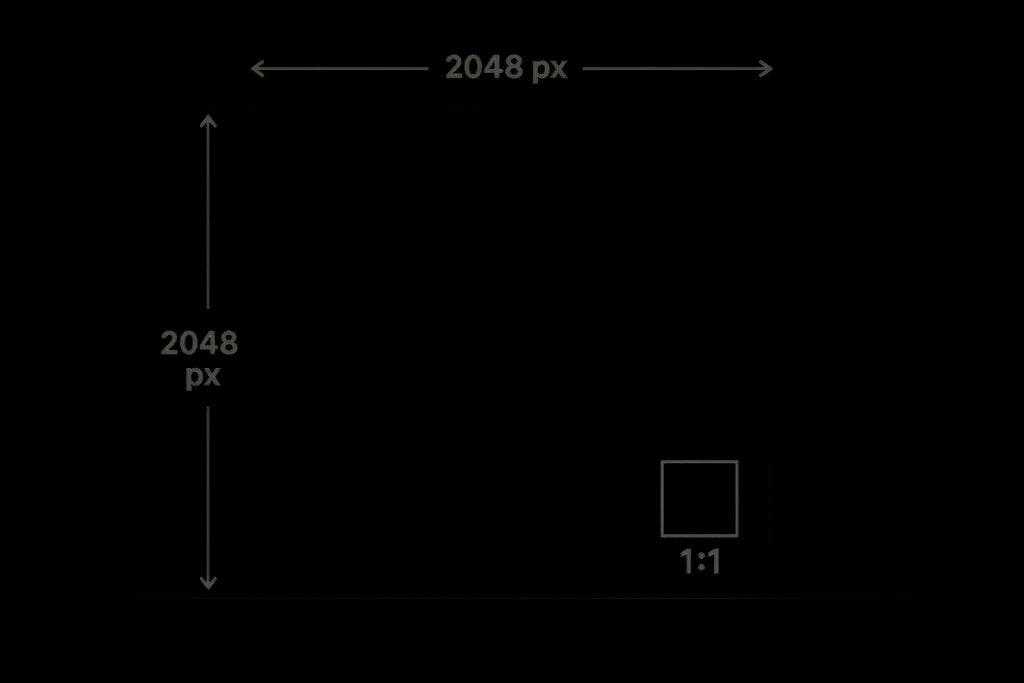
Shopify accommodates images up to 5000 x 5000 pixels or 25 megapixels. Yet, for peak performance and visual appeal, square images at 2048 x 2048 pixels are recommended. Why? This resolution ensures crisp, professional images that look outstanding across devices and support Shopify's zoom feature, creating an immersive shopping experience.
Practical Example: Imagine a consumer viewing a detailed product like a watch; high-resolution images allow them to inspect intricate features, such as engravings or the sheen of the material, providing confidence in their purchase.
File Size and Formats
- Maximum File Size: 20 MB per image.
- Preferred Formats: JPEG for its balance of quality and file size, PNG for transparency needs, and WebP for superior compression.
Mistakes to Avoid: Avoid using heavy formats or exceeding file size limits, as they can decelerate page load times, impacting user experience and SEO rankings.
Aspect Ratio
Maintaining a uniform aspect ratio is critical for a coherent store appearance. A 1:1 (square) ratio syncs beautifully with most Shopify themes, ensuring consistency across collection pages.
Best Practices for Shopify Product Images
Consistency Across Images
Uniform dimensions and aspect ratios are vital to maintain a professional store aesthetic. Misalignment in image sizes disrupts layout cohesion, damaging user engagement.
Internal Link: For a thorough checklist, see Ecommerce product photo checklist.
Image Optimization
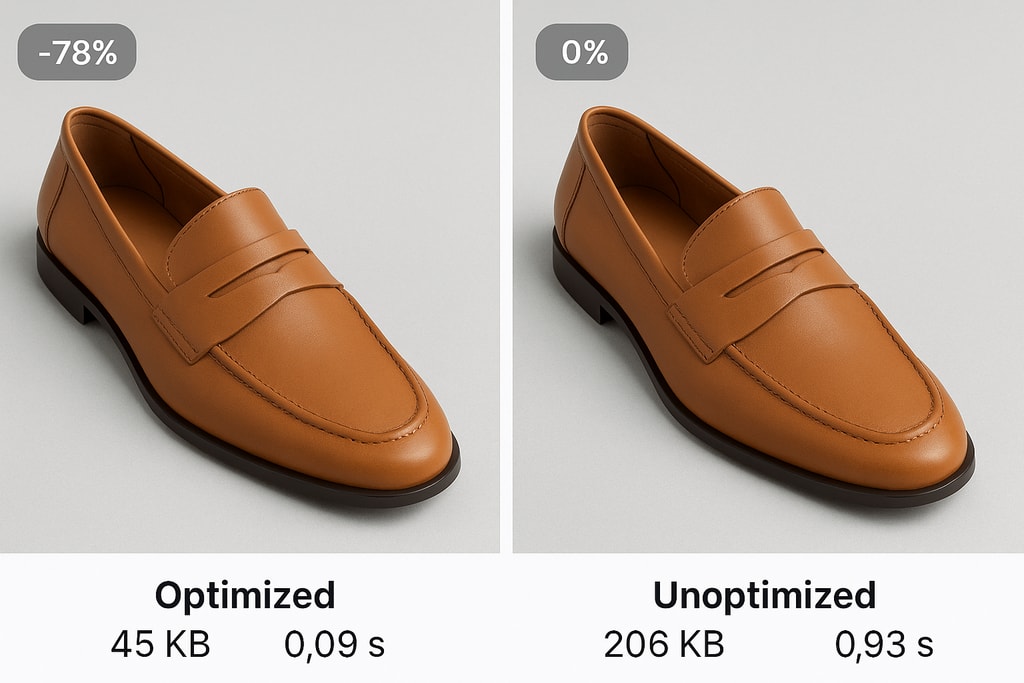
Image optimization is a linchpin for swift page load times and enhanced SEO. Compress images without sacrificing quality using tools like ProdShot's Image Resizer.
Marketplace-Specific Advice: For retailers targeting mobile-heavy users, ensure images load swiftly on smaller devices by testing performance using platforms like Google's PageSpeed Insights.
Variant Images
Showcase each product variant uniquely, whether color or size, to deliver precise representations. This strategy minimizes returns and dissatisfaction by setting accurate expectations.
Enhancing Product Photography
Modern ecommerce thrives on striking visuals. Investing in professional product shoots can be transformative. Consider outsourcing to experts or using automated solutions like ProdShot for polished, marketplace-ready images.
Practical Example: A retailer specializing in artisanal goods could use moody lighting and texture-forward shots to convey product uniqueness, setting their brand apart.
Mistakes to Avoid
- Overlooking Optimization: Unoptimized images lead to sluggish loads.
- Non-Consistent Styling: Inconsistent backdrops or lighting erodes brand trust.
- Ignored Variant Representation: Failing to display product variations clearly.
Advanced Techniques
- Leverage ALT tags for SEO: Describe your images to improve visibility.
- Implement A/B Testing: Test different images to see which ones convert best.
Checklist for Shopify Product Images
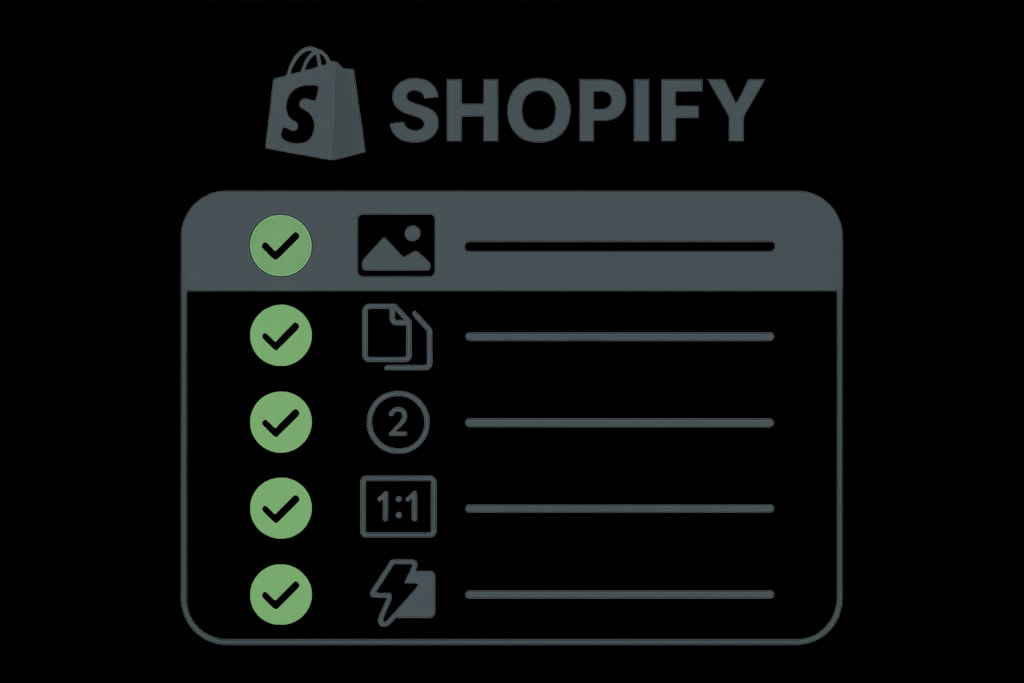
- Dimensions: 2048 x 2048 pixels.
- File Format: JPEG for standard; PNG for transparency.
- File Size: Under 20 MB; smaller sizes for faster loads.
- Aspect Ratio: Consistent 1:1 across all images.
- Optimization: Compress to balance quality/performance.
- Variant Representation: Explicit images for each variant.
Frequently Asked Questions (FAQ)
What is the maximum image size Shopify allows?
Shopify permits images up to 5000 x 5000 pixels or 25 megapixels, with a max file size of 20 MB.
Why is a 2048 x 2048 pixel size recommended?
This size offers high resolution that supports Shopify's zoom capabilities, contributing to a polished look across devices.
How can I optimize images for faster loading times?
Use compression tools like ProdShot's Image Resizer to reduce file size effectively.
Should all product images have the same aspect ratio?
Yes, a consistent aspect ratio, particularly 1:1, ensures visual uniformity and professionalism.
Conclusion
Aligning with Shopify's product image requirements is crucial for creating an aesthetically pleasing and high-functioning online store. By applying the insights from this guide, you can enhance store aesthetics, augment user experience, and potentially boost sales.
Internal Link: Combine these insights with Create product photos for premium, result-driven ecommerce imagery.