Tag: product photography


  • How to Take Aesthetic Pictures With Your Smartphone in 2026

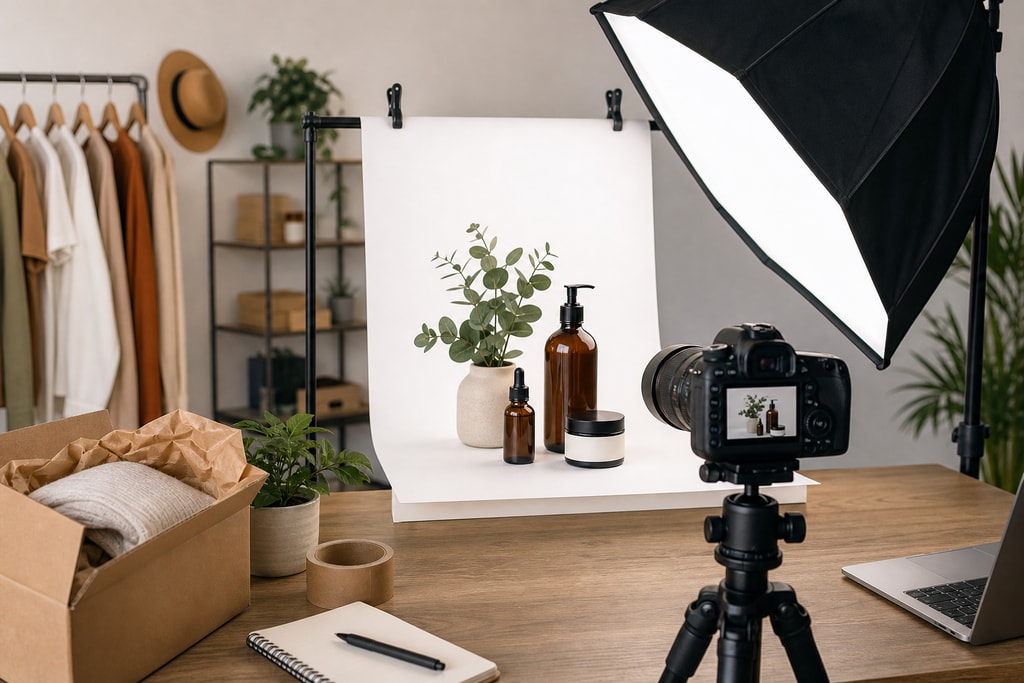
    Want to know the secret to taking a truly aesthetic picture? It all happens before you even touch your phone's camera button. The real magic is in the prep work: nailing down a vision with a clear color palette, choosing props that tell a story, and finding a location that lets your subject pop. This…

  • Plain Yellow Background: Make Your Products Stand Out

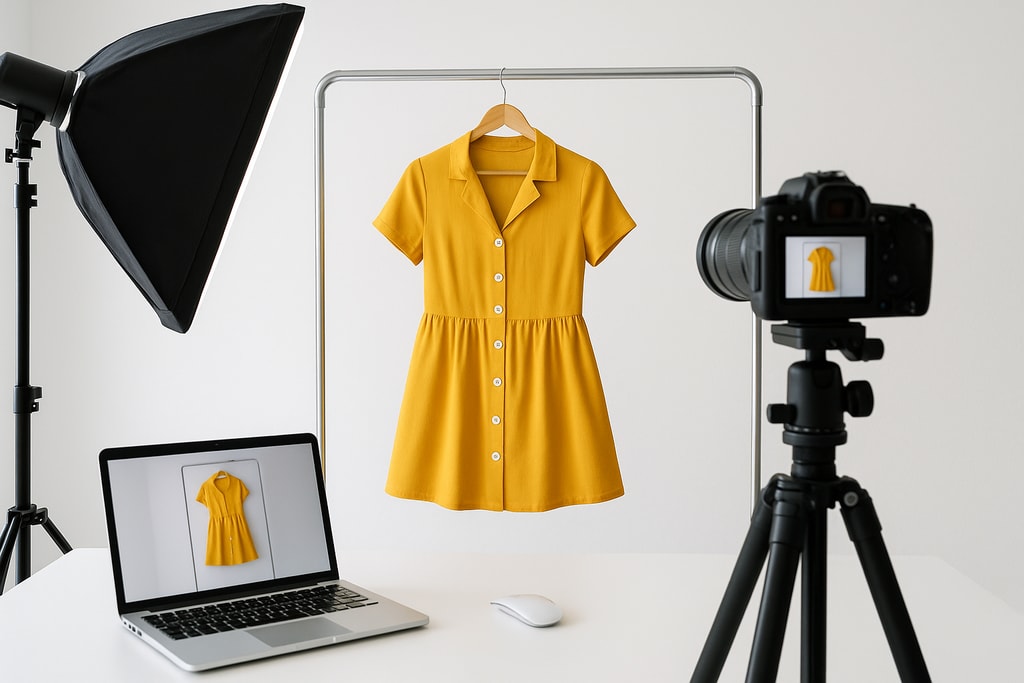
    Think a plain yellow background for your product photos is just a design choice? Think again. It’s actually one of the smartest, simplest moves you can make to grab attention and carve out a strong brand identity. This isn't just about making things look nice; it's a strategic decision that makes your products pop in…

  • Pixelcut AI Photo Editor A Guide for E-commerce Sellers

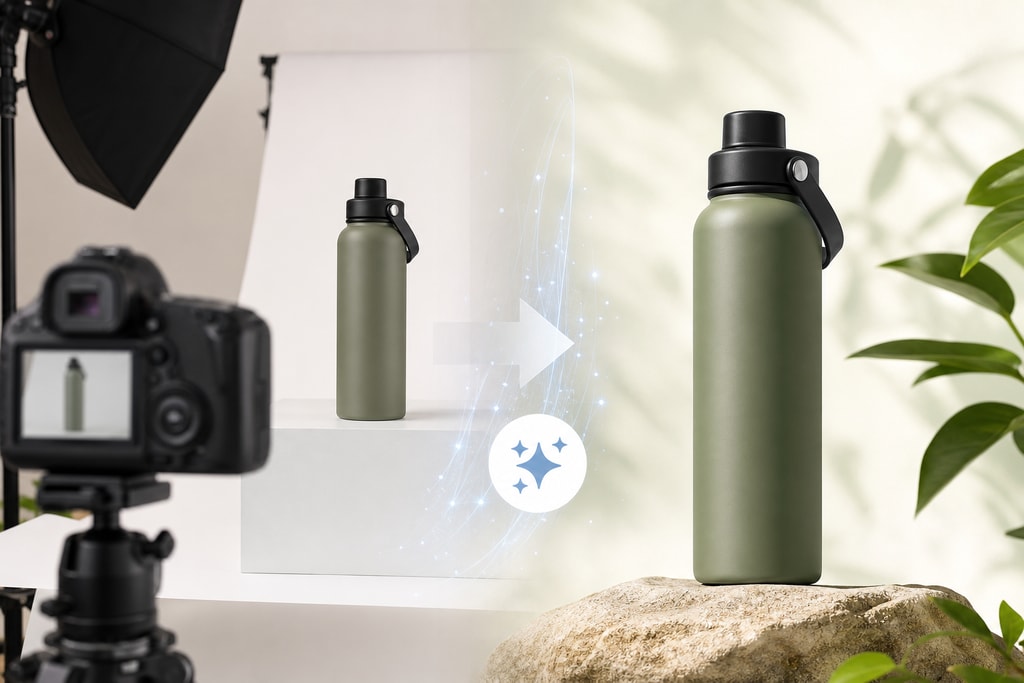
    Think of Pixelcut AI Photo Editor as a photo studio that fits in your back pocket. It's a mobile-first app built specifically to turn the simple photos you take on your smartphone into professional-looking product shots ready for any e-commerce storefront. It’s designed to tackle the biggest headaches for sellers on Shopify, Amazon, and Etsy—automating…

  • Ai Photo Enhancer App: Transform product images for higher conversions

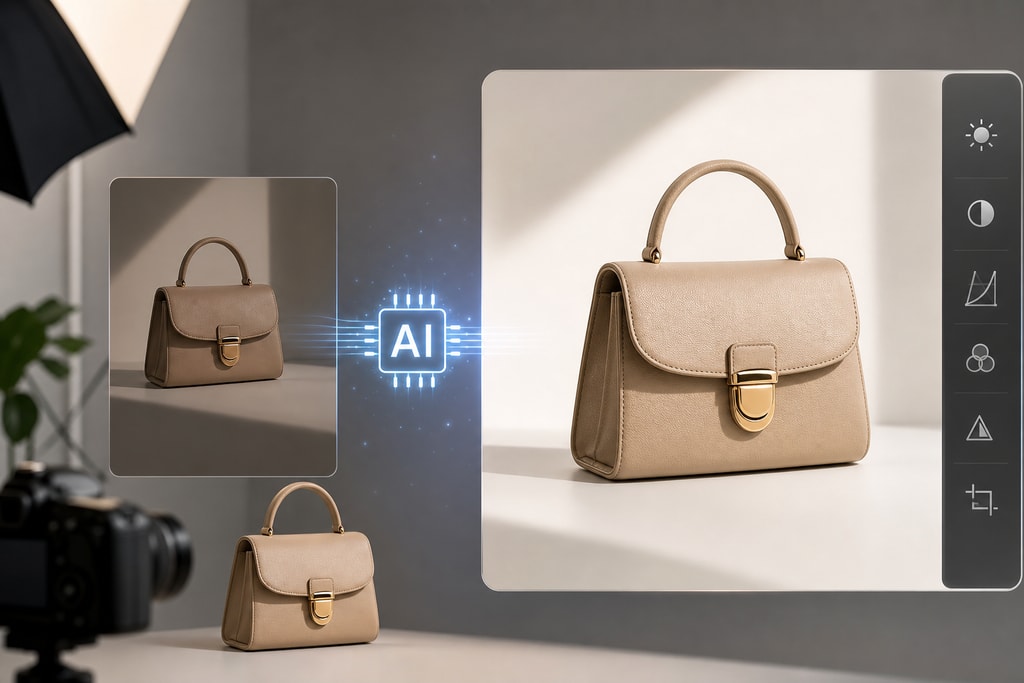
    Think of an AI photo enhancer app as your new secret weapon for e-commerce. It’s the tool that turns your simple smartphone pictures into professional, high-converting product images that actually sell. These apps use artificial intelligence to instantly remove backgrounds, correct lighting, and retouch photos, saving you a ton of time and money while delivering…

  • How to Brighten Dark Pictures and Transform Your Product Shots

    There are a few ways to brighten up dark pictures. You can make some quick adjustments right on your camera, use the built-in tools on your phone, or dive deep with desktop software. But for the fastest, most professional results, an AI photo editor offers a one-click solution to fix lighting issues in a snap.…

  • A Guide to Using an Online Image Outliner for E-Commerce

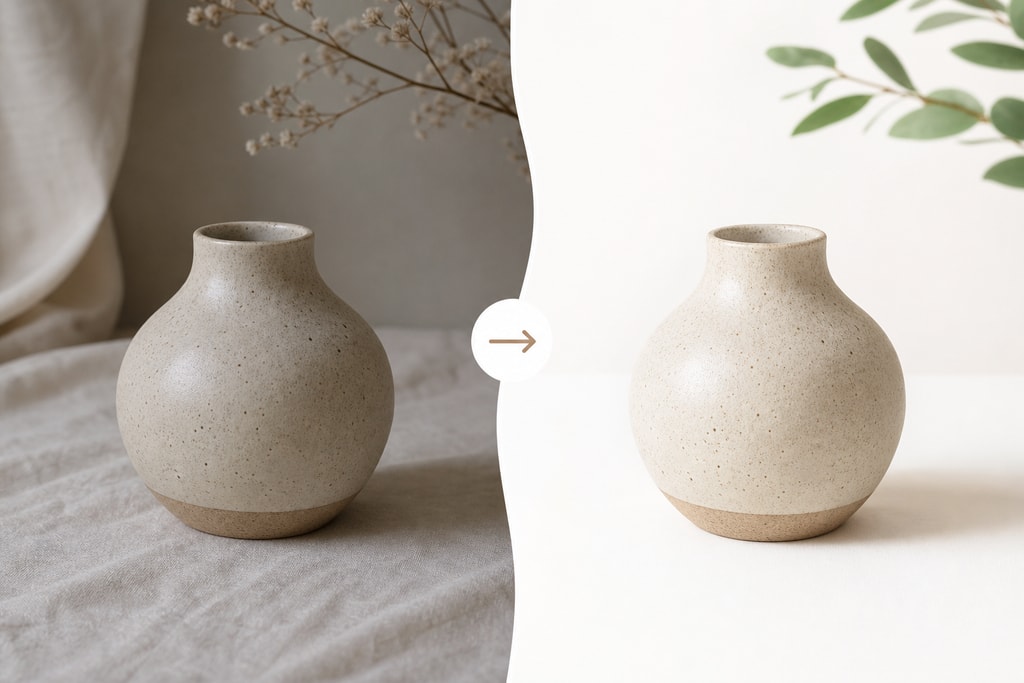
    An online image outliner is simply a tool that lifts your product out of its background, giving you a clean, crisp cutout. For anyone selling online, this isn't just some fancy editing trick—it's essential for creating images that build trust, fly past marketplace requirements, and actually drive sales. A sharp outline makes your product the…

  • How to Get a High Resolution Image for E-commerce in 2026

    Before we even get into the how of creating high-resolution images, we need to talk about the why. It’s probably the single biggest needle-mover for any e-commerce store. Put simply, crisp and detailed product photos are your silent salespeople. They stop the scroll, build instant trust, and give customers the confidence to hit that "buy"…

  • How to Expand an Image for E-Commerce and Marketplaces

    So, you’ve got a product photo, but it’s just not… quite right. Maybe it’s too tightly cropped, or the background is a mess. To make it shine on your e-commerce store, you'll need to expand the image. This usually means one of two things: either extending the background (a technique called outpainting) or bumping up…

  • How to Remove a Background in Photoshop for Perfect Product Photos

    When you need to get rid of a background in Photoshop, the fastest way is usually with its AI tools. Features like Remove Background or Select Subject can do about 90% of the work for you in just a few seconds, intelligently finding your product and wiping the background clean. Your Quick Guide to Flawless…

  • The Best App That Cuts Out Pictures for E-Commerce

    For any e-commerce seller, a good app that cuts out pictures is one of the most powerful, yet underrated, tools you can have. These AI-powered apps are your secret weapon for instantly removing backgrounds from product photos, leaving you with clean, professional images that actually sell. Why Clean Product Photos Drive Sales In e-commerce, your…