
-

This extensive guide empowers e-commerce sellers to enhance and edit product photos for increased sales using practical techniques and expert tips.
-

Explore how batch processing can transform your e-commerce strategy through time efficiency, consistency, and enhanced visual appeal.
-

Enhance your e-commerce store with this in-depth guide comparing AI and traditional product photography, focusing on cost, efficiency, and effectiveness.
-
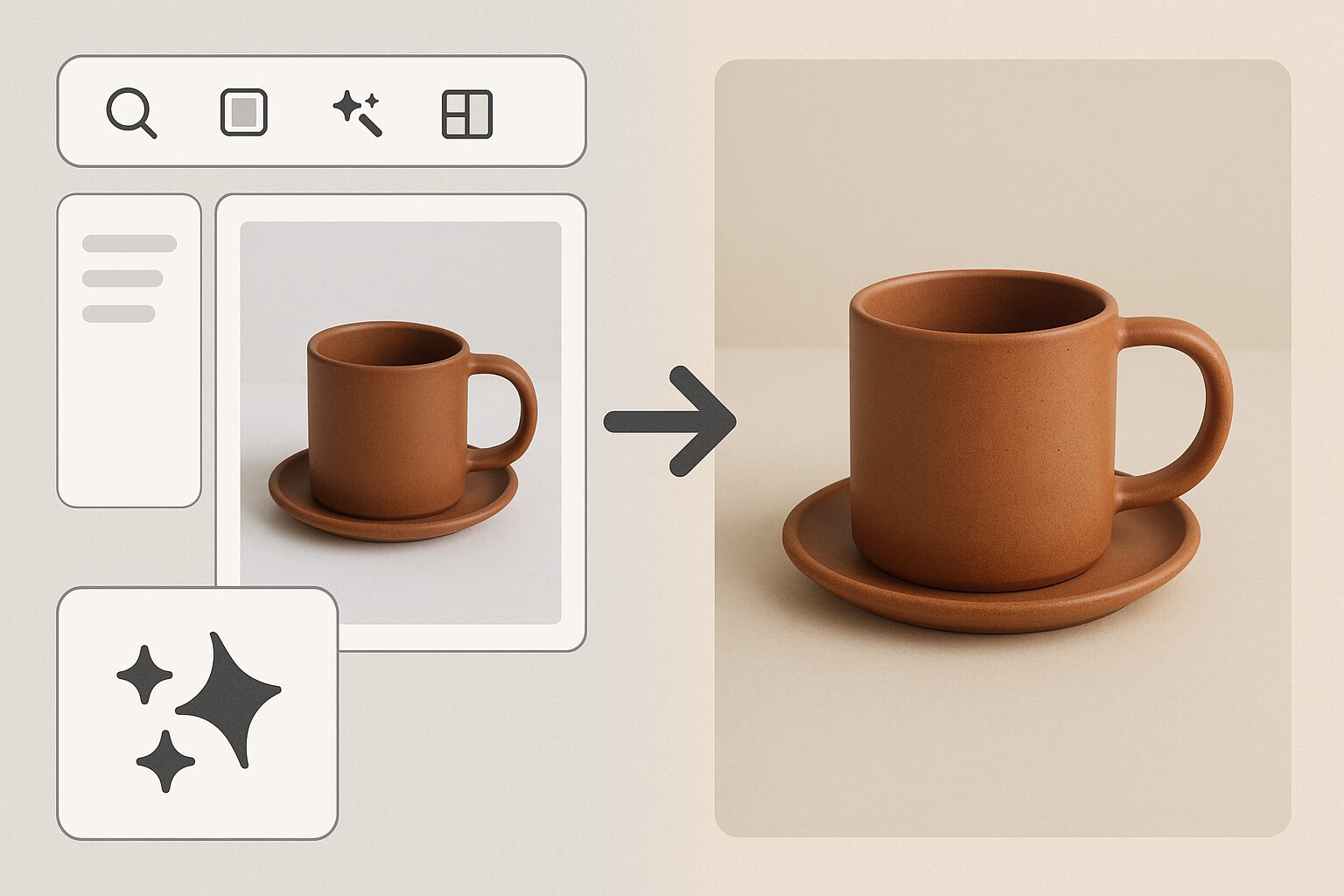
Discover best practices for creating Etsy product photos using AI, enhancing your shop’s visual appeal and increasing sales.
-

Delve into the world of AI product photography, a powerful tool for boosting Amazon sales with flawless and compliant product images.
-

You finish a shoot on your iPhone, scroll through the camera roll, and think the hard part is done. The fit is right. The styling works. The model looks confident. Then you upload the photos to your store and the problems start. One image loads slowly. Another gets cropped at the knees in the collection…
-
Your clothes look better in person than they do online. That’s the problem. A lot of small apparel sellers start in the same place. They’ve got a solid product, a phone camera, maybe a mannequin or hanger, and a storefront that sits next to brands using polished model imagery. The product page feels flat. Social…
-

A new shipment arrives. You open the boxes, line up the products, and then the primary work starts. Not listing them. Photographing them. For a small catalog, that’s annoying. For a growing store, it becomes a bottleneck. Every new item needs a clean main image, a few angle shots, maybe a lifestyle version, maybe marketplace-ready…
-

You’ve got a product worth selling, an iPhone in your hand, and a listing that still looks flatter than the competition. That’s a common spot for small sellers. The product isn’t the problem. The presentation is. A photo collage iphone workflow can fix more than most sellers expect. Not because collages are decorative, but because…
-
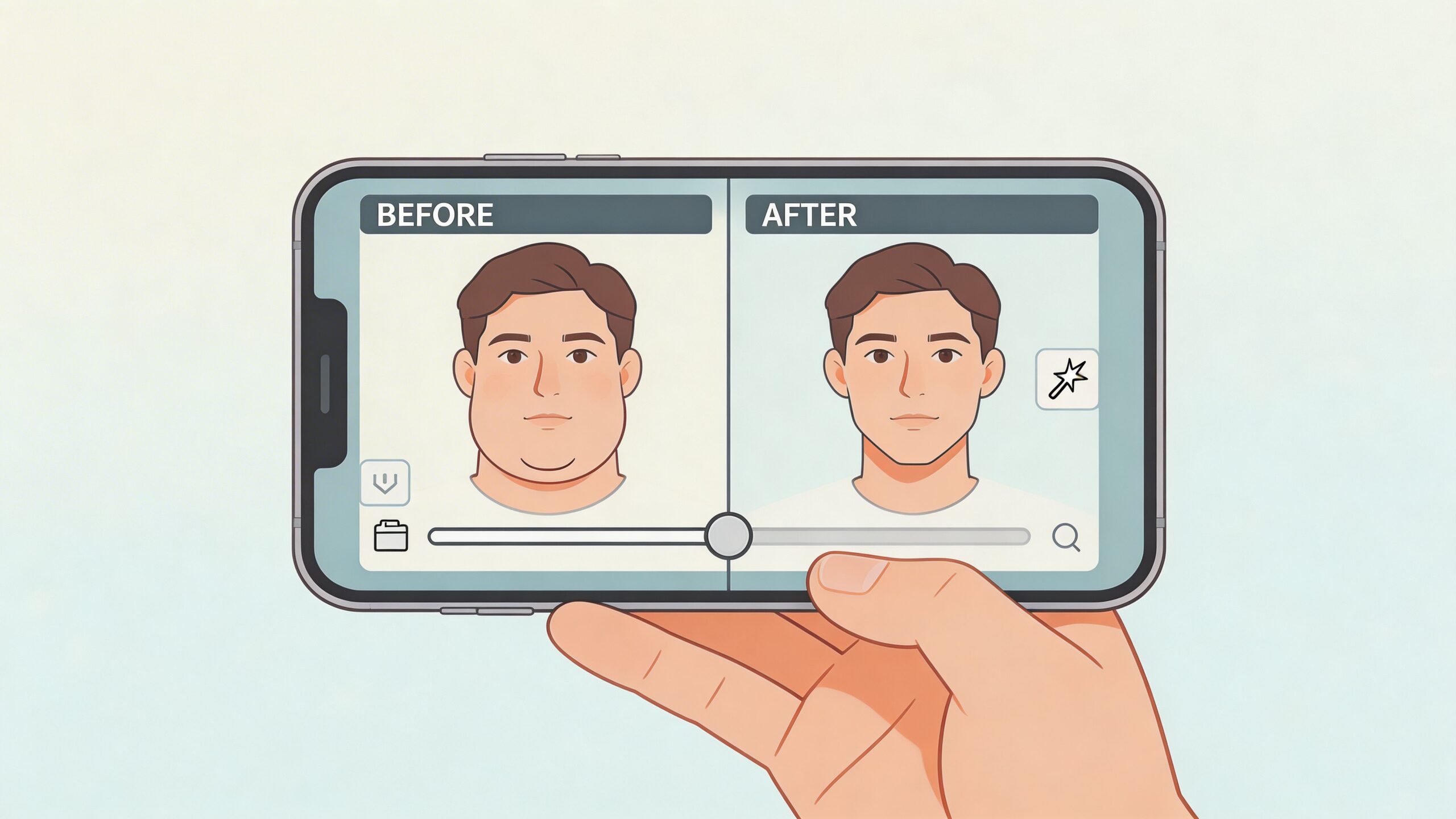
You have a photo you like. The expression is right, the light is decent, and nobody blinked. Then you notice the angle. Your chin tucked a bit, the camera sat a little low, and now the photo shows more fullness under the jaw than you want. That’s usually the point where people either over-edit the…